

Mastering Midjourney v6 Lighting & Caustics.
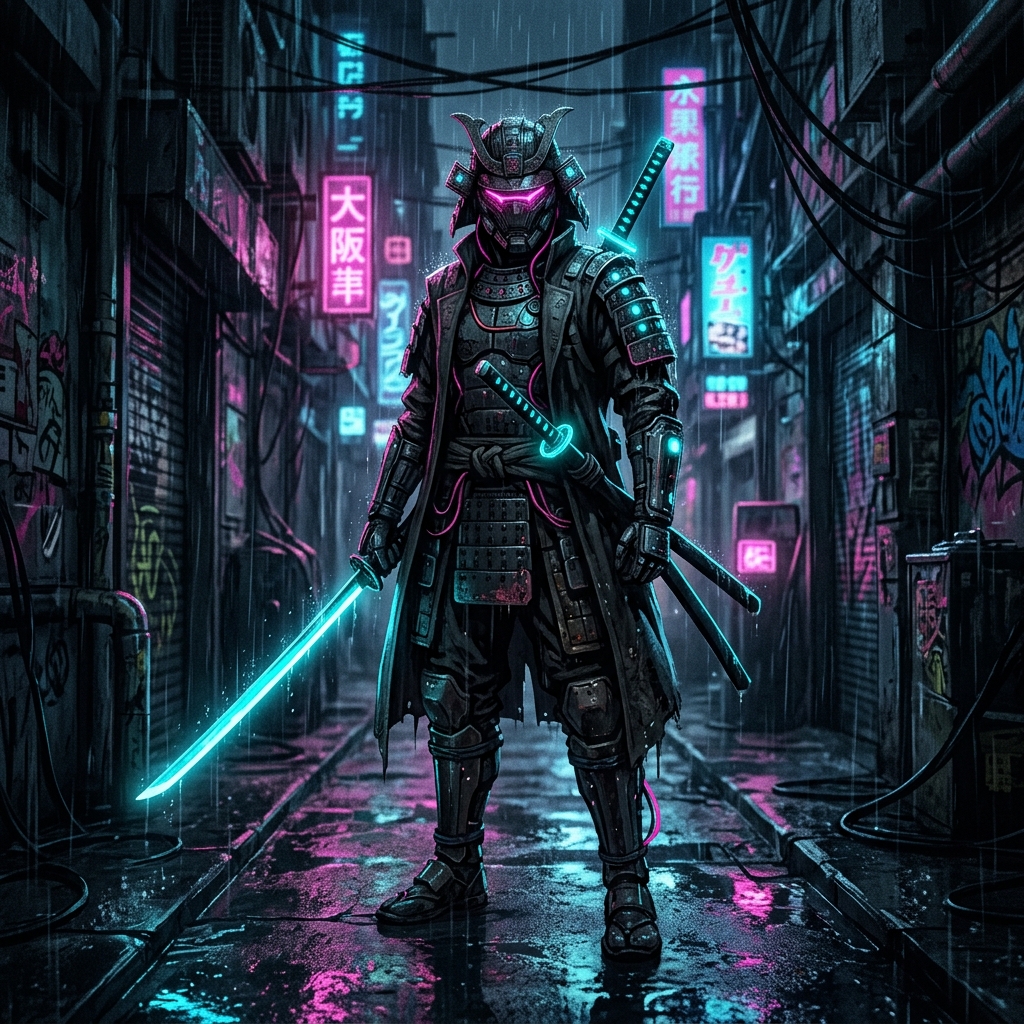
Dramatic rim lighting and volumetric fog in Midjourney v6
Stop getting flat, lifeless renders. This masterclass breaks down the exact prompt structures professional AI artists use to force directional studio lighting, volumetric fog, and cinematic anamorphic lens flares in Midjourney v6.
Understanding Light Direction
The single most impactful parameter in your prompts is light direction. By specifying exactly where light enters your scene — rim lighting, backlighting, Rembrandt lighting — you force the AI to create depth and dimension that flat prompts simply cannot achieve.
Volumetric Fog & Atmosphere
Adding volumetric fog, god rays, or atmospheric haze creates layers in your image. These elements catch light and create the depth separation that makes professional renders feel cinematic. Try adding 'volumetric lighting, atmospheric haze, god rays through window' to any indoor scene.
The Caustics Trick
Caustics — the light patterns created by refraction through glass or water — are one of the most underused techniques. Adding 'caustic light patterns on walls' or 'water caustics' instantly elevates a scene from amateur to professional.
cinematic portrait, dramatic Rembrandt lighting,
volumetric fog, caustic light patterns,
anamorphic lens flare, shallow depth of field,
8k ultra detailed --ar 2:3 --v 6.0 --style raw“Light is the single most important element in any image. Master light, and you master AI art.”
— topimageprompt Team