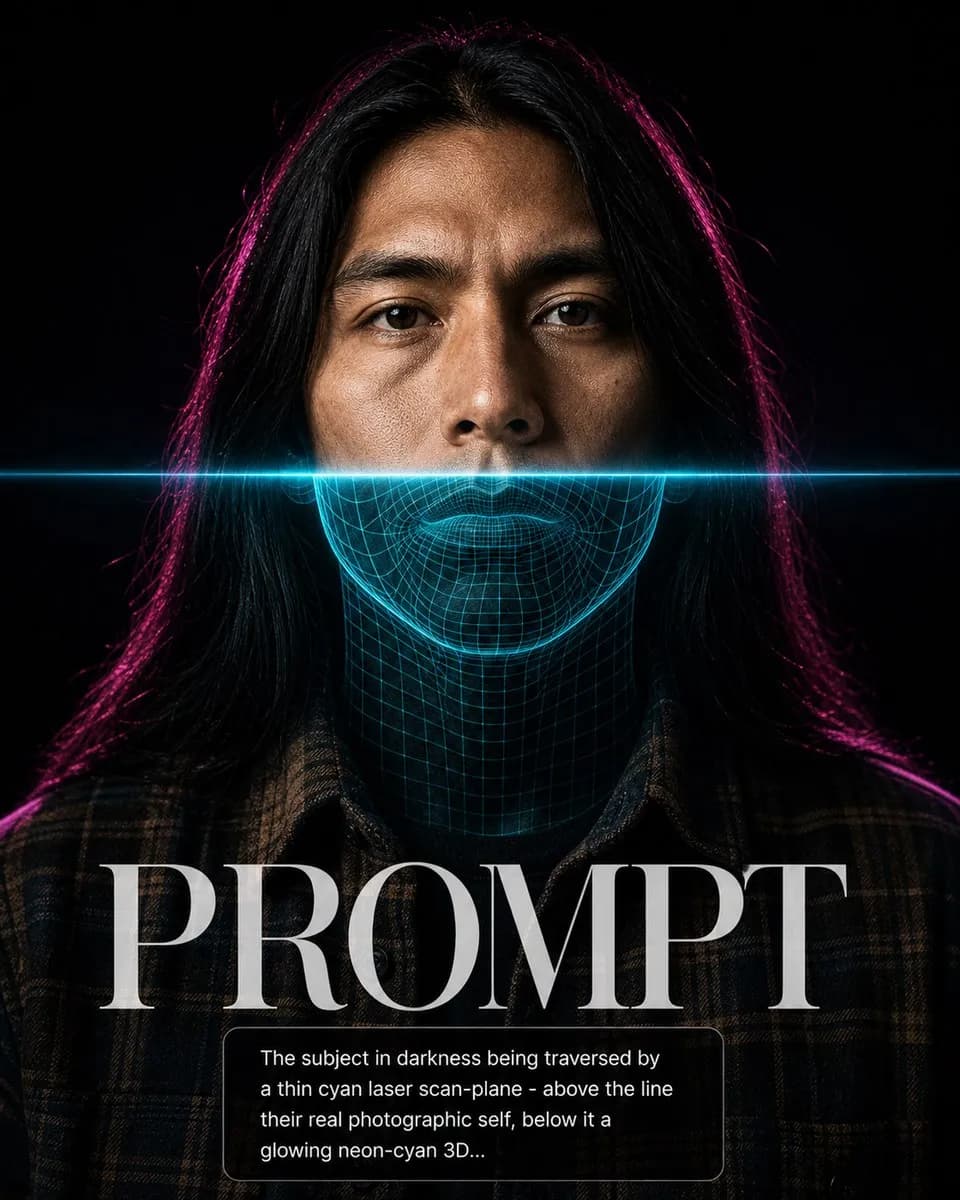
Key instructions to preserve
No beautification, no face reshaping, no expression change unless stated.
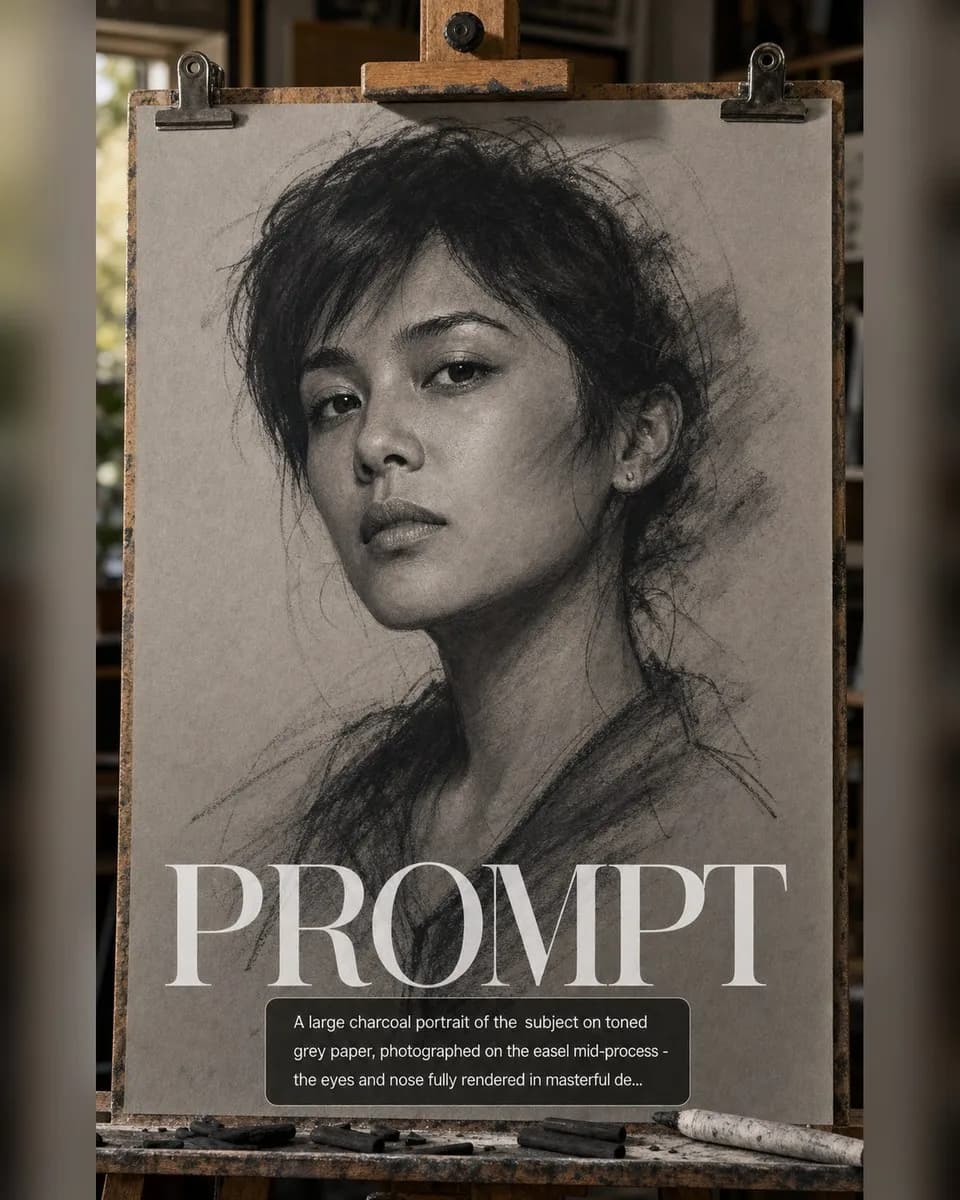
IDENTITY LOCK: Use the uploaded photo as the sole identity reference. Preserve the subject's facial structure, skin tone, eye shape, hairstyle, and every distinguishing feature exactly — the person must remain instantly recognizable. No beautification, no face reshaping, no expression change unless stated. SCENE: A large charcoal portrait of the subject on toned grey paper, photographed on the easel mid-process — the eyes and nose fully rendered in masterful detail, the outer face dissolving into loose gesture lines and smudge marks, the artist's charcoal stick and torchon resting on the tray. LIGHT: 5000K studio skylight raking the paper at 20° revealing the tooth of the paper and charcoal dust texture. CAMERA: 50mm f/2.8, slight angle showing the easel edge, dust particles on the tray. RULES: The rendered zone must be a virtuoso likeness; the unfinished zone shows honest construction lines.

0 people have copied this prompt
Charcoal Sketch Emerging is a digital art prompt for GPT Image 2, composed for a 4:5 image. No beautification, no face reshaping, no expression change unless stated.
No beautification, no face reshaping, no expression change unless stated.
Keep the prompt structure, then replace the main subject, action, or environment in "No beautification, no face reshaping, no expression change unless stated.".
Adjust one visual signal at a time, such as "50mm", "f/2.8", "charcoal sketch emerging prompt", "artistic mixed media ai prompt", so you can identify which instruction changes the result.
Keep the focal subject prominent in the portrait frame while preserving enough background detail for feed and poster layouts.
Use one clear reference image and retain the identity-lock instructions when changing clothing, lighting, background, or camera direction.
Use direct natural-language edits after the first generation. State what must remain unchanged before describing the single element you want to revise.
Judge the result by how clearly it communicates the intended digital art direction while keeping the subject, environment, and visual treatment consistent.
Three simple steps to generate your AI image.
Click the "Copy Full Prompt" button above to copy the entire prompt text to your clipboard instantly.
Open your preferred image generator and paste the prompt into the text input. You're ready to create.
Hit generate and watch the magic happen. Tweak the prompt parameters to make it your own.