Key instructions to preserve
No beautification, no face reshaping, no expression change unless stated.
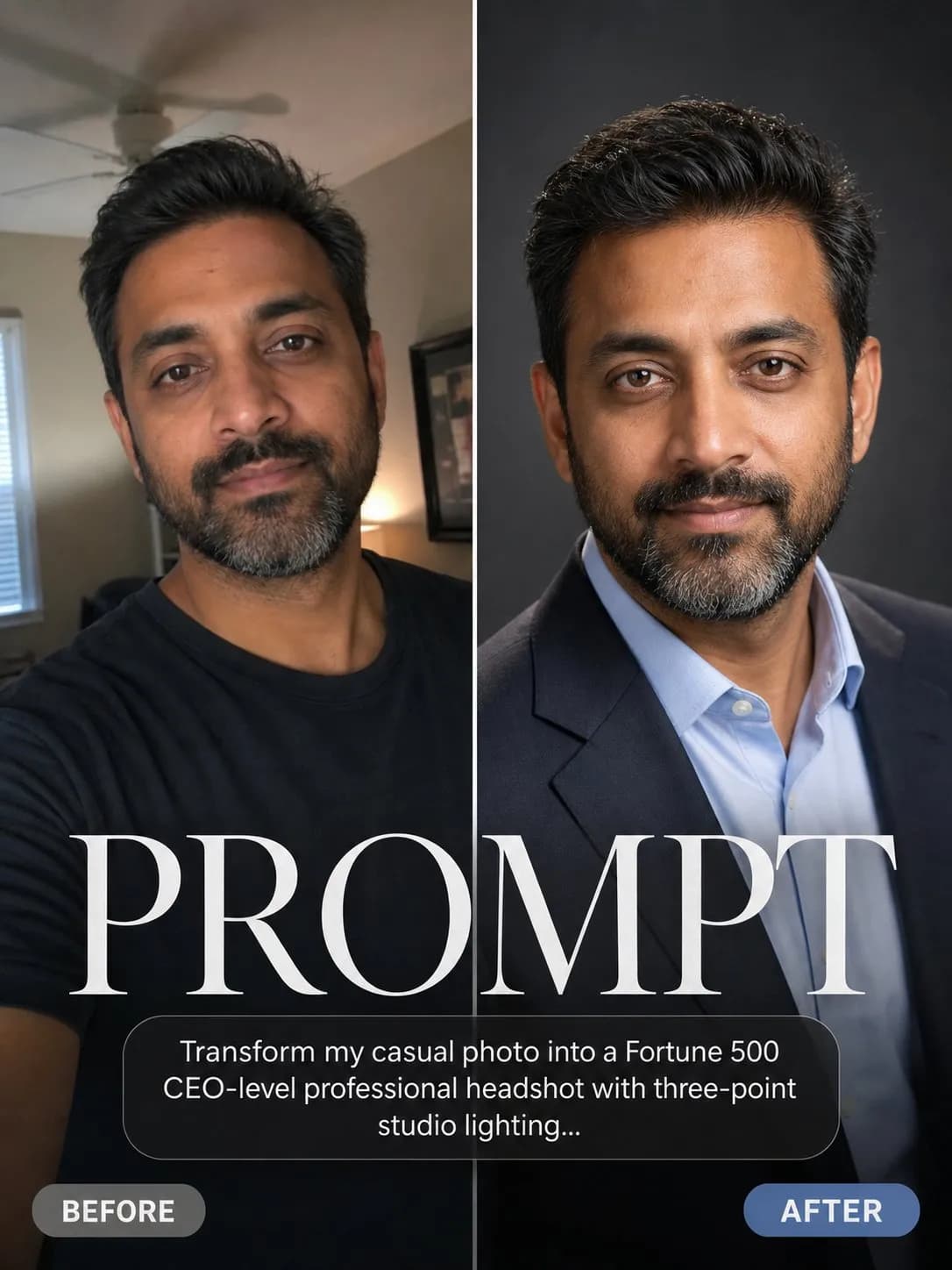
IDENTITY LOCK: Use the uploaded photo as the sole identity reference. Preserve the subject's facial structure, skin tone, eye shape, hairstyle, and every distinguishing feature exactly — the person must remain instantly recognizable. No beautification, no face reshaping, no expression change unless stated. SCENE: The subject mid-sentence at a podcast table leaning into a large-diaphragm microphone, headphones on, hands frozen in an emphatic gesture, dark studio with a neon accent wall behind, second mic empty across the table. LIGHT: Moody 3200K key from a lamp at frame-left, magenta neon practical at 10% behind, rim from a cool 5600K hair light — the exact grammar of viral podcast clips. CAMERA: 35mm f/1.8 slightly below eye level, mic sharp in the near third, waveform-free clean frame. RULES: Caption space intentionally left at the bottom (empty); headphone cable physics correct; the frozen gesture reads mid-revelation, mouth naturally open in speech.

0 people have copied this prompt
Podcast Clip Viral Frame is a photorealistic prompt for GPT Image 2, composed for a 1:1 image. No beautification, no face reshaping, no expression change unless stated.
No beautification, no face reshaping, no expression change unless stated.
Keep the prompt structure, then replace the main subject, action, or environment in "No beautification, no face reshaping, no expression change unless stated.".
Adjust one visual signal at a time, such as "35mm", "f/1.8", "podcast clip viral frame prompt", "fame paparazzi moments ai prompt", so you can identify which instruction changes the result.
Keep the subject near the visual center for a balanced square composition that works well for avatars, covers, and social posts.
Use one clear reference image and retain the identity-lock instructions when changing clothing, lighting, background, or camera direction.
Use direct natural-language edits after the first generation. State what must remain unchanged before describing the single element you want to revise.
Judge the result by believable materials, natural anatomy, coherent light direction, and a camera perspective that matches the scene.
Three simple steps to generate your AI image.
Click the "Copy Full Prompt" button above to copy the entire prompt text to your clipboard instantly.
Open your preferred image generator and paste the prompt into the text input. You're ready to create.
Hit generate and watch the magic happen. Tweak the prompt parameters to make it your own.