Key instructions to preserve
No beautification, no face reshaping, no expression change unless stated.
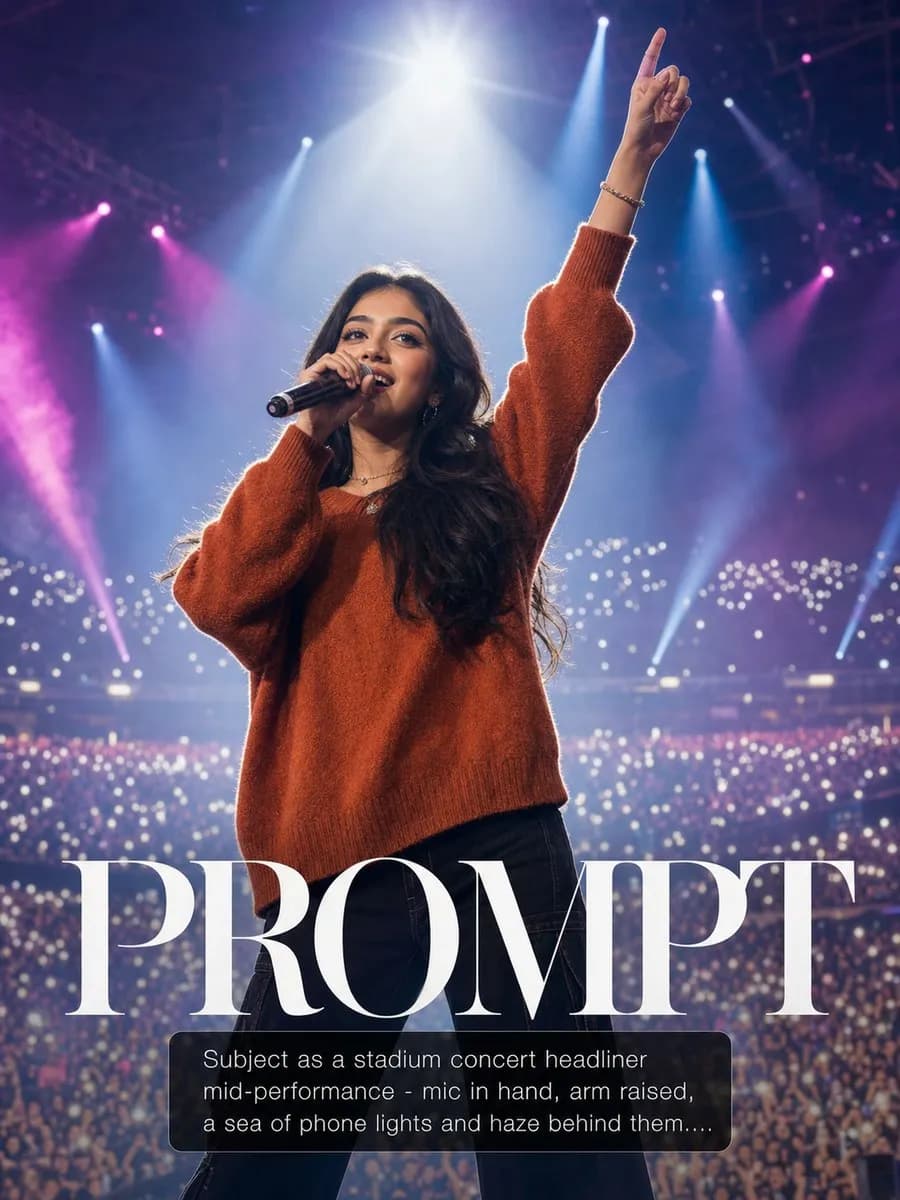
IDENTITY LOCK: Use the uploaded photo as the sole identity reference. Preserve the subject's facial structure, skin tone, eye shape, hairstyle, and every distinguishing feature exactly — the person must remain instantly recognizable. No beautification, no face reshaping, no expression change unless stated. SCENE: Subject as a stadium concert headliner mid-performance — mic in hand, arm raised, a sea of phone lights and haze behind them. LIGHT: Blinding 5600K follow-spot from front-above as key; deep magenta and blue 8000K stage washes crossing from the rig; atmospheric haze making every beam visible. CAMERA: Professional telephoto 135mm f/2.0 from the pit, crowd bokeh of thousands of lights, sweat sheen catching the spot. RULES: Genuine performance intensity in the face; original outfit rendered as stage-worthy.

0 people have copied this prompt
Stadium Headline Act is a photorealistic prompt for GPT Image 2, composed for a 3:4 image. No beautification, no face reshaping, no expression change unless stated.
No beautification, no face reshaping, no expression change unless stated.
Keep the prompt structure, then replace the main subject, action, or environment in "No beautification, no face reshaping, no expression change unless stated.".
Adjust one visual signal at a time, such as "135mm", "f/2.0", "telephoto", "bokeh", so you can identify which instruction changes the result.
Use the portrait frame for editorial-style compositions with enough surrounding context to establish the scene.
Use one clear reference image and retain the identity-lock instructions when changing clothing, lighting, background, or camera direction.
Use direct natural-language edits after the first generation. State what must remain unchanged before describing the single element you want to revise.
Judge the result by believable materials, natural anatomy, coherent light direction, and a camera perspective that matches the scene.
Three simple steps to generate your AI image.
Click the "Copy Full Prompt" button above to copy the entire prompt text to your clipboard instantly.
Open your preferred image generator and paste the prompt into the text input. You're ready to create.
Hit generate and watch the magic happen. Tweak the prompt parameters to make it your own.