topimageprompttopimageprompt
Explore

BROWSE BY

  • By AI EngineMidjourney, DALL-E, Stable Diffusion
  • By MoodDark, Dreamy, Epic, Minimal, Warm
  • By Aspect RatioSquare 1:1 · Portrait 9:16 · Wide 16:9

LIBRARY SIZE

  • 600 PromptsTotal in library
  • 12 CategoriesAcross all styles
  • Updated DailyNew prompts every day
Collections

Curated Collections

View all
World Cup 2026 AI PromptsWorld Cup 2026 AI PromptsWorld Cup 2026 AI PromptsWorld Cup 2026 AI Prompts
World Cup 2026 AI Prompts
57 Prompts
Trending

Trending Now

Updated hourly
CEO Headshot Upgrade
GPT Image 2 · 3 copies
#1
Japanese Ama Freediver Surfacing Ocean Dawn
GPT Image 2 · 3 copies
#2
Wildfire Smoke Sunset Portrait
GPT Image 2 · 2 copies
#3
Legend 30th Anniversary Reissue Cover
GPT Image 2 · 2 copies
#4
Double Exposure Album Portrait
GPT Image 2 · 2 copies
#5
This week's most copied prompt
Blog

Latest Articles

View all
15 AI Old Photo Restoration Prompts: Repair, Sharpen, and Colorize Without Changing Faces (2026)
Guide · Aug 7, 2026
30 GPT Image 2 Photo-Editing Prompts: Change One Thing, Preserve Everything Else (2026)
Guide · Aug 7, 2026
GPT Image 2 Thinking Mode: The Hidden Web Grounding Trick for Infographics
Masterclass · Aug 7, 2026
Get weekly prompt tipsRead the Blog
Sign in
topimageprompttopimageprompt
Sign in
ExploreCollectionsTrendingBlog
topimageprompttopimageprompt
ExploreCollectionsTrendingBlog
Sign in
Loading page content
topimageprompttopimageprompt

The world's cleanest AI prompt library. Browse, discover, and copy prompts for your favorite image generator.

Explore

  • All Prompts
  • Models & Styles
  • Trending
  • New Arrivals
  • Collections
  • Blog
  • Site Map

Categories

  • Photorealism
  • Cyberpunk
  • 3D Render
  • Anime
  • Dark Fantasy
  • All Categories

Stay Updated

Get weekly prompt drops and style guides in your inbox.

No spam. Just new prompt alerts.

© 2026 topimageprompt. All rights reserved.
About
Editorial Policy
Privacy Policy
Terms of Use
Contact
Site Map
Loading page content
Home/Explore/Digital Art/Bioluminescent Glass Orchid Dark Botanical Ultrawide Wallpaper
Back to Explore
Bioluminescent Glass Orchid Dark Botanical Ultrawide Wallpaper example created for GPT Image 2 in 21:9
21:9 aspect ratio·GPT Image 2·0 copies
Digital Art Prompt

Bioluminescent Glass Orchid Dark Botanical Ultrawide Wallpaper

GPT Image 221:9Digital Art
Editable

🎨 SUBJECT: A hyper-detailed, translucent glass orchid blooming inside a sleek, minimalist dark metal vitrine, with its roots embedded in cracked obsidian. 🌍 SETTING: A luxurious, pitch-black void environment. The top half of the image is completely empty, dark matte space, leaving perfect negative space for ultrawide desktop UI. ✨ LIGHTING & COLORS: High-contrast, dramatic studio lighting. The flower itself emits a soft, bioluminescent cyan and magenta inner glow, illuminating the frosted glass textures against the absolute black background. 📐 COMPOSITION: 21:9 Ultrawide orientation. The orchid and its roots are placed in the lower-center third. The top 60% is intentionally left as a pure, deep black void, keeping the layout clean and highly functional for premium monitor UI. 🎨 STYLE: Futuristic Botanical 3D art, macro photography aesthetic, hyper-realistic Octane Render, luxurious and mysterious mood, 8k resolution. 📱 ASPECT RATIO: 21:9 Ultrawide

0 people have copied this prompt

Share:
AI EngineGPT Image 2
CategoryDigital Art
Aspect Ratio21:9
Total Copies0
Reviewed by
T
topimageprompt Editorial Team
Prompt breakdown

Why this digital art prompt works

Bioluminescent Glass Orchid Dark Botanical Ultrawide Wallpaper is a digital art prompt for GPT Image 2, composed for a 21:9 image. 🎨 SUBJECT: A hyper-detailed, translucent glass orchid blooming inside a sleek, minimalist dark metal vitrine, with its roots embedded in cracked obsidian.

Creative direction

Key instructions to preserve

🎨 SUBJECT: A hyper-detailed, translucent glass orchid blooming inside a sleek, minimalist dark metal vitrine, with its roots embedded in cracked obsidian.

Visual signals

Details shaping the result

studio lightingmacroglass orchid wallpaperdark botanical artbioluminescent flower21:9 ultrawide wallpaper4k desktop backgroundluxury aesthetic wallpaper
Make it your own

How to customize this exact prompt

01

Subject and scene

Keep the prompt structure, then replace the main subject, action, or environment in "🎨 SUBJECT: A hyper-detailed, translucent glass orchid blooming inside a sleek, minimalist dark metal vitrine, with its roots embedded in cracked obsi...".

02

Style and detail

Adjust one visual signal at a time, such as "studio lighting", "macro", "glass orchid wallpaper", "dark botanical art", so you can identify which instruction changes the result.

03

21:9 composition

Keep the main subject and important details inside the 21:9 frame, then adjust spacing before changing the visual style.

GPT Image 2 workflow

Test changes without losing the baseline

Use direct natural-language edits after the first generation. State what must remain unchanged before describing the single element you want to revise.

  1. Generate the prompt unchanged to establish a GPT Image 2 baseline.
  2. Keep "🎨 SUBJECT: A hyper-detailed, translucent glass orchid blooming inside a sleek, minimalist dark metal vitrine, with its roots embedded" fixed and adjust only studio lighting.
  3. Restore the baseline, adjust only macro, and compare which version better supports the digital art goal.
Digital Art quality check

What to inspect before saving

Judge the result by how clearly it communicates the intended digital art direction while keeping the subject, environment, and visual treatment consistent.

  • Subject: confirm the result still communicates "🎨 SUBJECT: A hyper-detailed, translucent glass orchid blooming inside a sleek, minimalist dark metal vitrine, with its roots embedded in cracked obsi".
  • Visual direction: check that studio lighting and macro support the same result instead of competing for attention.
  • Composition: verify the main subject and important details remain readable inside the 21:9 frame.
Continue with this model and style
GPT Image 2 promptsDigital Art prompts
Explore related uses
Digital Artglass orchid wallpaperdark botanical artbioluminescent flower21:9 ultrawide wallpaper

How to use this prompt

Three simple steps to generate your AI image.

1

Copy the Prompt

Click the "Copy Full Prompt" button above to copy the entire prompt text to your clipboard instantly.

2

Paste into your generator

Open your preferred image generator and paste the prompt into the text input. You're ready to create.

3

Generate & Customize

Hit generate and watch the magic happen. Tweak the prompt parameters to make it your own.
More like this

Digital Art
View all Digital Art prompts →
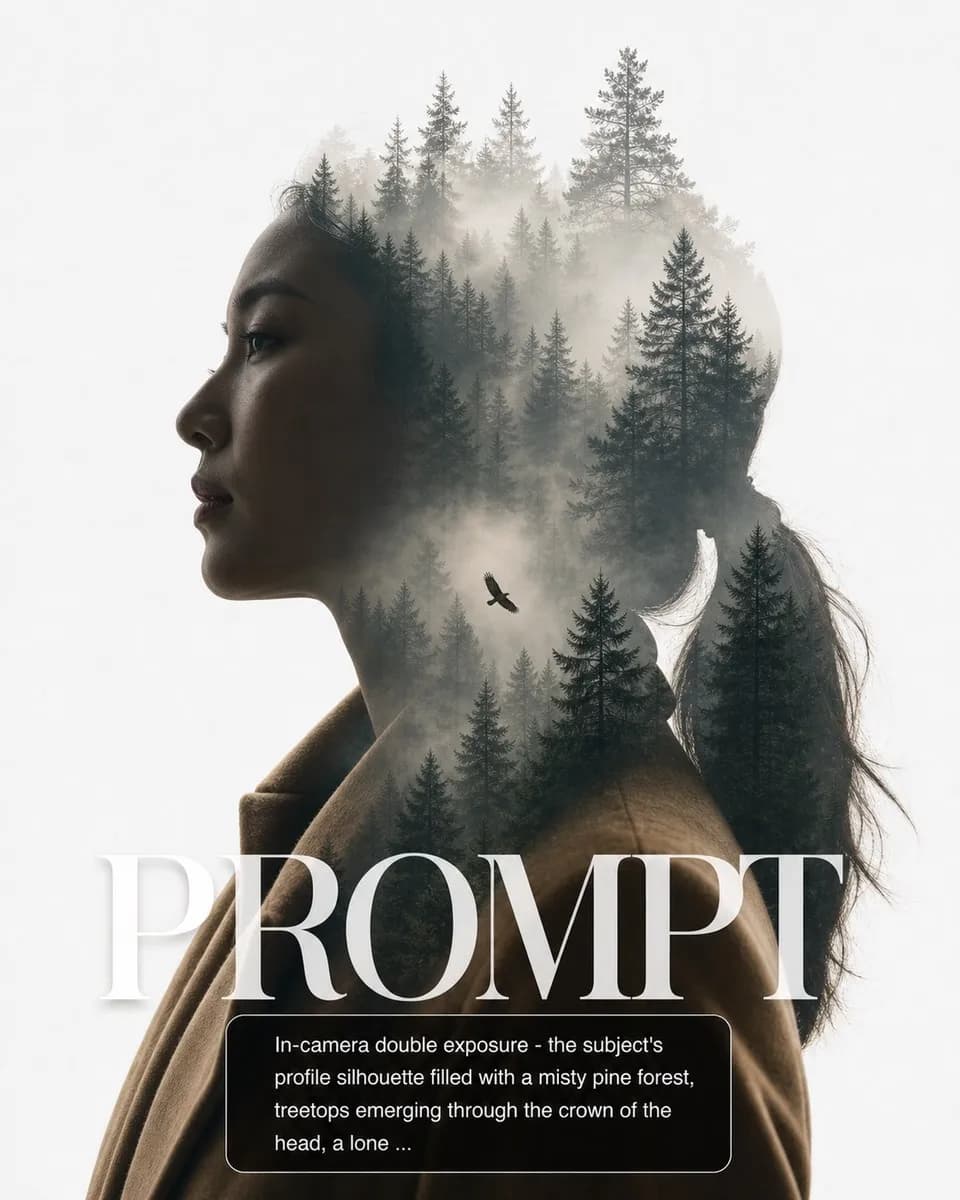
Forest Double Exposure

Forest Double Exposure

GPT Image 2#Digital Art4:5
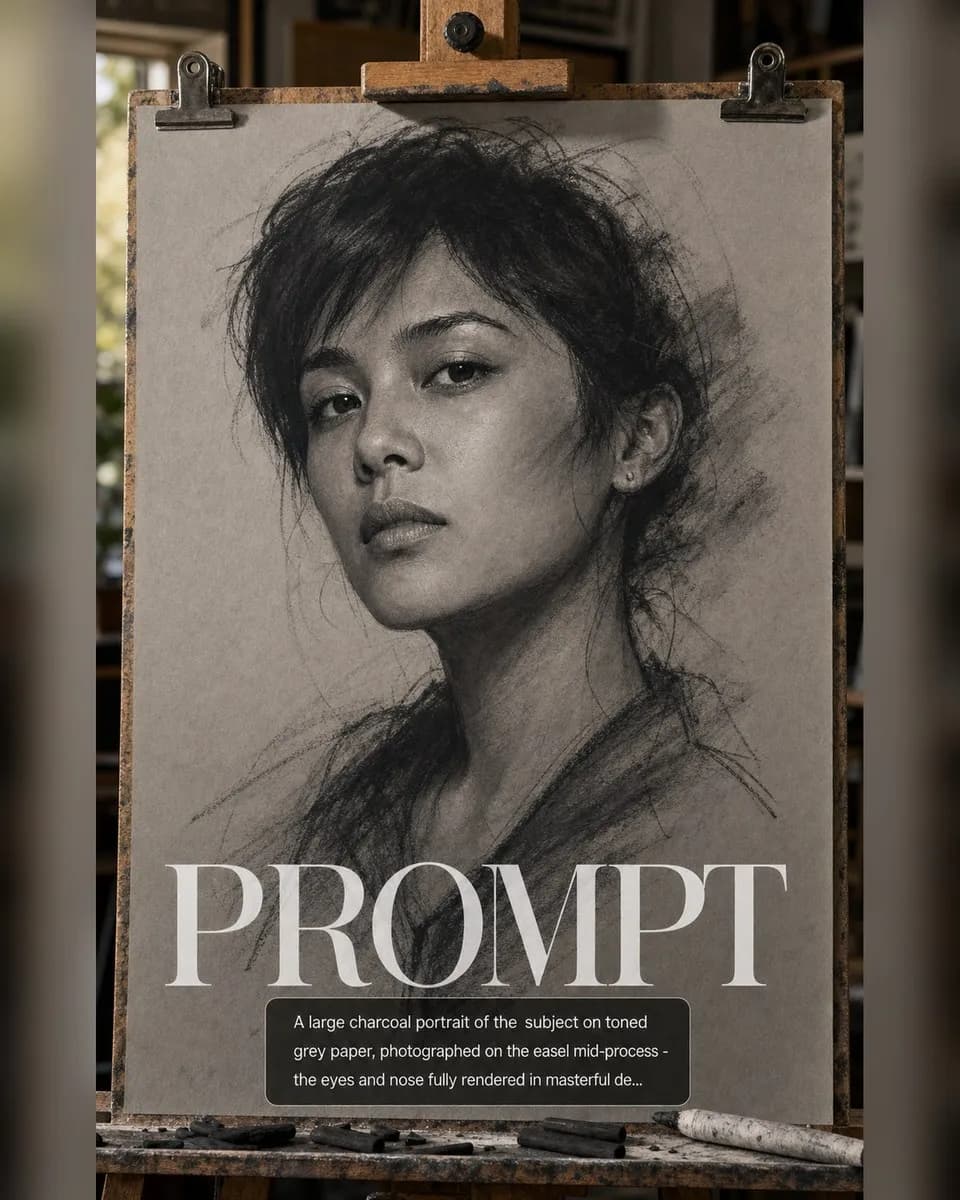
Charcoal Sketch Emerging

Charcoal Sketch Emerging

GPT Image 2#Digital Art4:5
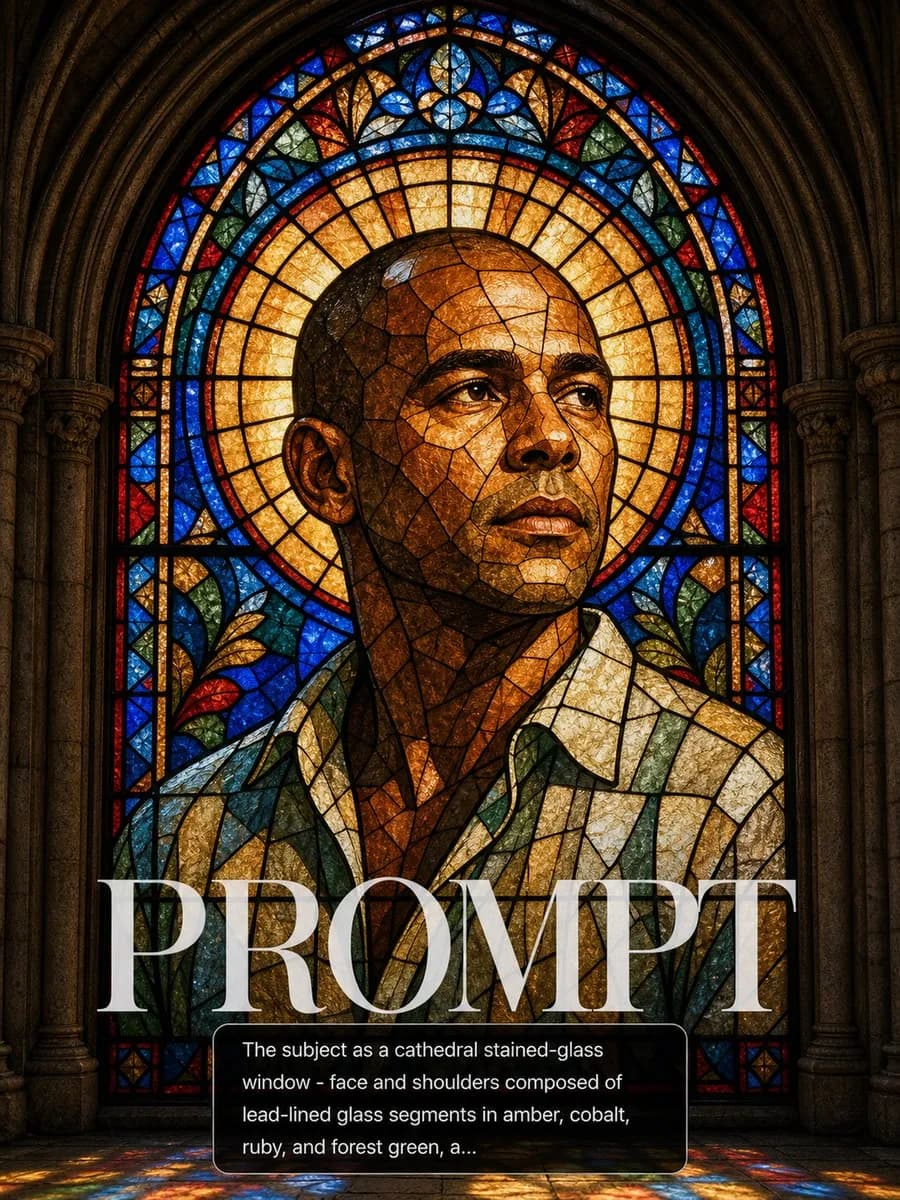
Stained Glass Saint Window

Stained Glass Saint Window

GPT Image 2#Digital Art3:4
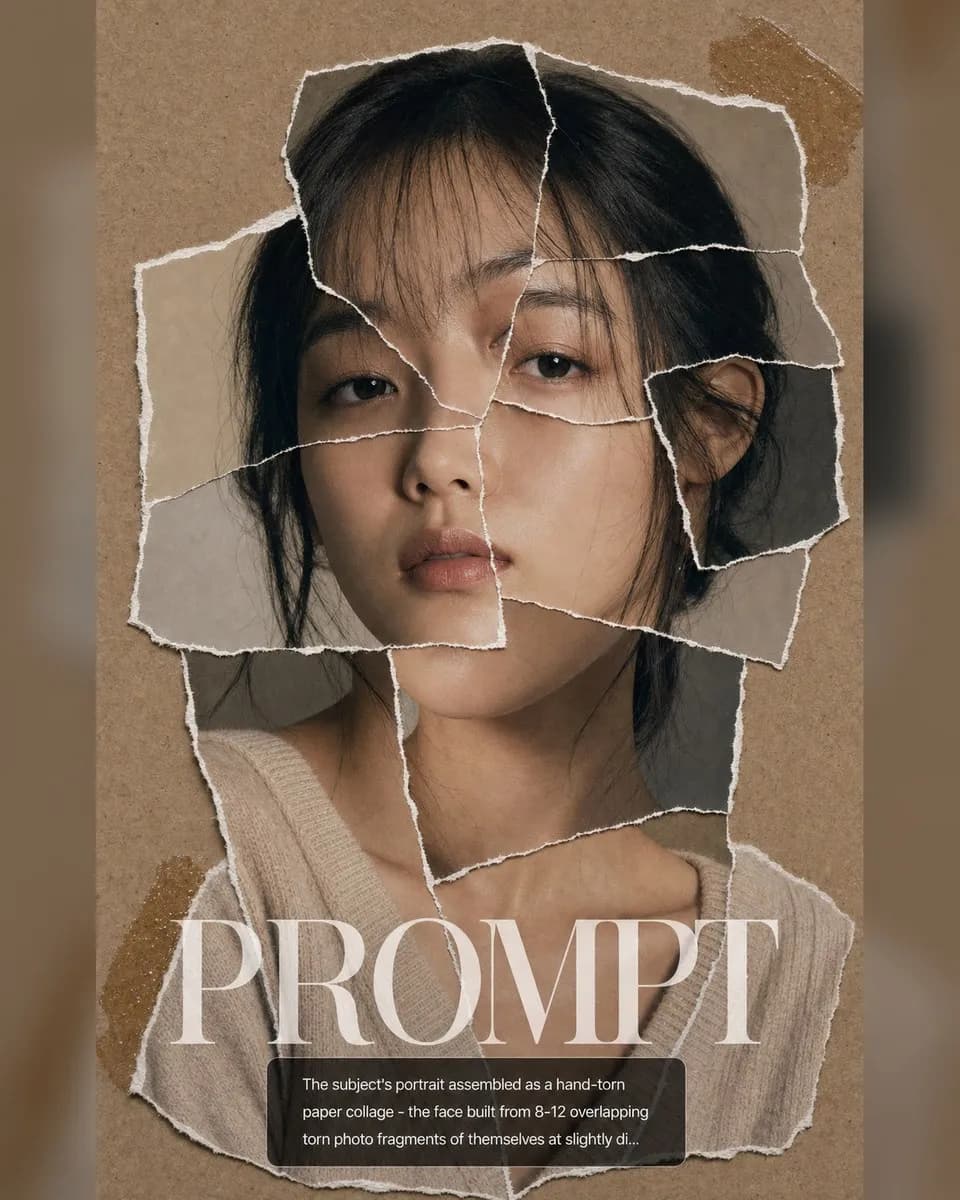
Torn Paper Collage

Torn Paper Collage

GPT Image 2#Digital Art4:5