Key instructions to preserve
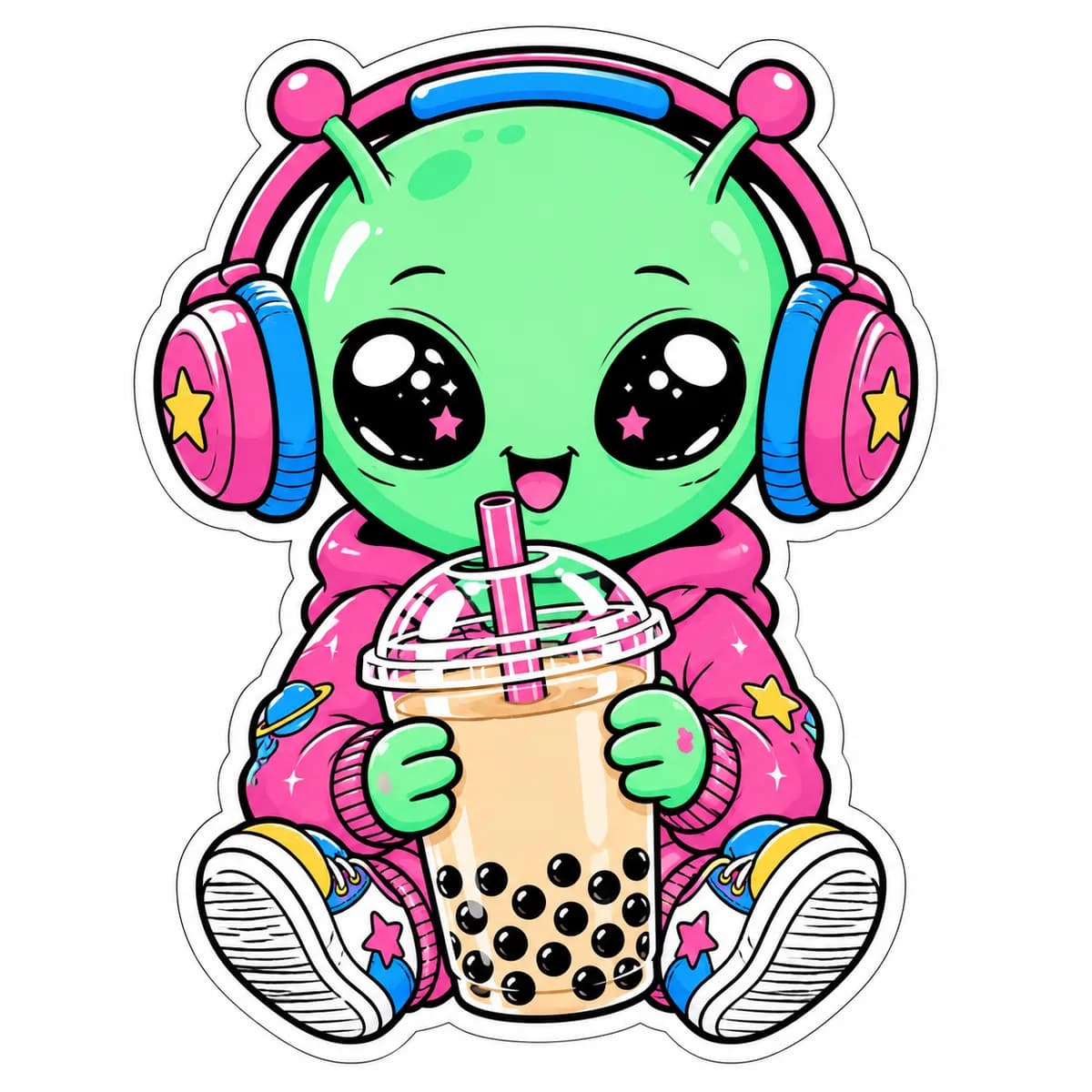
🎨 SUBJECT: A cute, pastel-green alien with big sparkly eyes wearing oversized retro headphones, happily holding a giant plastic cup of boba tea.
🎨 SUBJECT: A cute, pastel-green alien with big sparkly eyes wearing oversized retro headphones, happily holding a giant plastic cup of boba tea. 🌍 SETTING: Pure, solid white background. The character features a thick, bold white outline around its exact silhouette, with a subtle white "halo" border separating it from the background. ✨ LIGHTING & COLORS: Flat, 2D vector colors. Hot pink, mint green, electric blue, and thick black ink outlines. No gradients, high contrast, pure graphic design style. 📐 COMPOSITION: 1:1 Square orientation. The alien and boba tea are perfectly centralized. The edges of the image are pure white, ensuring the graphic is completely isolated and ready for production. 🎨 STYLE: Gen Z Y2K kawaii vector illustration, bold graphic line weight, professional sticker sheet aesthetic, trendy and pop-culture vibe, 8k resolution. 📱 ASPECT RATIO: 1:1 Square
0 people have copied this prompt
Die-Cut Sticker Design Y2K Alien Boba Tea Vector Art is a illustration prompt for GPT Image 2, composed for a 1:1 image. 🎨 SUBJECT: A cute, pastel-green alien with big sparkly eyes wearing oversized retro headphones, happily holding a giant plastic cup of boba tea.
🎨 SUBJECT: A cute, pastel-green alien with big sparkly eyes wearing oversized retro headphones, happily holding a giant plastic cup of boba tea.
Keep the prompt structure, then replace the main subject, action, or environment in "🎨 SUBJECT: A cute, pastel-green alien with big sparkly eyes wearing oversized retro headphones, happily holding a giant plastic cup of boba tea.".
Adjust one visual signal at a time, such as "die cut sticker design", "y2k sticker art", "kawaii vector illustration", "boba tea character", so you can identify which instruction changes the result.
Keep the subject near the visual center for a balanced square composition that works well for avatars, covers, and social posts.
Use direct natural-language edits after the first generation. State what must remain unchanged before describing the single element you want to revise.
Judge the result by consistent line, shape, texture, and palette choices across the subject and background.
Three simple steps to generate your AI image.
Click the "Copy Full Prompt" button above to copy the entire prompt text to your clipboard instantly.
Open your preferred image generator and paste the prompt into the text input. You're ready to create.
Hit generate and watch the magic happen. Tweak the prompt parameters to make it your own.