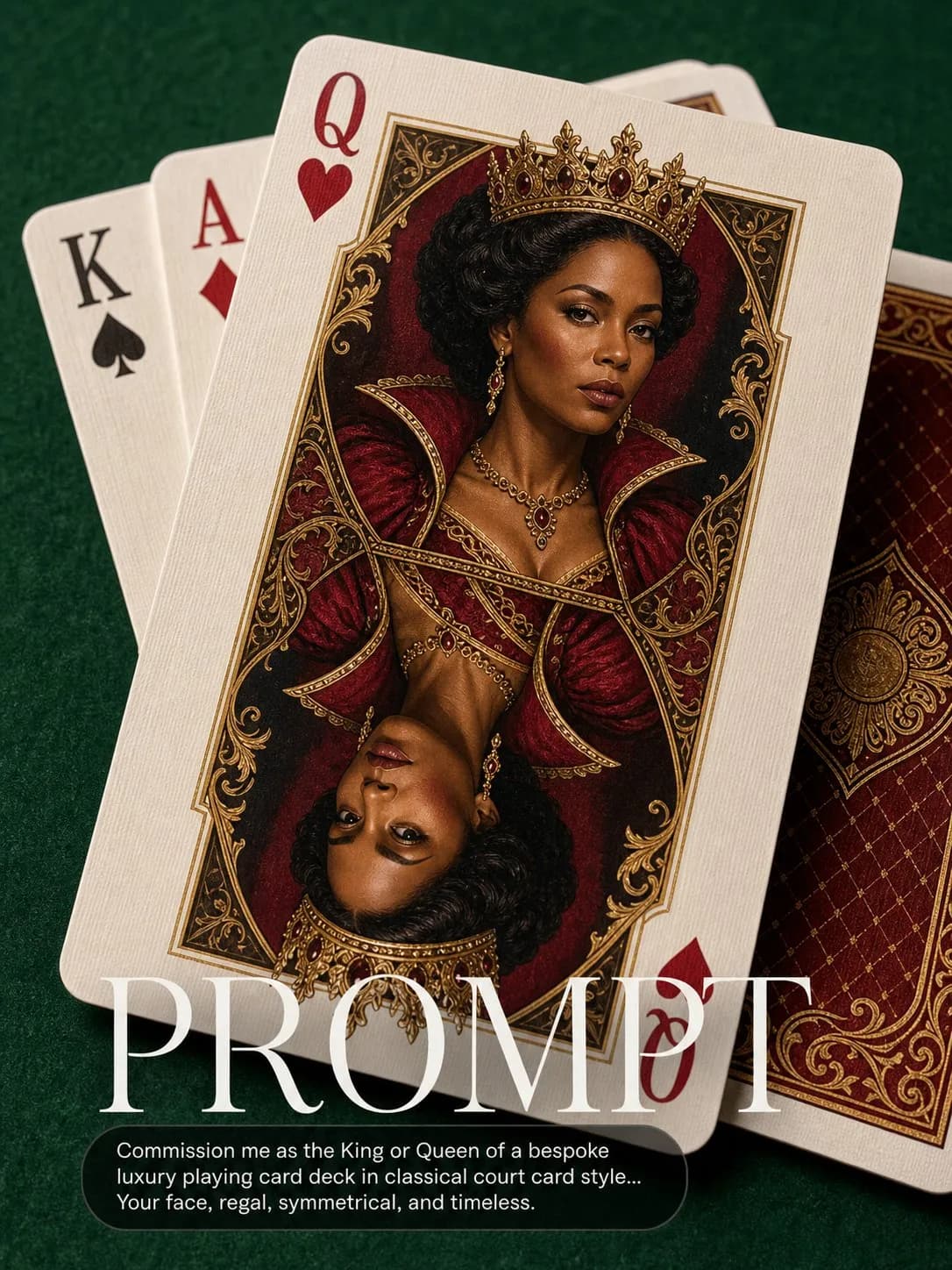
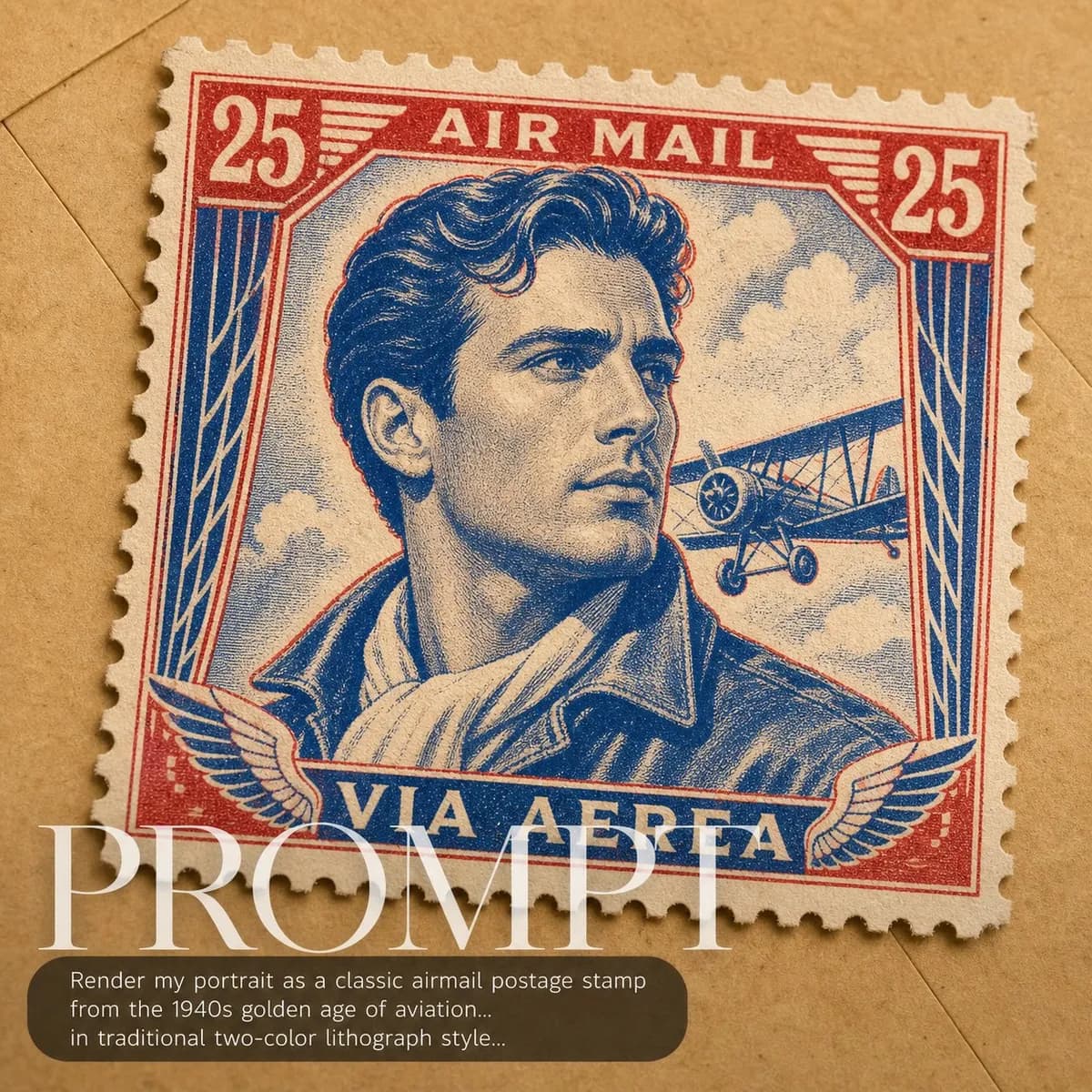
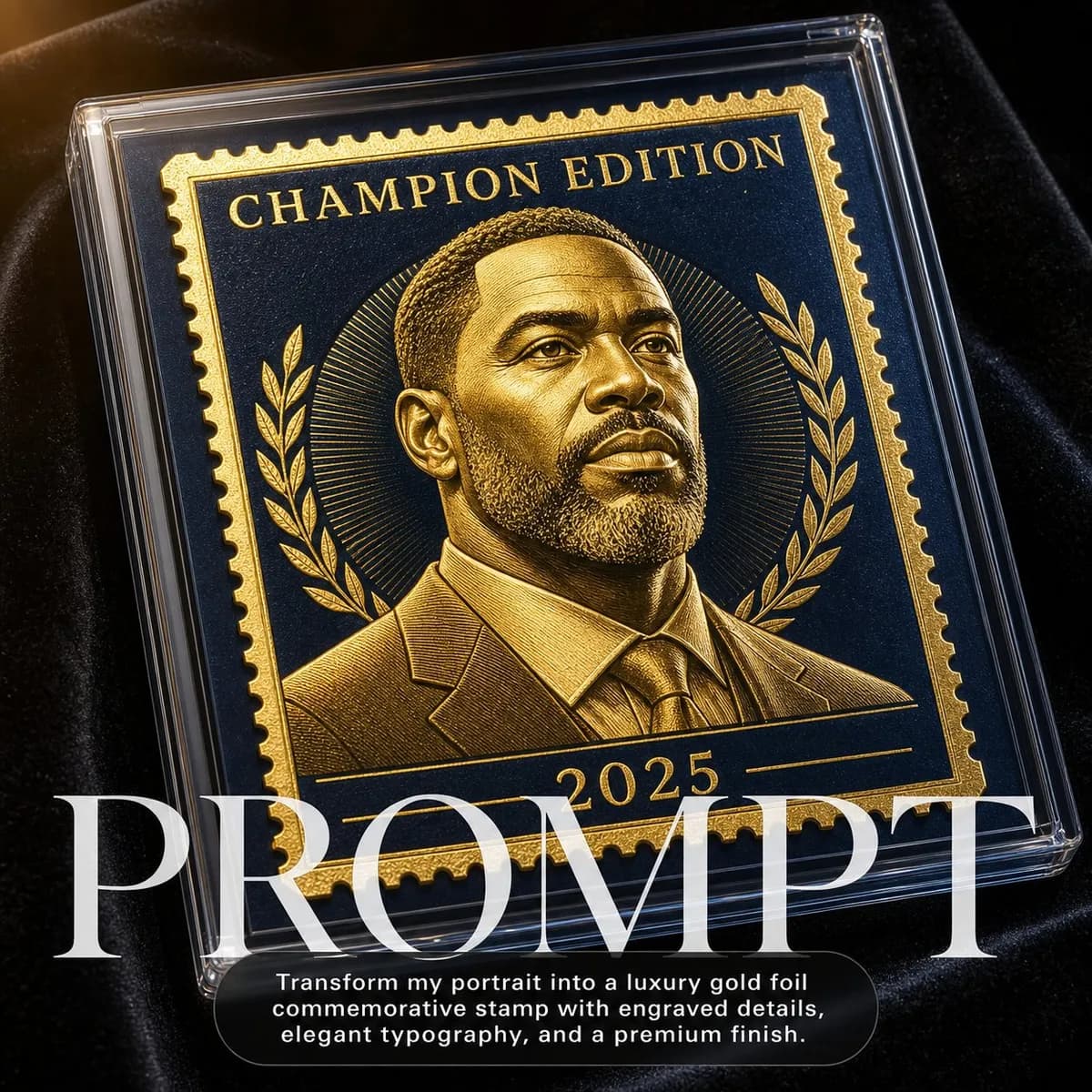
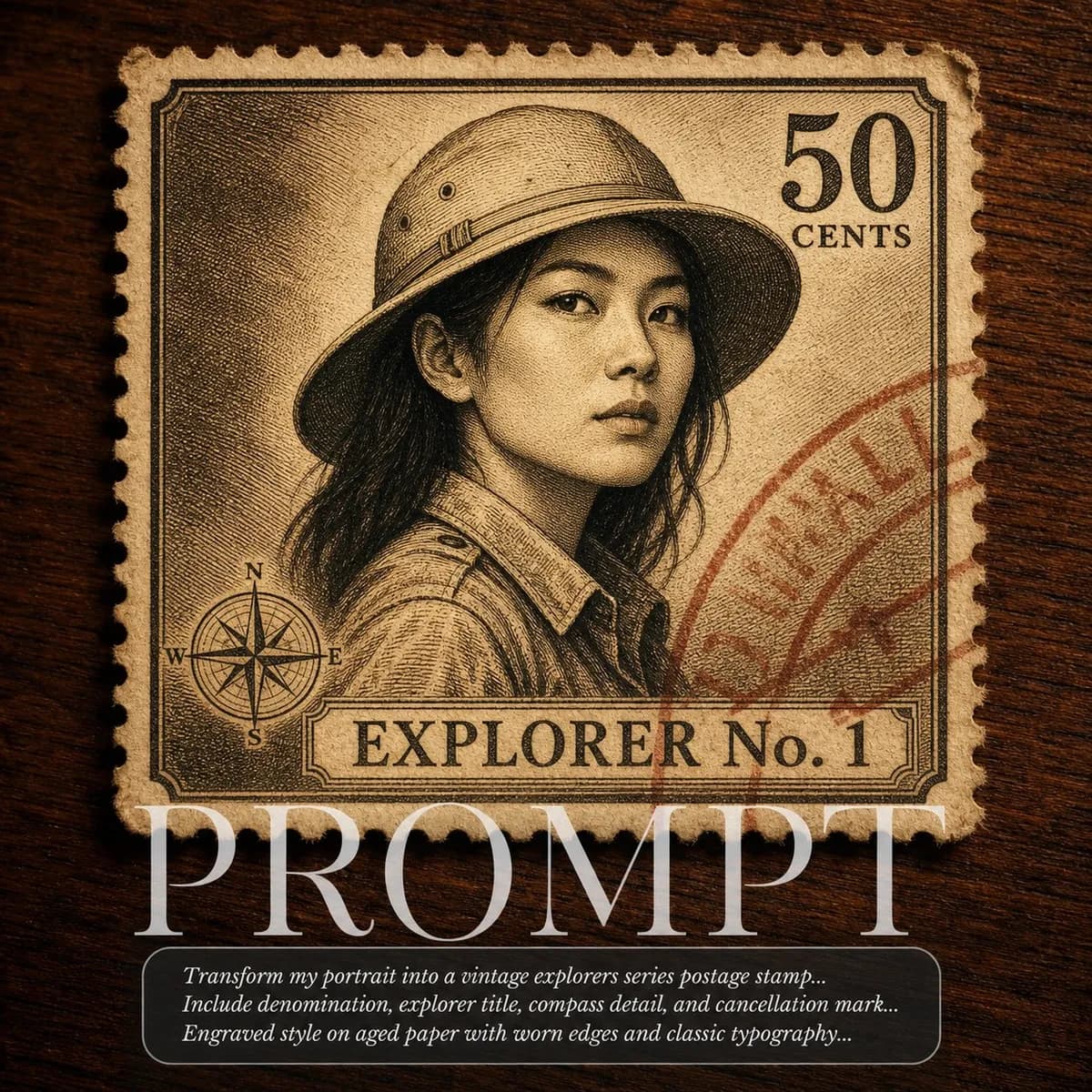
Key instructions to preserve
No beautification, no face reshaping, no expression change unless stated.
GuardrailProfile view of the face must be recognizably the subject.
IDENTITY LOCK: Use the uploaded photo as the sole identity reference. Preserve the subject's facial structure, skin tone, eye shape, hairstyle, and every distinguishing feature exactly — the person must remain instantly recognizable. No beautification, no face reshaping, no expression change unless stated. SCENE: Subject's profile portrait struck in high relief on a gold commemorative coin resting on black velvet. The coin has the aesthetic quality of a Royal Mint limited edition — the subject's side profile in the center, a decorative inscription around the rim reading 'ONE OF A KIND' and the current year. PHYSICS & CRAFT: 22-carat gold proof finish — highly polished mirror fields with frosted matte relief portrait. Hard 5500K single directional light from 10 o'clock creating dramatic raking illumination that reveals every detail of the minted relief. The black velvet diffuses light absolutely, creating pure silhouette of the coin edge. TECHNICAL EXECUTION: 100mm macro lens, top-down 15° tilt, coin occupying 85% of the frame, extremely shallow depth of field focused on the portrait relief, single light source, no reflectors. HARD CONSTRAINTS: Profile view of the face must be recognizably the subject. Do not add crown or royal regalia. Do not change the inscription text. Keep the gold proof finish — no silver or copper variants.
0 people have copied this prompt
Royal Mint Portrait Coin is a concept art prompt for GPT Image 2, composed for a 1:1 image. No beautification, no face reshaping, no expression change unless stated.
No beautification, no face reshaping, no expression change unless stated.
Keep the prompt structure, then replace the main subject, action, or environment in "No beautification, no face reshaping, no expression change unless stated.".
Adjust one visual signal at a time, such as "100mm", "shallow depth of field", "macro", "ai image prompt", so you can identify which instruction changes the result.
Keep the subject near the visual center for a balanced square composition that works well for avatars, covers, and social posts.
Use one clear reference image and retain the identity-lock instructions when changing clothing, lighting, background, or camera direction.
Use direct natural-language edits after the first generation. State what must remain unchanged before describing the single element you want to revise.
Judge the result by how clearly it communicates the intended concept art direction while keeping the subject, environment, and visual treatment consistent.
Three simple steps to generate your AI image.
Click the "Copy Full Prompt" button above to copy the entire prompt text to your clipboard instantly.
Open your preferred image generator and paste the prompt into the text input. You're ready to create.
Hit generate and watch the magic happen. Tweak the prompt parameters to make it your own.