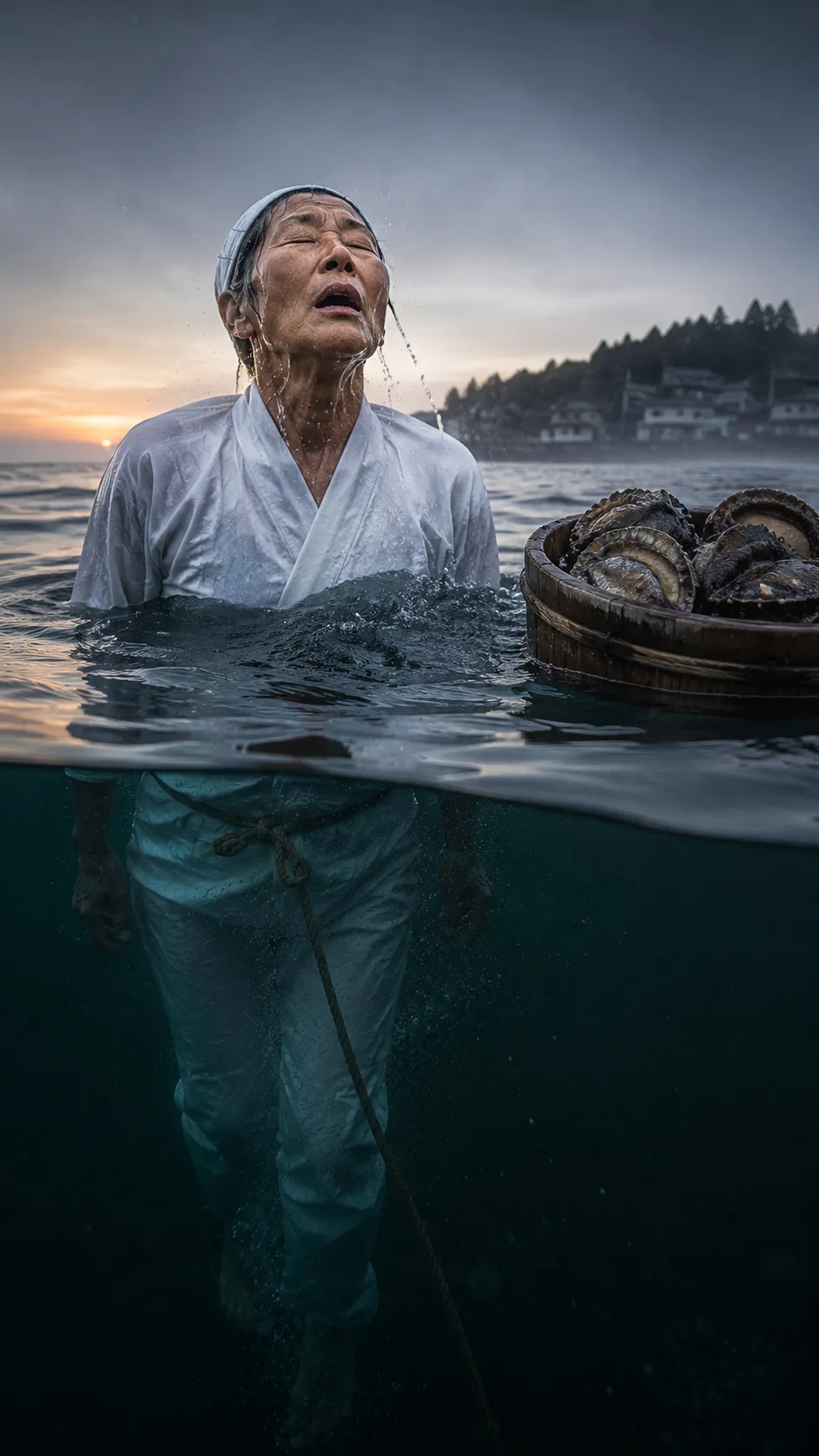
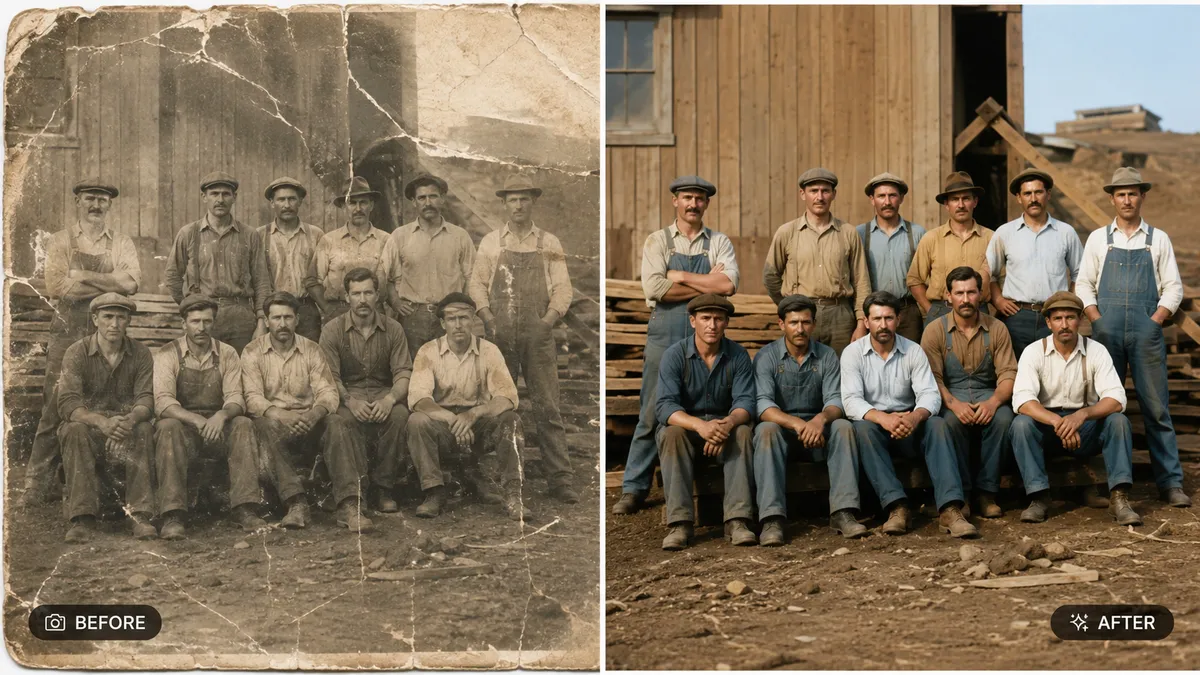
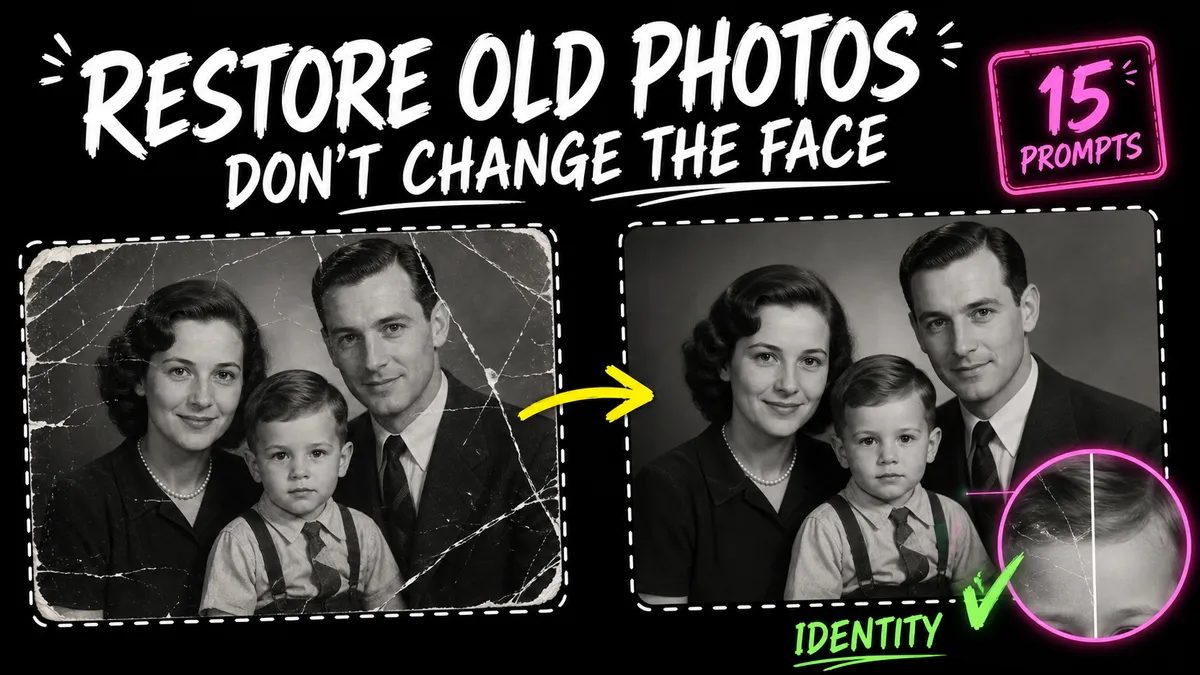
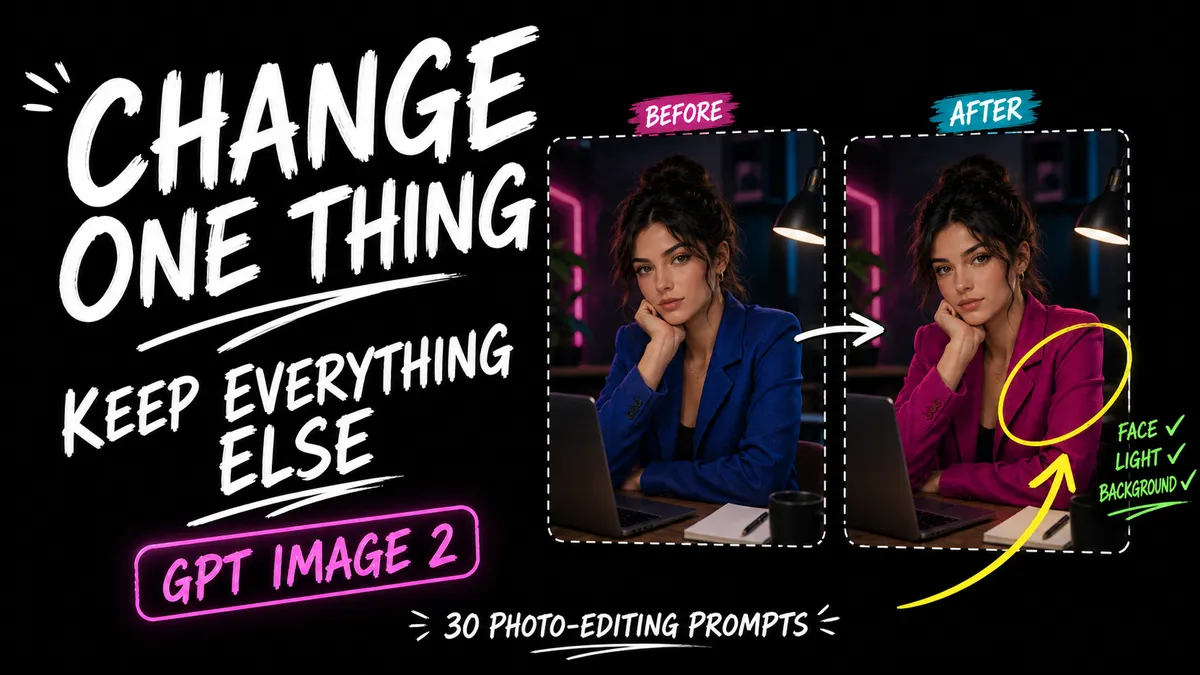
GPT Image 2 vs Midjourney v8 vs FLUX 2 vs Krea 2: Which AI Image Generator Should You Actually Use in 2026?
GPT Image 2 vs Midjourney v8 vs FLUX 2 vs Krea 2: we compare all four 2026 AI image generators on quality, text rendering, pricing, and use case to tell you exa
On this page 34 sections

Key takeaways
In 2026, the best AI image generator depends entirely on your use case. GPT Image 2 wins for marketing, product work, and accurate text rendering (~99% accuracy). Midjourney v8.1 wins for cinematic art and aesthetic output. FLUX 2 wins for photorealism and natural language prompting. Krea 2 wins for stylized brand aesthetics with open-weight control. No single model dominates all categories — professionals use a hybrid workflow stack.
Everyone's asking which AI image generator actually wins in 2026. We tested GPT Image 2, Midjourney v8.1, FLUX 2, and Krea 2 on identical prompts and built a decision framework so you stop guessing an
There are now four genuinely powerful AI image generators competing for your attention in 2026: GPT Image 2, Midjourney v8.1, FLUX 2, and Krea 2. Each launched or had a major version release within a 4-month window between February and May 2026, and they are more different from each other than any previous generation of AI art tools.
The problem? Every comparison article you can find on Google either covers only two of them, is reviewing outdated versions, or gives you a feature list without answering the actual question: which one should you use?
This guide answers that definitively. We break down each model's architecture, prompting style, strengths, and pricing — then give you a direct decision framework based on your actual creative workflow.
The Core Difference: Four Models, Four Philosophies
Before comparing specs, understand that these are not four versions of the same tool. They represent four entirely different philosophies of what AI image generation should be.
| Model | Core Philosophy | Released |
|---|---|---|
| GPT Image 2 | Instruction-following productivity tool | April 2026 |
| Midjourney v8.1 | Aesthetic-first artistic output | June 2026 (default) |
| FLUX 2 | Photorealistic natural language adherence | 2025–2026 (ongoing) |
| Krea 2 | Style-first creative control with open weights | May 2026 |
Understanding this distinction will save you hours of frustration trying to use the wrong tool for the wrong job.
1. GPT Image 2 (OpenAI)
What It Is
GPT Image 2 is not a traditional diffusion model. It uses a reasoning pipeline natively integrated into the GPT-5 family, which means it thinks about layout, composition, and spatial relationships before generating a single pixel. It replaced DALL-E 3 entirely on April 21, 2026 (DALL-E 3 was officially retired May 12, 2026).
Its Killer Feature: Text Rendering
GPT Image 2 achieves approximately 99% character-level accuracy for text inside images — across Latin, CJK (Chinese/Japanese/Korean), Hindi, and Bengali scripts. This is not an incremental improvement. It is a generational leap that no other model currently matches.
How to Prompt It
Forget keyword stacking. GPT Image 2 uses conversational, instruction-based prompting. Describe your intent as you would explain it to a human designer — then iterate in plain English.
> "Create a product label for a honey brand called Golden Grove. Serif font at the top with the brand name, an illustrated honeybee in the center, and the tagline Small Batch, Pure Quality at the bottom." > > Follow-up: "Now make the bee 30% larger and add a thin golden border around the label."
Modes of Operation
- Instant Mode — Fast generation, low latency, for drafting
- Thinking Mode (Plus/Pro/Business plans) — Enables multi-image batch coherence, web search integration, and output verification
Pricing & Access
Available through ChatGPT (Plus at $20/month, Pro at $200/month) and via API (gpt-image-2 model ID). Quality settings: Low / Medium / High.
Strengths
✅ ~99% accurate text rendering in images
✅ Conversational multi-turn editing without regenerating
✅ Complex multi-part layout instructions
✅ Up to 4K (4096×4096) output
✅ Batch coherence for consistent multi-image sets
Weaknesses
❌ Less "artistic" — optimized for instruction following, not aesthetic surprise
❌ No community prompt library or style reference system
❌ Requires natural language description; doesn't respond well to Midjourney-style keyword stacking
Best for: Marketers, product designers, Etsy sellers, UI/UX wireframing, any work that requires accurate text in the image.
2. Midjourney v8.1
What It Is
Midjourney v8.1, released to alpha on April 14, 2026 and made the default model on June 10, 2026, is built on a brand-new GPU-native codebase. It is 4–5× faster than its predecessors, generates natively at 2K resolution via the --hd parameter, and has significantly enhanced prompt adherence for complex artistic briefs.
How to Prompt It
Midjourney is still fundamentally a keyword and descriptor-based engine. The quality of your output directly correlates with the specificity of your style vocabulary.
> cinematic portrait, female warrior, ruins backdrop, volumetric fog, dramatic chiaroscuro, golden hour rim light, hyperdetailed armor, 85mm lens, shallow depth of field --ar 16:9 --style raw --s 350 --hd
Essential v8.1 Parameters
--hd— Native 2K resolution (no separate upscale needed)--style raw— Removes artistic beautification; strict prompt adherence--s 0–1000— Stylize (artistic intensity; lower = more literal)--chaos 0–100— Grid variation for iteration--sref [URL]— Style reference image--cref [URL]— Character reference (maintain face/identity)--p [code]— Personalized aesthetic profile trained on your preferences
Pricing & Access
- Basic: $10/month | Standard: $30/month | Pro: $60/month | Mega: $120/month
- Pro and Mega unlock Stealth Mode (private generation) and advanced personalization profiles
Strengths
✅ Unmatched aesthetic quality and cinematic output
✅ Most developed prompt community, tutorials, and style libraries
✅ Character and style reference system (--cref, --sref)
✅ Personalization profiles for consistent brand aesthetic
✅ Best for "wow factor" — artistic, unexpected, visually stunning
Weaknesses
❌ Poor text rendering — often misspells or distorts text in images
❌ Keyword-heavy prompting has a steep learning curve
❌ Closed ecosystem — no open weights, no fine-tuning
❌ No conversational editing — must regenerate with new prompts
Best for: Concept artists, illustrators, creative directors, moodboard creation, editorial and cinematic art.
3. FLUX 2 (Black Forest Labs)
What It Is
FLUX 2 is built by the original Stable Diffusion creators and uses an advanced Flow Matching Transformer architecture. It is widely regarded as the photorealism king of 2026 — producing the most physically accurate lighting, textures, and human anatomy of any model in the current generation.
The FLUX 2 Family
FLUX 2 is not a single model but a tiered ecosystem:
| Tier | Models | Best For |
|---|---|---|
| Budget/Speed | Schnell, Klein | High-volume iteration; Klein runs sub-second |
| Balanced | Flex, Pro | Strong prompt adherence and typography |
| Premium | Max, Ultra, Kontext | Up to 4K output, image editing, character lock |
FLUX Kontext: The Standout Feature
FLUX Kontext is a specialized context-aware image editing model that preserves character, object, and lighting identity across successive edits — eliminating the "visual drift" problem that plagues other models. Edit via natural language: "change the background to a snowy forest" — and the character stays identical.
How to Prompt It
FLUX 2 uses natural language prompting similar to GPT Image 2 but leans into photographic and descriptive detail:
> A female scientist in a glass laboratory at night, warm orange lamp glow on her face, cold blue moonlight through the window behind her, shallow depth of field, 85mm lens, ultra-sharp details, photorealistic
CFG Scale for FLUX: 1.0–3.5 (much lower than SD's 7–12 — a common beginner mistake).
Pricing & Access
- FLUX.2 Dev: Open-weight, free via Hugging Face
- FLUX.2 Pro / Max / Ultra: Via API (Black Forest Labs, Replicate, Fal.ai)
- Local: 16–24GB VRAM recommended for FLUX.2 Dev
Strengths
✅ Best photorealism of any current model
✅ Natural language prompting — no keyword syntax required
✅ Open-weight (Dev version) — trainable, fine-tunable
✅ Kontext model for coherent iterative image editing
✅ Strong and growing ecosystem (ComfyUI, Replicate, Fal.ai)
Weaknesses
❌ Photorealistic by default — requires LoRAs to reach anime or stylized aesthetics
❌ No native "style library" or reference image system (relies on IP-Adapter workflows)
❌ Local running requires significant VRAM (16–24GB)
Best for: Product photographers, realistic portrait artists, architectural visualizers, developers building image pipelines, anyone who needs physically accurate outputs.
4. Krea 2 (Krea AI)
What It Is
Krea 2 is a 12.9 billion parameter Diffusion Transformer (DiT) model released May 18, 2026, with open weights on Hugging Face. Unlike other models with a "house aesthetic," Krea 2 is specifically designed to render any style authentically — without imposing its own visual fingerprint.
Its Unique Features
1. Style References (up to 10 images): Instead of describing a style in text, upload up to 10 reference images as a visual moodboard. Krea maps the color palette, texture, brushwork, and compositional feel directly onto your generation.
2. Generative Sliders (June 2026): Real-time sliders for creativity, intensity, complexity, and movement that adjust the generation live — without rewriting your prompt.
3. Krea 2 Turbo: The distilled high-speed variant that generates 2K-resolution images in approximately 2 seconds using only 8 inference steps.
4. Realtime Canvas: An interactive sketching environment where rough shapes and type convert to AI-generated images in under 50ms. Not for final output — for rapid ideation.
5. Open Weights: Artists can fine-tune and train LoRAs on Krea 2 Raw (the undistilled checkpoint) for brand-specific or personal style models.
How to Prompt It
Krea 2 is best approached with aesthetic and mood intent rather than rigid instructions. Pair a short text prompt with 3–5 style reference images:
> A woman walking through a rain-soaked Tokyo side street at night + [5 reference images of film photography with grain, warm halogen tones, and street bokeh]
Then use Generative Sliders to dial in creativity and complexity to taste.
Pricing & Access
- Explorer (Free): Limited generations, access to platform features
- Starter: $24/month | Pro: $48/month | Max: $96/month
- Open weights:
krea-ai/krea-2on Hugging Face (commercial-friendly community license)
Strengths
✅ Authentic style rendering — no "AI look"
✅ Style reference moodboard system (up to 10 images)
✅ Open-weight model — fully fine-tunable for brand aesthetics
✅ Fastest iteration via Realtime Canvas and Turbo variant
✅ Access to 64+ third-party models in one platform
Weaknesses
❌ Less "beginner friendly" — the style reference + sliders workflow has a learning curve
❌ Smaller prompt community than Midjourney
❌ Text rendering is moderate — not competitive with GPT Image 2 or Ideogram
Best for: Brand designers, photographers building a consistent aesthetic library, artists wanting fine-tuning control, creative teams doing high-volume stylized content.
Head-to-Head: The Honest Comparison
| Feature | GPT Image 2 | Midjourney v8.1 | FLUX 2 | Krea 2 |
|---|---|---|---|---|
| Text Rendering | ★★★★★ | ★★☆☆☆ | ★★★★☆ | ★★★☆☆ |
| Artistic Quality | ★★★☆☆ | ★★★★★ | ★★★★☆ | ★★★★☆ |
| Photorealism | ★★★★☆ | ★★★☆☆ | ★★★★★ | ★★★☆☆ |
| Ease of Use | ★★★★★ | ★★★☆☆ | ★★★☆☆ | ★★★☆☆ |
| Style Control | ★★☆☆☆ | ★★★★☆ | ★★★☆☆ | ★★★★★ |
| Iteration Speed | ★★★★★ | ★★★★☆ | ★★★★☆ | ★★★★★ |
| Open / Fine-Tunable | ❌ | ❌ | ✅ (Dev) | ✅ |
| Commercial Safety | ✅ | ✅ | ✅ (Dev) | ✅ |
| **Starting |
Frequently asked questions
Is GPT Image 2 better than Midjourney in 2026?
What is FLUX 2 and how does it compare to Midjourney?
What is Krea 2 and what makes it different from other AI image generators?
Sources and further reading
- OpenAI: GPT Image 2 Official Release Announcement and API Documentation (April 2026)
- Krea AI: Krea 2 Model Architecture and Open Weights Release on Hugging Face (May 2026)
- Black Forest Labs: FLUX 2 and FLUX Kontext Technical Architecture Overview (2025–2026)
- Midjourney: V8.1 Model Release Notes and Parameter Documentation (June 2026)