topimageprompttopimageprompt
Explore

BROWSE BY

  • By AI EngineMidjourney, DALL-E, Stable Diffusion
  • By MoodDark, Dreamy, Epic, Minimal, Warm
  • By Aspect RatioSquare 1:1 · Portrait 9:16 · Wide 16:9

LIBRARY SIZE

  • 600 PromptsTotal in library
  • 12 CategoriesAcross all styles
  • Updated DailyNew prompts every day
Collections

Curated Collections

View all
World Cup 2026 AI PromptsWorld Cup 2026 AI PromptsWorld Cup 2026 AI PromptsWorld Cup 2026 AI Prompts
World Cup 2026 AI Prompts
57 Prompts
Trending

Trending Now

Updated hourly
CEO Headshot Upgrade
GPT Image 2 · 3 copies
#1
Japanese Ama Freediver Surfacing Ocean Dawn
GPT Image 2 · 3 copies
#2
Wildfire Smoke Sunset Portrait
GPT Image 2 · 2 copies
#3
Blizzard Portrait: Into the White
GPT Image 2 · 2 copies
#4
Legend 30th Anniversary Reissue Cover
GPT Image 2 · 2 copies
#5
This week's most copied prompt
Blog

Latest Articles

View all
How to Get Canva Pro for FREE in 2026: The Complete Student & Creator Guide (Magic Studio AI)
AI Tools & Design · Aug 13, 2026
How to Get GPT-5.6 (Sol & Luna) and Frontier 2026 AI Models for FREE: 5 Legit Working Methods
AI Tools & Tutorials · Aug 13, 2026
How to Get GitHub Copilot for FREE (100% Legal): The Step-by-Step Student Developer Pack Guide (2026)
AI Tools & Developer Guides · Aug 12, 2026
Get weekly prompt tipsRead the Blog
Sign in
topimageprompttopimageprompt
Sign in
ExploreCollectionsTrendingBlog
topimageprompttopimageprompt
ExploreCollectionsTrendingBlog
Sign in
Loading page content
topimageprompttopimageprompt

The world's cleanest AI prompt library. Browse, discover, and copy prompts for your favorite image generator.

Explore

  • All Prompts
  • Models & Styles
  • Trending
  • New Arrivals
  • Collections
  • Blog
  • Site Map

Categories

  • Photorealism
  • Cyberpunk
  • 3D Render
  • Anime
  • Dark Fantasy
  • All Categories

Stay Updated

Get weekly prompt drops and style guides in your inbox.

No spam. Just new prompt alerts.

© 2026 topimageprompt. All rights reserved.
About
Editorial Policy
Privacy Policy
Terms of Use
Contact
Site Map
Loading page content
Home/Explore/Transformation/Apply Makeup or Glam Look to Photo
Back to Explore
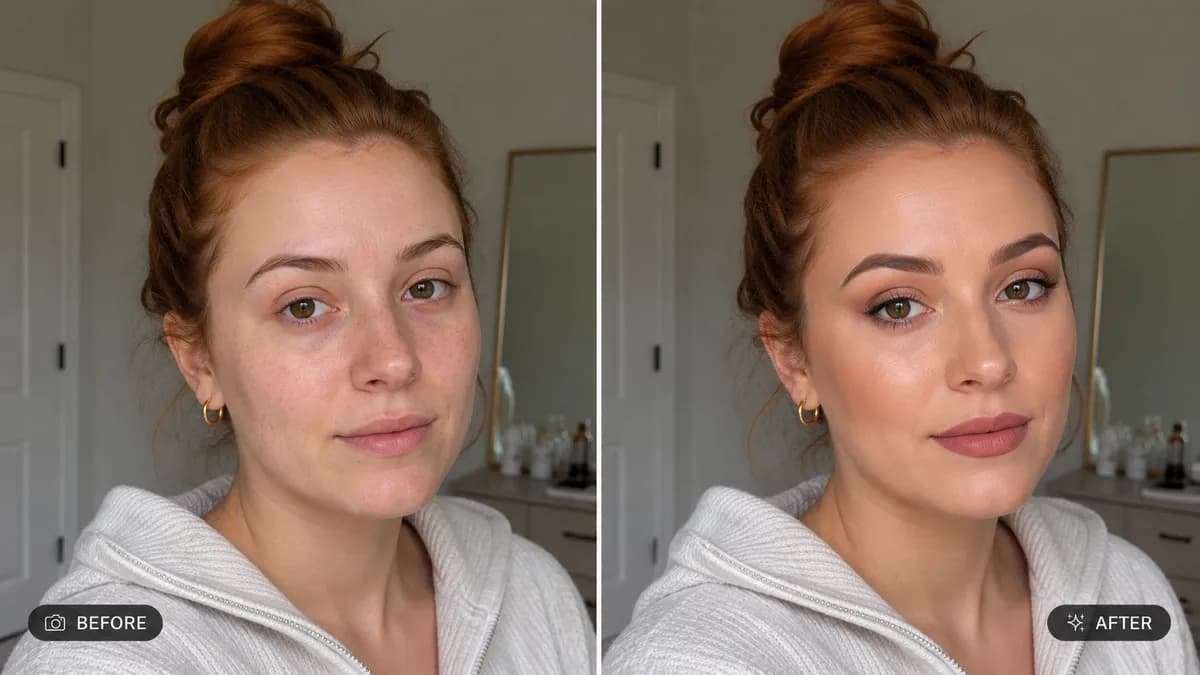
Apply Makeup or Glam Look to Photo example created for GPT Image 2 in 16:9
16:9 aspect ratio·GPT Image 2·0 copies
Transformation Prompt

Apply Makeup or Glam Look to Photo

GPT Image 216:9Transformation
Editable

📸 INPUT REFERENCE: Use the uploaded photo as the base — preserve the subject's exact face, facial structure, skin tone, hair, clothing and background precisely as they appear in the original 💄 MAKEUP APPLICATION TASK: Apply the makeup style specified by the user (e.g. "natural everyday makeup," "bold red lip evening look," "soft bridal makeup," "smoky eye glam look") realistically onto the subject's face, following their actual eye shape, lip shape, and face structure 🎨 PRODUCT REALISM: Render foundation, blush, eyeshadow, eyeliner, lipstick and highlighter with realistic texture and finish (matte, dewy, shimmer, or glossy as appropriate to the requested look) — product should follow the natural contours of the face exactly as real makeup would sit on skin 🧠 FACIAL FEATURE AWARENESS: Adapt eyeshadow blending, eyeliner wing angle, and lip color application precisely to the subject's real eye shape, eyelid crease, and lip proportions — never a generic overlay that ignores their actual features 💡 LIGHTING MATCH: Match the lighting direction, color temperature and shine of the applied makeup to the lighting already present in the rest of the photo, so it looks like the makeup was applied before the photo was taken, not added after 🖌️ STYLE: Photorealistic beauty editorial rendering — makeup must look like it was professionally applied and photographed, not a flat digital overlay 🚫 IDENTITY PRESERVATION: Never alter facial structure, eye shape, lip shape, or skin tone identity — only makeup is added on top of the real face 📐 ASPECT RATIO: Preserve the original photo's exact aspect ratio and framing

0 people have copied this prompt

Share:
AI EngineGPT Image 2
CategoryTransformation
Aspect Ratio16:9
Total Copies0
Reviewed by
T
topimageprompt Editorial Team
Prompt breakdown

Why this transformation prompt works

Apply Makeup or Glam Look to Photo is a transformation prompt for GPT Image 2, composed for a 16:9 image. "natural everyday makeup," "bold red lip evening look," "soft bridal makeup," "smoky eye glam look") realistically onto the subject's face, following their actual eye shape, lip shape, and face structure 🎨 PRODUCT REALISM: Render foundation, blush, eyeshadow,

Creative direction

Key instructions to preserve

"natural everyday makeup," "bold red lip evening look," "soft bridal makeup," "smoky eye glam look") realistically onto the subject's face, following their actual eye shape, lip shape, and face structure 🎨 PRODUCT REALISM: Render foundation, blush, eyeshadow,

Guardrail📸 INPUT REFERENCE: Use the uploaded photo as the base — preserve the subject's exact face, facial structure, skin tone, hair, clothing and background precisely as they appear in the original 💄 MAKEUP APPLICATION TASK: Apply the makeup style specified by the
Visual signals

Details shaping the result

virtual makeup try onai makeup generatormakeupfilter onlineapply makeup ai photovirtualmakeover toolai glam makeup editor
Make it your own

How to customize this exact prompt

01

Subject and scene

Keep the prompt structure, then replace the main subject, action, or environment in ""natural everyday makeup," "bold red lip evening look," "soft bridal makeup," "smoky eye glam look") realistically onto the subject's face, following ...".

02

Style and detail

Adjust one visual signal at a time, such as "virtual makeup try on", "ai makeup generator", "makeup", "filter online", so you can identify which instruction changes the result.

03

16:9 composition

Use the wide frame to establish the environment, place supporting details around the subject, and maintain a clear focal point.

04

Identity consistency

Use one clear reference image and retain the identity-lock instructions when changing clothing, lighting, background, or camera direction.

GPT Image 2 workflow

Test changes without losing the baseline

Use direct natural-language edits after the first generation. State what must remain unchanged before describing the single element you want to revise.

  1. Generate the prompt unchanged to establish a GPT Image 2 baseline.
  2. Keep ""natural everyday makeup," "bold red lip evening look," "soft bridal makeup," "smoky eye glam look") realistically onto the subject's f" fixed and adjust only virtual makeup try on.
  3. Restore the baseline, adjust only ai makeup generator, and compare which version better supports the transformation goal.
Transformation quality check

What to inspect before saving

Judge the result by how clearly it communicates the intended transformation direction while keeping the subject, environment, and visual treatment consistent.

  • Subject: confirm the result still communicates ""natural everyday makeup," "bold red lip evening look," "soft bridal makeup," "smoky eye glam look") realistically onto the subject's face, following".
  • Visual direction: check that virtual makeup try on and ai makeup generator support the same result instead of competing for attention.
  • Composition: verify the main subject and important details remain readable inside the 16:9 frame.
  • Constraint: confirm the result follows "📸 INPUT REFERENCE: Use the uploaded photo as the base — preserve the subject's exact face, facial structure, skin tone, hair, clothing and background".
  • Identity: compare facial structure and distinguishing features with the reference before judging styling changes.
Continue with this model and style
GPT Image 2 promptsTransformation prompts
Explore related uses
Transformationvirtual makeup try onai makeup generatormakeupfilter online

How to use this prompt

Three simple steps to generate your AI image.

1

Copy the Prompt

Click the "Copy Full Prompt" button above to copy the entire prompt text to your clipboard instantly.

2

Paste into your generator

Open your preferred image generator and paste the prompt into the text input. You're ready to create.

3

Generate & Customize

Hit generate and watch the magic happen. Tweak the prompt parameters to make it your own.

More like this

Transformation
View all Transformation prompts →
Color Grade Wedding or Event Photo

Color Grade Wedding or Event Photo

GPT Image 2#Transformation16:9
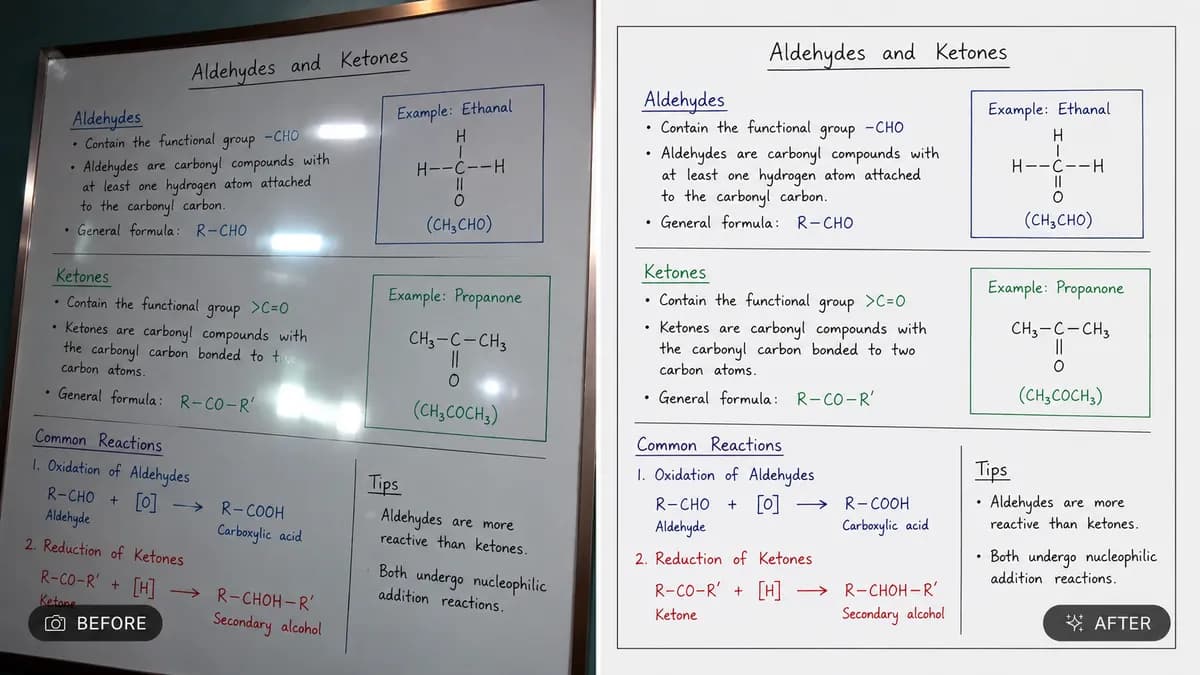
Straighten and Scan Document or Whiteboard Photo

Straighten and Scan Document or Whiteboard Photo

GPT Image 2#Transformation16:9
Restore and Colorize Old Photo

Restore and Colorize Old Photo

GPT Image 2#Transformation16:9
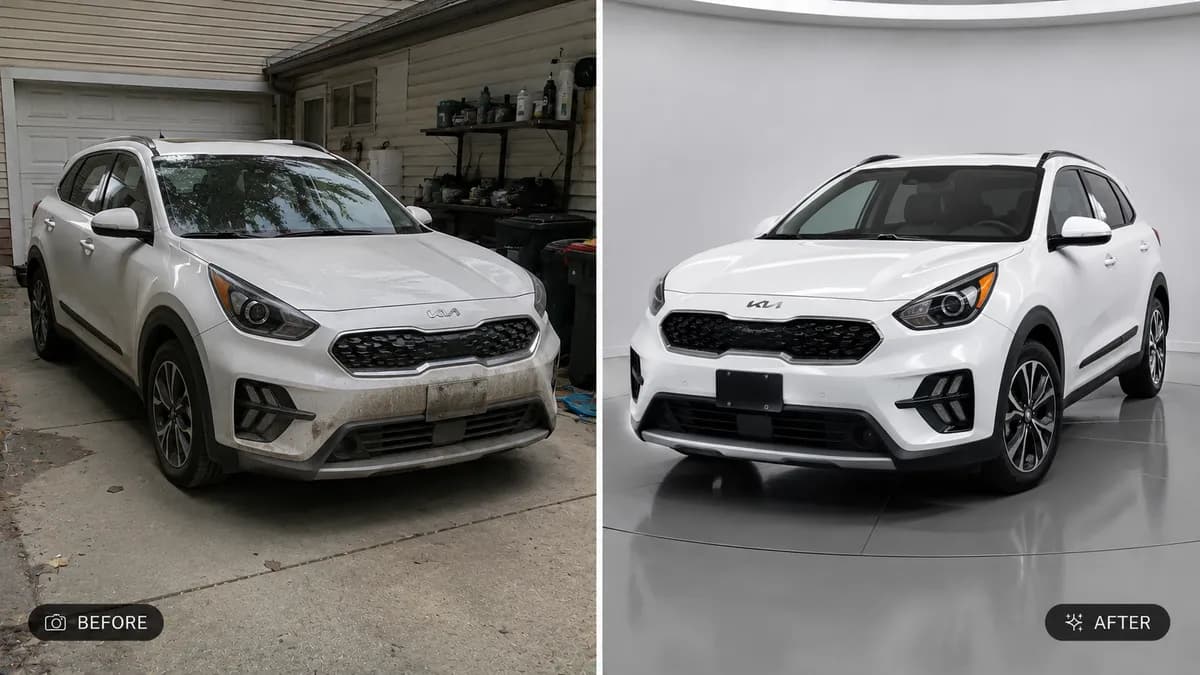
Enhance Car Photo for Listing or Showcase

Enhance Car Photo for Listing or Showcase

GPT Image 2#Transformation16:9