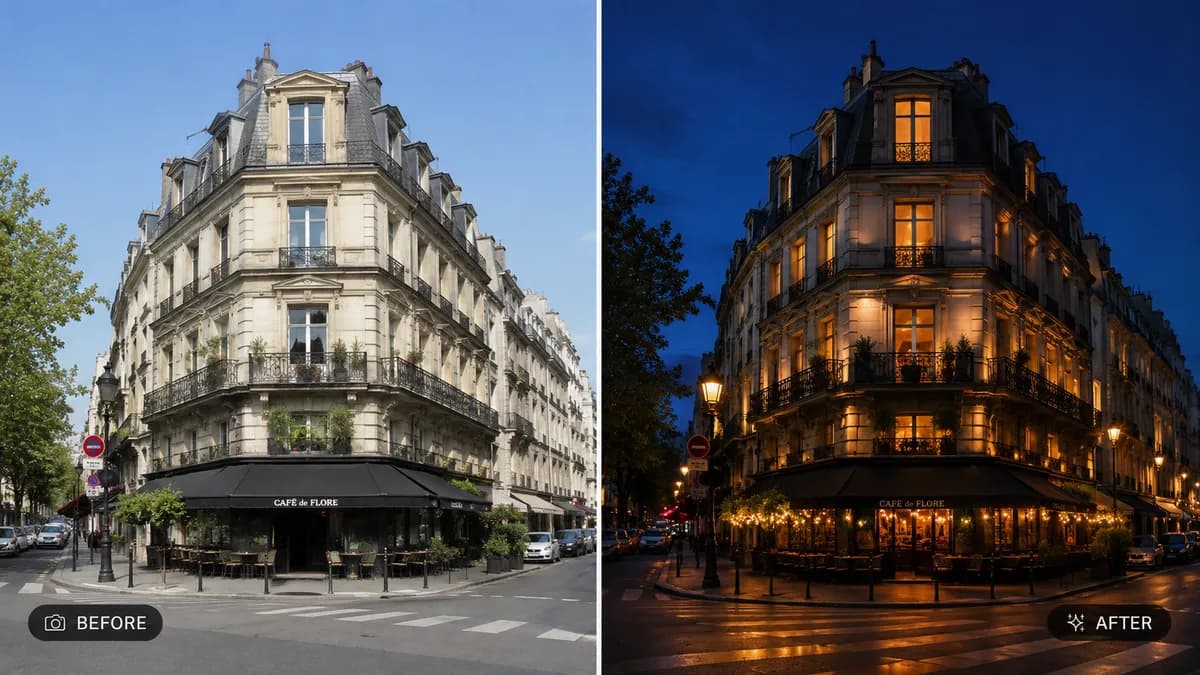
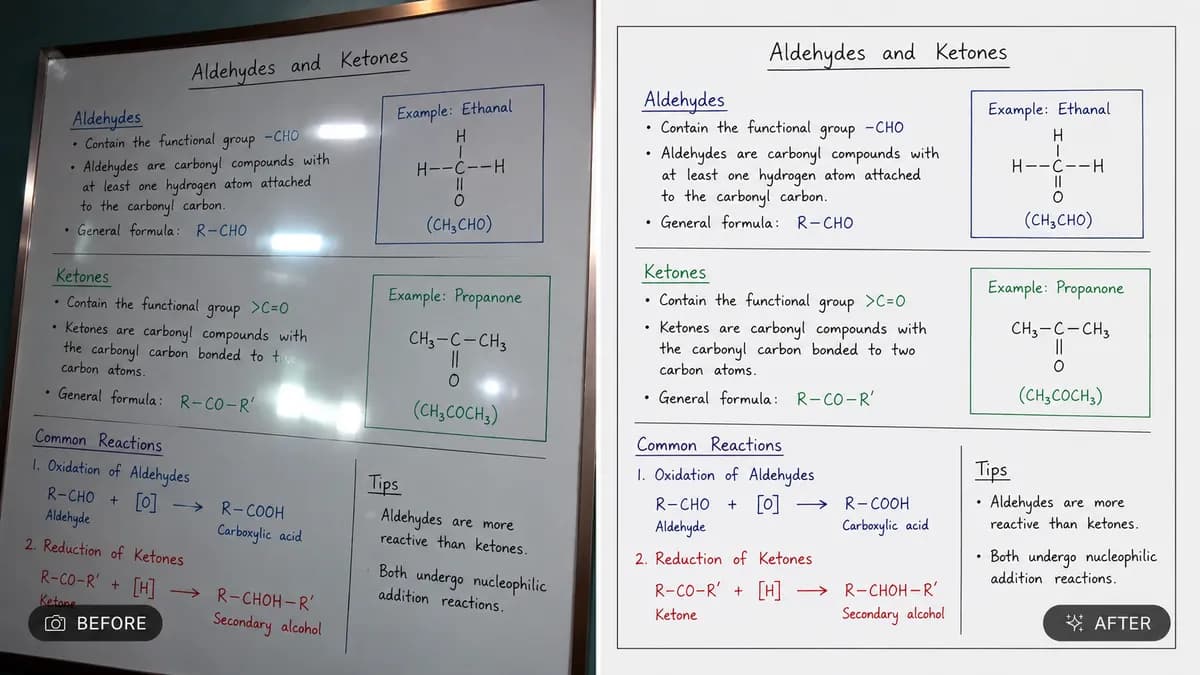
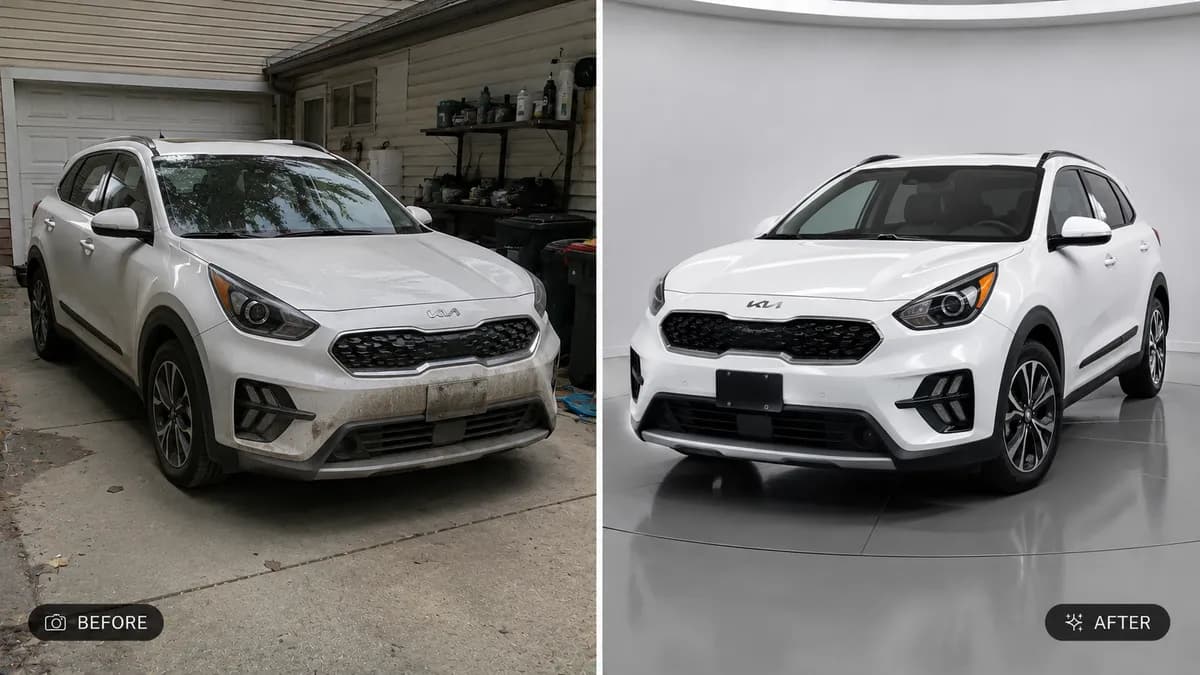
Editable📸 INPUT REFERENCE: Use the uploaded daytime photo as the base
— preserve the exact composition, buildings, landscape, subject
and structural elements precisely as they appear in the original
🌙 TIME CONVERSION TASK: Transform the lighting conditions from
daytime to realistic nighttime, as specified by the user (e.g.
"convert to evening twilight," "convert to deep night with
stars," "convert to golden blue hour"). Adjust the entire light
source logic of the scene accordingly
💡 ARTIFICIAL LIGHT INTRODUCTION: Realistically add appropriate
artificial lighting sources that would naturally exist at night
— illuminated windows, street lamps, building lights, car
headlights, or signage glow — placed logically wherever a real
light source would exist in the scene
🌌 SKY TRANSFORMATION: Replace the bright daytime sky with an
accurate night sky appropriate to the requested time (deep blue
twilight, star-filled black sky, or moonlit clouds), including
realistic moonlight direction if applicable
🪞 REFLECTION & GLOW ACCURACY: Update any reflective surfaces
(glass windows, wet pavement, water) to accurately reflect the
new artificial light sources and night sky
🎨 COLOR GRADE SHIFT: Apply a realistic cool-toned night color
grade across shadows while keeping artificial light sources
appropriately warm, mimicking authentic night photography color
temperature contrast
🖌️ STYLE: Photorealistic time-of-day conversion — final result
must look like it was naturally photographed at night, not a
day photo with a dark filter applied on top
🚫 PRESERVE STRUCTURE: Do not alter buildings, landscape shape,
subject pose, or composition — only lighting and sky conditions
change
📐 ASPECT RATIO: Preserve the original photo's exact aspect
ratio and framing