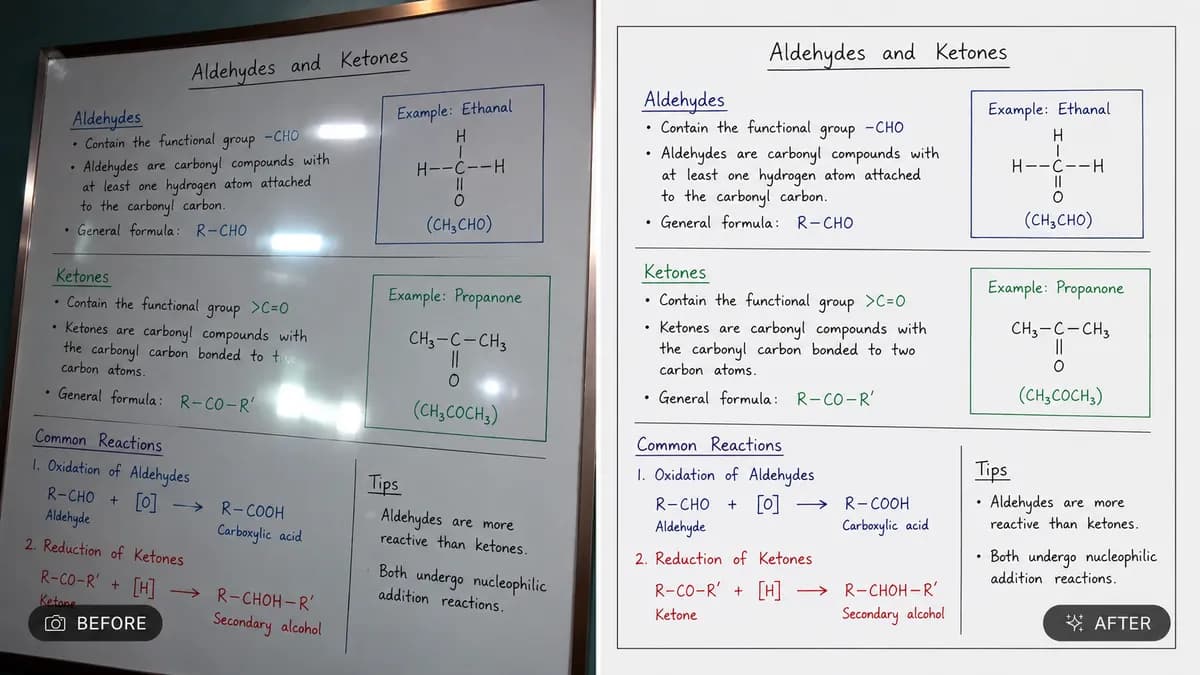
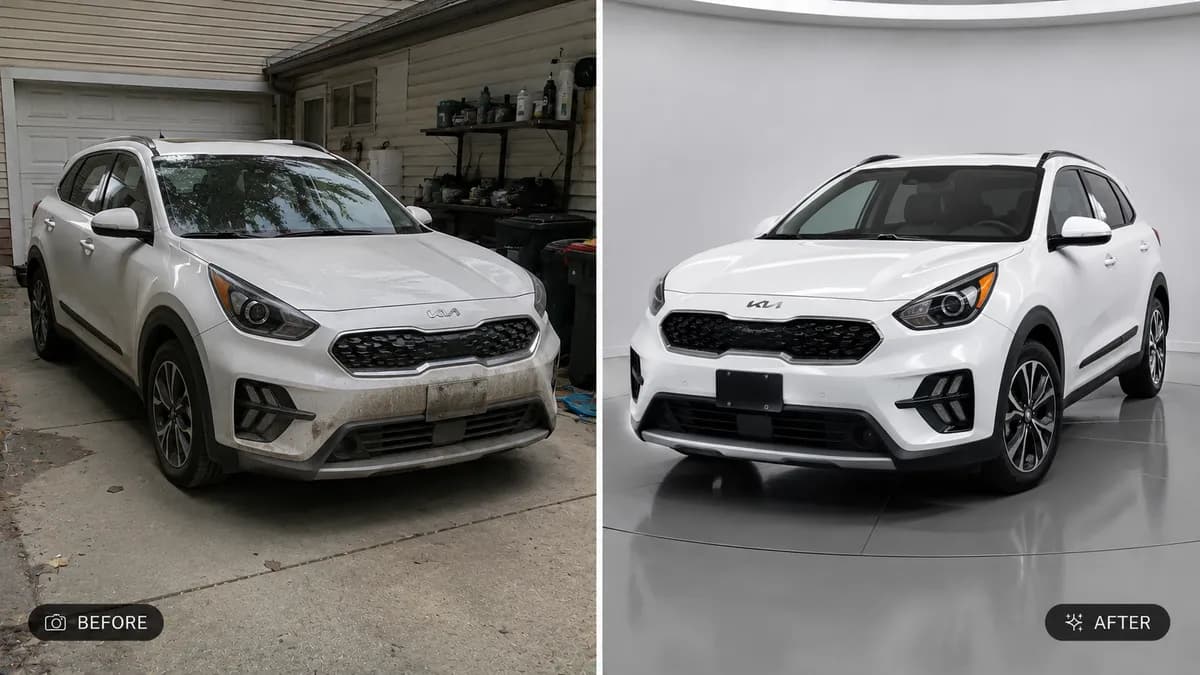
Editable📸 INPUT REFERENCE: Use the uploaded photo as the base —
preserve the subject's exact face, pose, clothing, background
and composition precisely as they appear in the original
💡 EXPOSURE CORRECTION TASK: Balance overall exposure so both
shadow and highlight areas reveal clear detail — recover detail
lost in overly dark underexposed areas, and tone down blown-out
overexposed highlights without making the image look flat or
artificial
🌗 DYNAMIC RANGE ENHANCEMENT: Improve the natural range between
light and dark areas of the photo, similar to a professional
HDR correction, while keeping contrast looking natural rather
than exaggerated or "AI-processed"
🎨 WHITE BALANCE CORRECTION: Correct any unnatural color cast
caused by poor lighting conditions (e.g. yellow indoor lighting,
blue shade, greenish fluorescent tint) so skin tones and colors
appear natural and true to life
🌥️ BACKLIT/SILHOUETTE FIX: If the subject appears as a dark
silhouette against a bright background (common backlighting
issue), brighten the subject naturally while preserving the
background's correct exposure, blending both seamlessly
🖌️ STYLE: Photorealistic correction — final result must look
like it was captured by a skilled photographer in ideal lighting
conditions, never artificially brightened or filtered
🚫 IDENTITY PRESERVATION: Never alter facial structure, skin
tone identity, or any other feature beyond correcting lighting
and exposure
📐 ASPECT RATIO: Preserve the original photo's exact aspect
ratio and framing