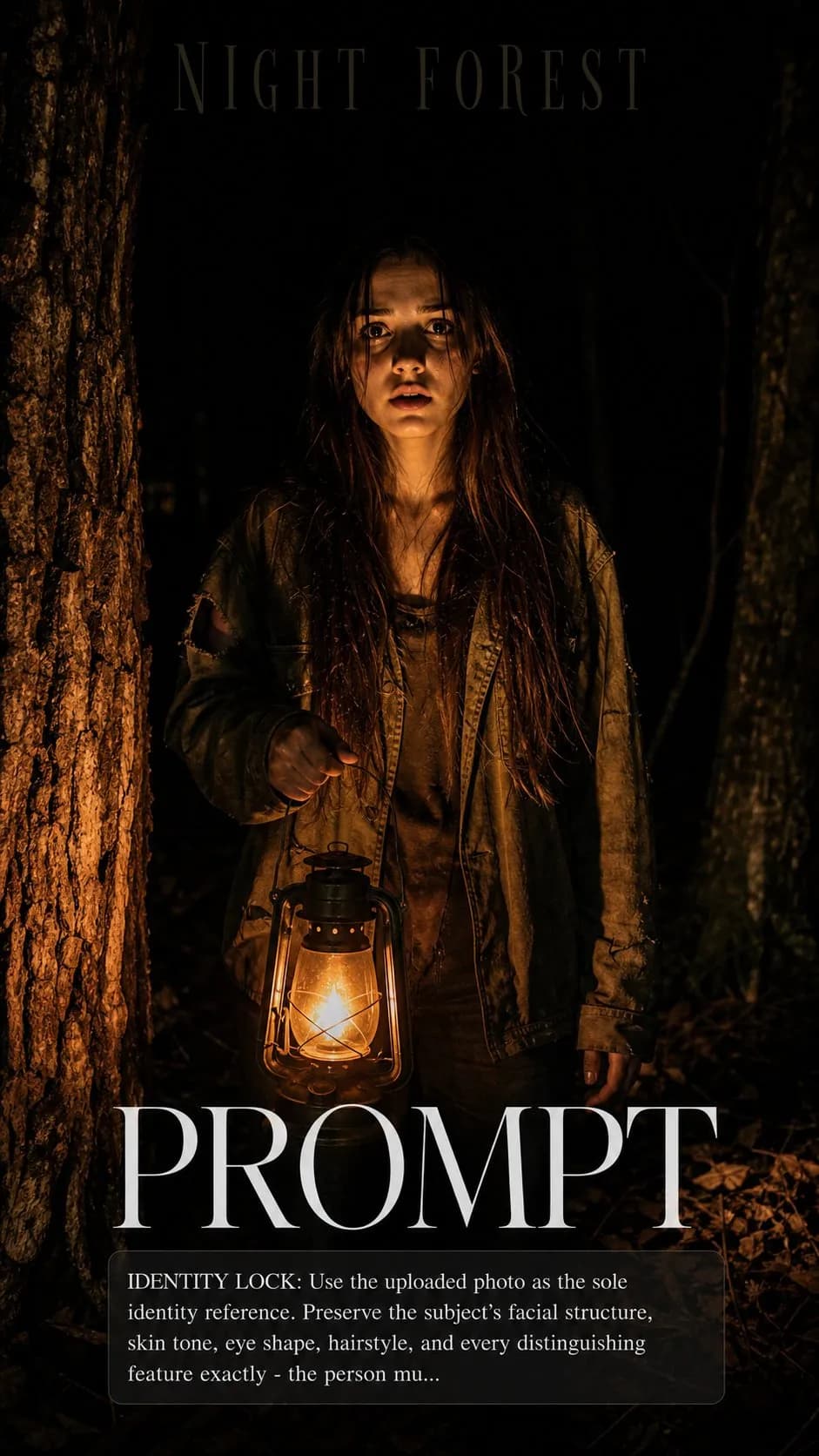
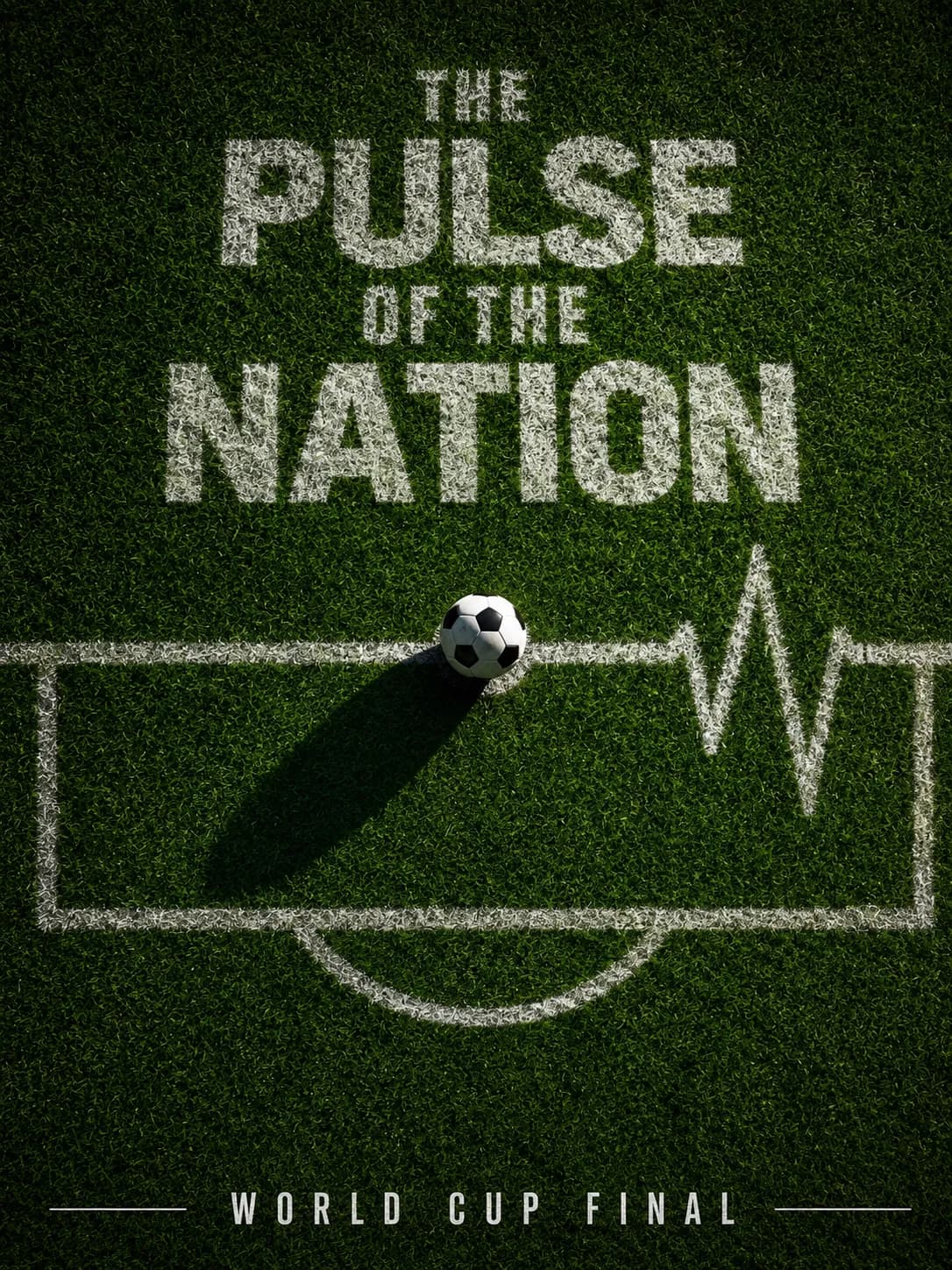
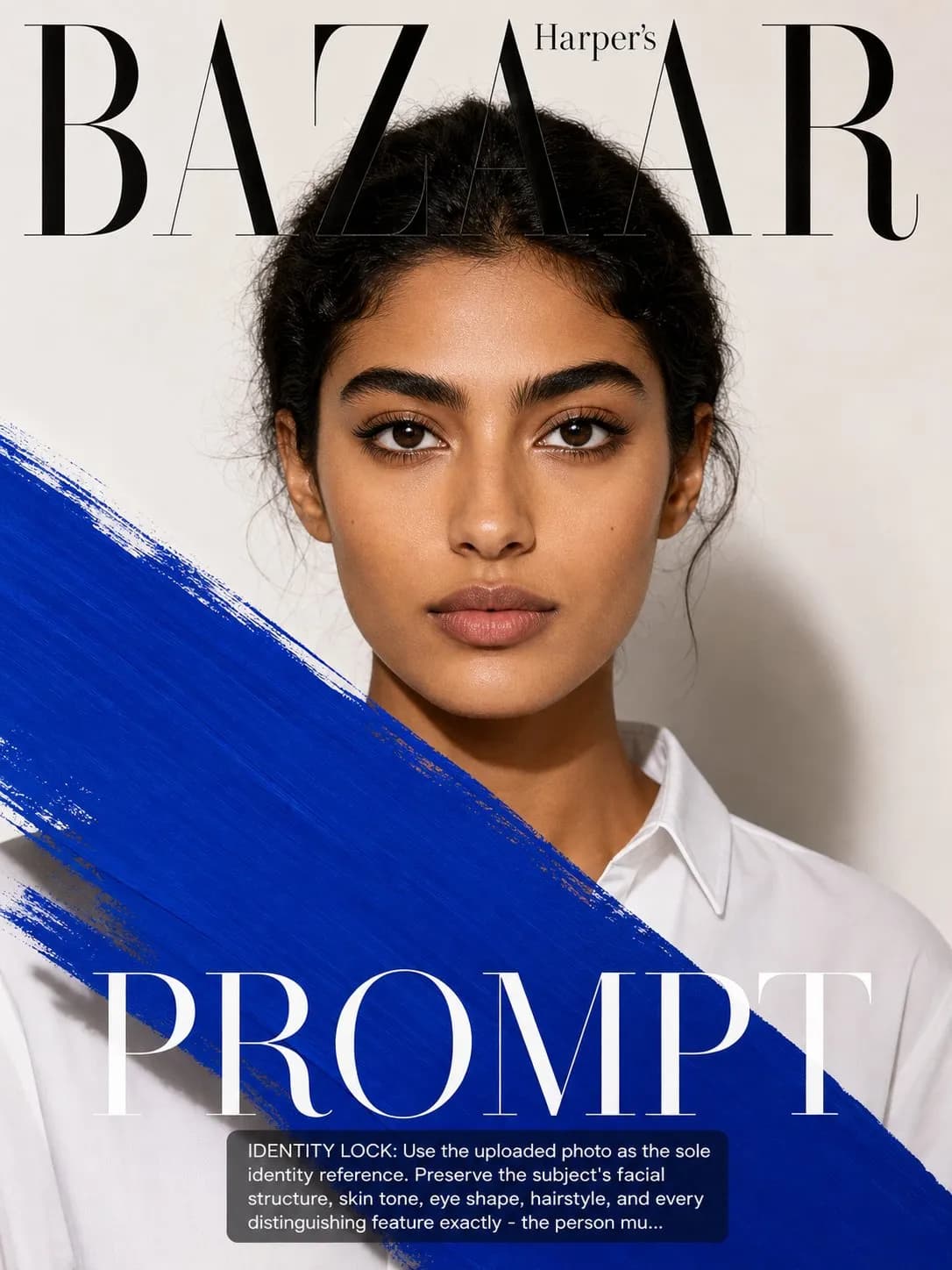
Key instructions to preserve
SCENE: Subject rendered as the cover subject of a fictional National Geographic issue — the iconic yellow border framing a portrait that tells a story of exploration and discovery.
IDENTITY LOCK: Use the uploaded photo as the sole identity reference. Preserve the subject's facial structure, skin tone, eye shape, hairstyle, and every distinguishing feature exactly — the person must remain instantly recognizable. SCENE: Subject rendered as the cover subject of a fictional National Geographic issue — the iconic yellow border framing a portrait that tells a story of exploration and discovery. The subject looks directly at the camera with the quiet intensity of someone who has seen things most people haven't. Behind them: a dramatic natural landscape — a glacier, a vast canyon, or a remote coastline — slightly blurred but clearly epic in scale. PHYSICS & CRAFT: Natural available light photography — this is the National Geographic philosophy: no flash, no studio. If in open outdoor shade, a flat diffused sky light at 6500K. If in partial sun, a soft sidelight from 60° above. Either way the lighting reads as real, present, and honest. Wind may affect hair and clothing. The natural environment's light should be consistent with the landscape behind. TECHNICAL EXECUTION: Canon 85mm 1.4 or equivalent telephoto, f/4, face perfectly sharp, landscape background soft enough to not compete. Slightly desaturated for journalistic honesty. The famous yellow border. National Geographic masthead in recognizable type. HARD CONSTRAINTS: Do not impose explorer costume — the subject's own clothing is appropriate regardless of what they wear. Do not add gear or equipment unless naturally fitting. The landscape must be a real-world type location — no fantasy or fictional terrain. The intensity of the gaze is the cover — do not change the subject's expression to something neutral.

0 people have copied this prompt
National Geographic Explorer Cover is a poster prompt for GPT Image 2, composed for a 3:4 image. SCENE: Subject rendered as the cover subject of a fictional National Geographic issue — the iconic yellow border framing a portrait that tells a story of exploration and discovery.
SCENE: Subject rendered as the cover subject of a fictional National Geographic issue — the iconic yellow border framing a portrait that tells a story of exploration and discovery.
Keep the prompt structure, then replace the main subject, action, or environment in "SCENE: Subject rendered as the cover subject of a fictional National Geographic issue — the iconic yellow border framing a portrait that tells a story...".
Adjust one visual signal at a time, such as "85mm", "f/4", "telephoto", "national geographic cover prompt", so you can identify which instruction changes the result.
Use the portrait frame for editorial-style compositions with enough surrounding context to establish the scene.
Use one clear reference image and retain the identity-lock instructions when changing clothing, lighting, background, or camera direction.
Use direct natural-language edits after the first generation. State what must remain unchanged before describing the single element you want to revise.
Judge the result by hierarchy: the main subject must read first, supporting graphics second, and any text area must remain uncluttered.
Three simple steps to generate your AI image.
Click the "Copy Full Prompt" button above to copy the entire prompt text to your clipboard instantly.
Open your preferred image generator and paste the prompt into the text input. You're ready to create.
Hit generate and watch the magic happen. Tweak the prompt parameters to make it your own.