Key instructions to preserve
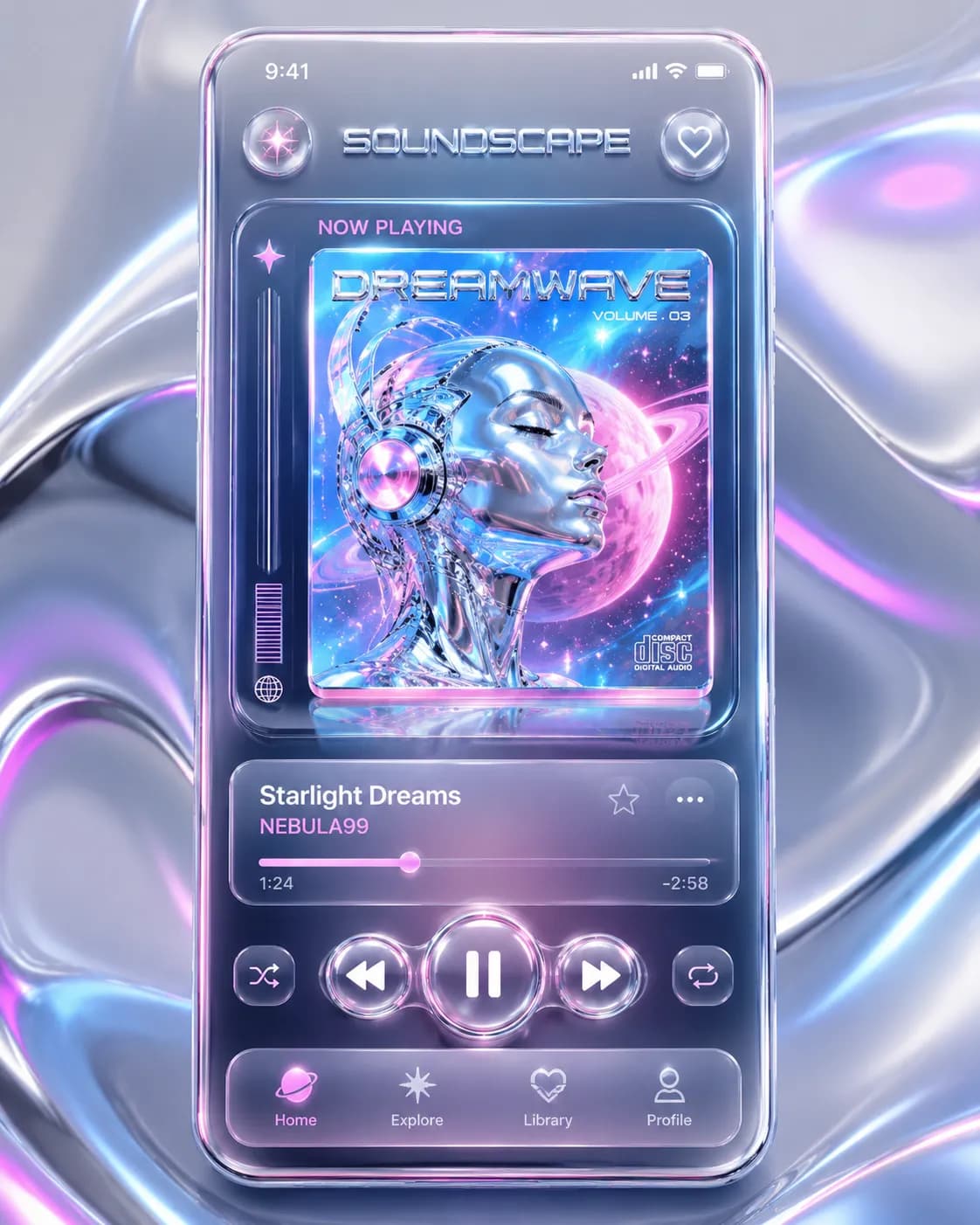
A premium UI/UX mobile app design mockup for a futuristic music streaming app.
A premium UI/UX mobile app design mockup for a futuristic music streaming app. The screen displays a sleek music player interface with bold, crisp typography reading "SOUNDSCAPE" at the top header and "NOW PLAYING" right above a holographic 3D album cover. The app features tactile, liquid-chrome playback buttons and frosted glass cards. [Style] The art direction beautifully blends the trending Neo-Y2K aesthetic with modern UI design, utilizing glassmorphism, glowing futuristic elements, and glossy, reflective 3D metallic UI components. [Composition] Captured in a straight-on, flat-lay presentation of a bezel-less smartphone floating slightly above a smooth, abstract fluid background. The layout is perfectly centered, framed with clean negative space for a professional Dribbble-style showcase. [Lighting] Illuminated by soft studio softbox lighting paired with a vibrant neon rim light that catches the 3D chrome details and creates pristine, glossy screen reflections. [Color Palette] A high-energy Y2K color palette featuring metallic silver chrome, iridescent bubblegum pink, cyber blue, and crisp white. [Quality Boosters] 8K resolution, ultra-detailed, sharp focus, perfect typography formatting, Behance top trending UI/UX, professional mockup layout, masterpiece. --ar 3:4
0 people have copied this prompt
Neo-Y2K Music App UI Mockup is a ui design prompt for GPT Image 2, composed for a 3:4 image. A premium UI/UX mobile app design mockup for a futuristic music streaming app.
A premium UI/UX mobile app design mockup for a futuristic music streaming app.
Keep the prompt structure, then replace the main subject, action, or environment in "A premium UI/UX mobile app design mockup for a futuristic music streaming app.".
Adjust one visual signal at a time, such as "rim light", "3:4 composition", "UI Design style", so you can identify which instruction changes the result.
Use the portrait frame for editorial-style compositions with enough surrounding context to establish the scene.
Use direct natural-language edits after the first generation. State what must remain unchanged before describing the single element you want to revise.
Judge the result by how clearly it communicates the intended ui design direction while keeping the subject, environment, and visual treatment consistent.
Three simple steps to generate your AI image.
Click the "Copy Full Prompt" button above to copy the entire prompt text to your clipboard instantly.
Open your preferred image generator and paste the prompt into the text input. You're ready to create.
Hit generate and watch the magic happen. Tweak the prompt parameters to make it your own.