topimageprompttopimageprompt
Explore

BROWSE BY

  • By AI EngineMidjourney, DALL-E, Stable Diffusion
  • By MoodDark, Dreamy, Epic, Minimal, Warm
  • By Aspect RatioSquare 1:1 · Portrait 9:16 · Wide 16:9

LIBRARY SIZE

  • 600 PromptsTotal in library
  • 12 CategoriesAcross all styles
  • Updated DailyNew prompts every day
Collections

Curated Collections

View all
World Cup 2026 AI PromptsWorld Cup 2026 AI PromptsWorld Cup 2026 AI PromptsWorld Cup 2026 AI Prompts
World Cup 2026 AI Prompts
57 Prompts
Trending

Trending Now

Updated hourly
CEO Headshot Upgrade
GPT Image 2 · 3 copies
#1
Japanese Ama Freediver Surfacing Ocean Dawn
GPT Image 2 · 3 copies
#2
Wildfire Smoke Sunset Portrait
GPT Image 2 · 2 copies
#3
Blizzard Portrait: Into the White
GPT Image 2 · 2 copies
#4
Legend 30th Anniversary Reissue Cover
GPT Image 2 · 2 copies
#5
This week's most copied prompt
Blog

Latest Articles

View all
How to Get Canva Pro for FREE in 2026: The Complete Student & Creator Guide (Magic Studio AI)
AI Tools & Design · Aug 13, 2026
How to Get GPT-5.6 (Sol & Luna) and Frontier 2026 AI Models for FREE: 5 Legit Working Methods
AI Tools & Tutorials · Aug 13, 2026
How to Get GitHub Copilot for FREE (100% Legal): The Step-by-Step Student Developer Pack Guide (2026)
AI Tools & Developer Guides · Aug 12, 2026
Get weekly prompt tipsRead the Blog
Sign in
topimageprompttopimageprompt
Sign in
ExploreCollectionsTrendingBlog
topimageprompttopimageprompt
ExploreCollectionsTrendingBlog
Sign in
Loading page content
topimageprompttopimageprompt

The world's cleanest AI prompt library. Browse, discover, and copy prompts for your favorite image generator.

Explore

  • All Prompts
  • Models & Styles
  • Trending
  • New Arrivals
  • Collections
  • Blog
  • Site Map

Categories

  • Photorealism
  • Cyberpunk
  • 3D Render
  • Anime
  • Dark Fantasy
  • All Categories

Stay Updated

Get weekly prompt drops and style guides in your inbox.

No spam. Just new prompt alerts.

© 2026 topimageprompt. All rights reserved.
About
Editorial Policy
Privacy Policy
Terms of Use
Contact
Site Map
Loading page content
Home/Explore/UI Design/Premium Fitness Dashboard UI Design Dark Mode Digital Art
Back to Explore
Premium Fitness Dashboard UI Design Dark Mode Digital Art example created for GPT Image 2 in 3:4
3:4 aspect ratio·GPT Image 2·1 copies
UI Design Prompt

Premium Fitness Dashboard UI Design Dark Mode Digital Art

GPT Image 23:4UI Design
Editable

SUBJECT: A premium fitness tracking app dashboard screen floating in mid-air at slight angle ACTION/POSE: screen showing live workout data — heart rate spike graph, calorie burn counter, active streak calendar all updating in real-time with smooth micro-animations visible SETTING: clean dark mode background with soft gradient mesh, subtle glass morphism cards floating at different depth layers, ambient glow from screen edges LIGHTING: deep charcoal background with electric lime green accent glow from active data points, soft purple ambient rim light on card edges, single overhead spotlight creating realistic screen reflection STYLE: ultra-modern digital art UI design, clean sans-serif typography, glass morphism cards with frosted blur, minimal icon system, Apple Health meets Notion aesthetic COLOR PALETTE: deep matte black #0D0D0D background, electric lime #39FF14 data accents, soft lavender #B388FF ambient glow, pure white #FFFFFF typography DETAIL LEVEL: every number and label fully legible — header reads "DAILY PULSE" in bold 24pt Inter font, subheader "Wednesday, June 18 · Week 24", heart rate reads "142 BPM · ZONE 4", calorie counter shows "1,847 / 2,200 KCAL", streak badge reads "🔥 18 DAY STREAK", bottom navigation labels "HOME · WORKOUT · SLEEP · NUTRITION · PROFILE", micro-shadow under each card, realistic phone bezel visible at edges RENDER ENGINE FEEL: Dribbble #1 trending UI design, Behance featured project quality, Figma exported at 3x resolution ASPECT RATIO: 3:4 Portrait

1 people have copied this prompt

Share:
AI EngineGPT Image 2
CategoryUI Design
Aspect Ratio3:4
Total Copies1
Reviewed by
T
topimageprompt Editorial Team
Prompt breakdown

Why this ui design prompt works

Premium Fitness Dashboard UI Design Dark Mode Digital Art is a ui design prompt for GPT Image 2, composed for a 3:4 image. SUBJECT: A premium fitness tracking app dashboard screen floating in mid-air at slight angle ACTION/POSE: screen showing live workout data — heart rate spike graph, calorie burn counter, active streak calendar all updating in real-time with smooth micro-animat

Creative direction

Key instructions to preserve

SUBJECT: A premium fitness tracking app dashboard screen floating in mid-air at slight angle ACTION/POSE: screen showing live workout data — heart rate spike graph, calorie burn counter, active streak calendar all updating in real-time with smooth micro-animat

Visual signals

Details shaping the result

rim lightspotlight3:4 compositionUI Design style
Make it your own

How to customize this exact prompt

01

Subject and scene

Keep the prompt structure, then replace the main subject, action, or environment in "SUBJECT: A premium fitness tracking app dashboard screen floating in mid-air at slight angle ACTION/POSE: screen showing live workout data — heart rat...".

02

Style and detail

Adjust one visual signal at a time, such as "rim light", "spotlight", "3:4 composition", "UI Design style", so you can identify which instruction changes the result.

03

3:4 composition

Use the portrait frame for editorial-style compositions with enough surrounding context to establish the scene.

GPT Image 2 workflow

Test changes without losing the baseline

Use direct natural-language edits after the first generation. State what must remain unchanged before describing the single element you want to revise.

  1. Generate the prompt unchanged to establish a GPT Image 2 baseline.
  2. Keep "SUBJECT: A premium fitness tracking app dashboard screen floating in mid-air at slight angle ACTION/POSE: screen showing live workout d" fixed and adjust only rim light.
  3. Restore the baseline, adjust only spotlight, and compare which version better supports the ui design goal.
UI Design quality check

What to inspect before saving

Judge the result by how clearly it communicates the intended ui design direction while keeping the subject, environment, and visual treatment consistent.

  • Subject: confirm the result still communicates "SUBJECT: A premium fitness tracking app dashboard screen floating in mid-air at slight angle ACTION/POSE: screen showing live workout data — heart rat".
  • Visual direction: check that rim light and spotlight support the same result instead of competing for attention.
  • Composition: verify the main subject and important details remain readable inside the 3:4 frame.
Continue with this model and style
GPT Image 2 promptsUI Design prompts
Explore related uses
UI Design

How to use this prompt

Three simple steps to generate your AI image.

1

Copy the Prompt

Click the "Copy Full Prompt" button above to copy the entire prompt text to your clipboard instantly.

2

Paste into your generator

Open your preferred image generator and paste the prompt into the text input. You're ready to create.

3

Generate & Customize

Hit generate and watch the magic happen. Tweak the prompt parameters to make it your own.

More like this

UI Design
View all UI Design prompts →
Premium SaaS Analytics Dashboard UI Design Digital Art

Premium SaaS Analytics Dashboard UI Design Digital Art

GPT Image 2#UI Design21:9
Futuristic FIFA World Cup 2026 "Road to the Final" Tournament Tracker UI Studio

Futuristic FIFA World Cup 2026 "Road to the Final" Tournament Tracker UI Studio

GPT Image 2#UI Design16:9
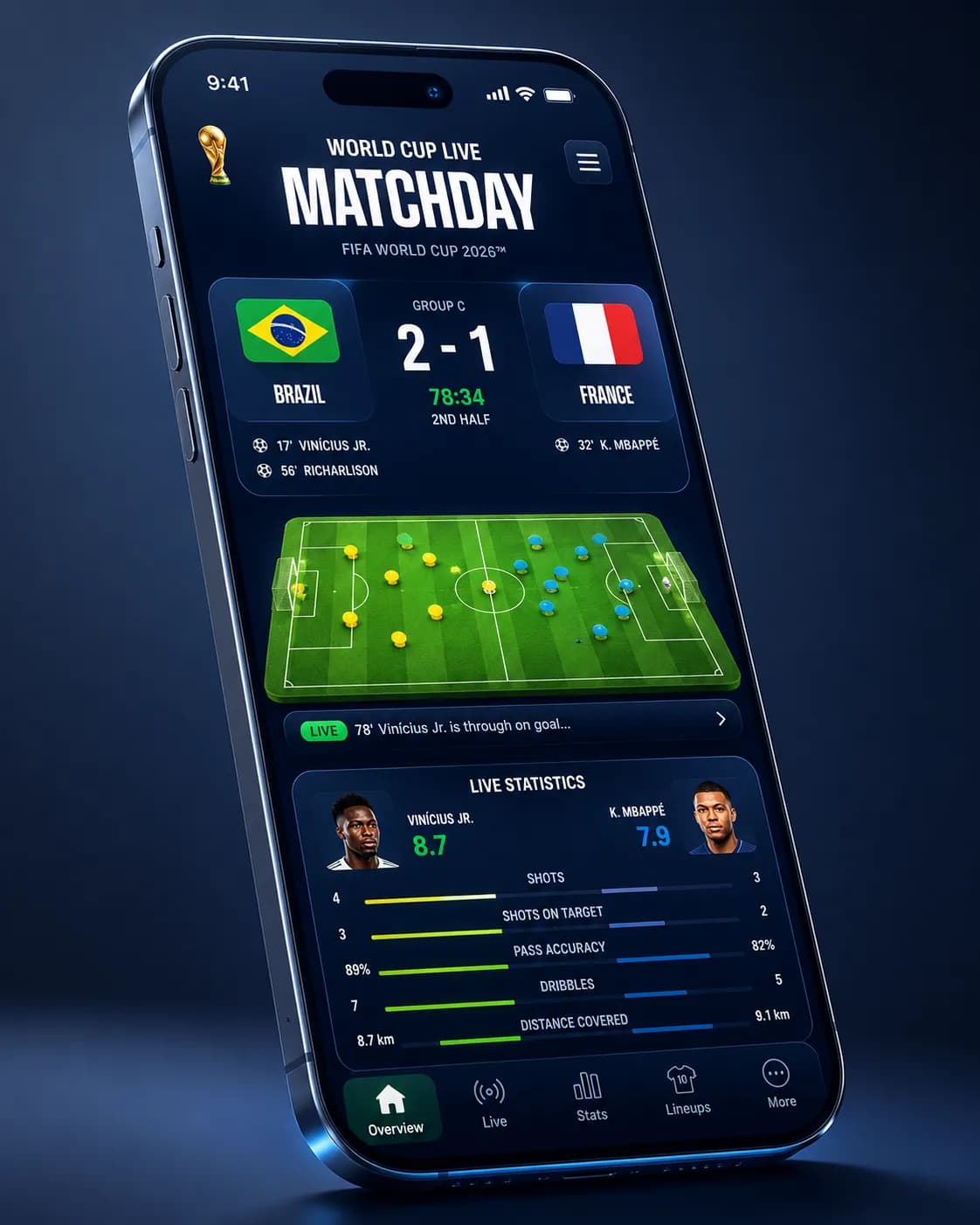
World Cup 2026 Live Score Mobile App Dark UI Design

World Cup 2026 Live Score Mobile App Dark UI Design

GPT Image 2#UI Design4:5
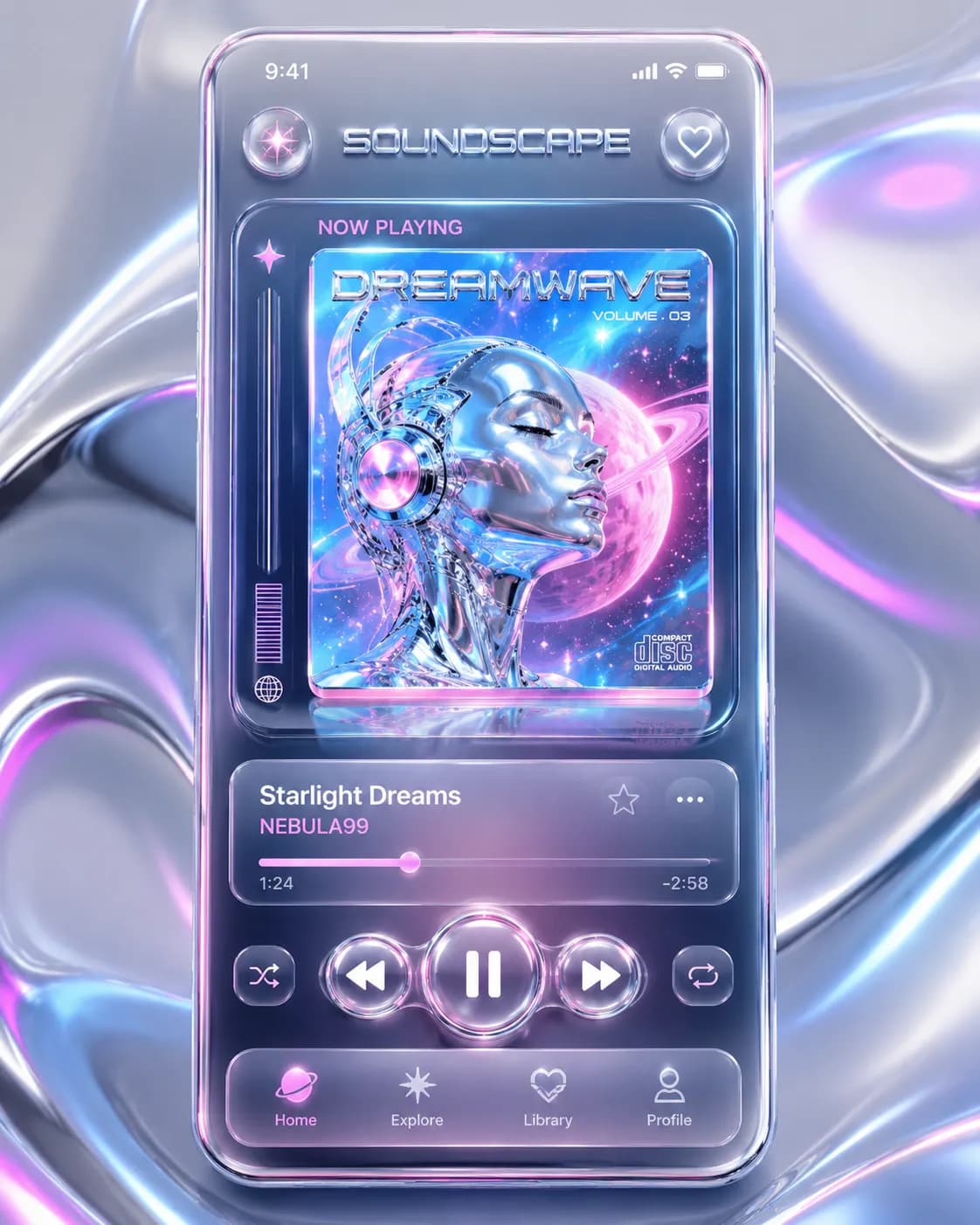
Neo-Y2K Music App UI Mockup

Neo-Y2K Music App UI Mockup

GPT Image 2#UI Design3:4