Key instructions to preserve
A high-end UI/UX mobile app design mockup for a professional football live-scoring application.
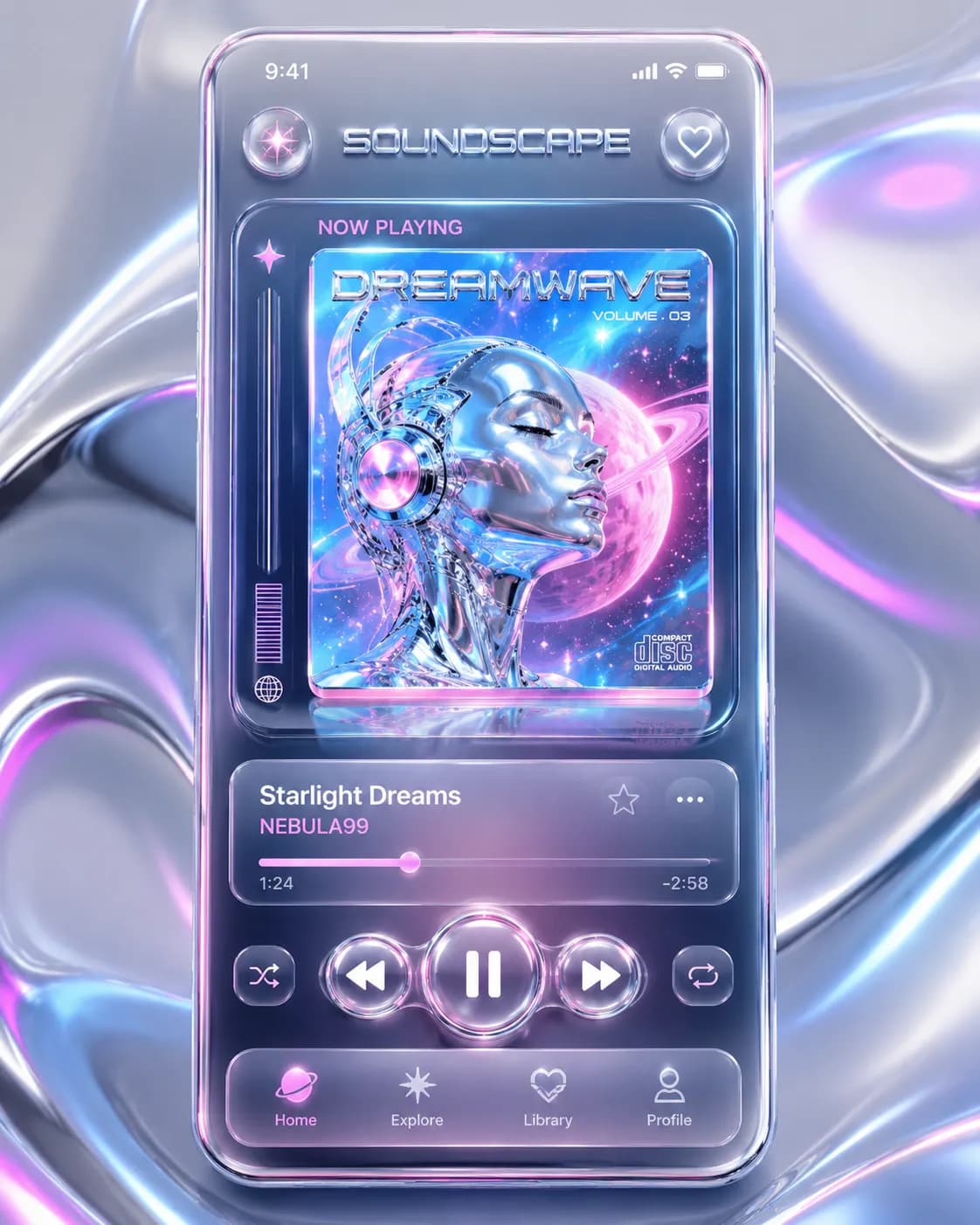
[Subject] A high-end UI/UX mobile app design mockup for a professional football live-scoring application. The sleek modern interface displays an ongoing World Cup match dashboard, featuring bold, flawless typography at the top that reads "WORLD CUP LIVE" and "MATCHDAY". The screen highlights sleek, frosted glass scorecards for two national teams, live player statistic widgets, and a prominent 3D virtual football pitch graphic. [Style] The art direction utilizes a premium digital UI design aesthetic, blending sleek minimalism with trendy glassmorphism. It mimics top-tier Apple human interface guidelines, focusing on tactile soft drop shadows, clean geometric shapes, and highly legible typography. [Composition] Captured as a dynamic 3D floating presentation, featuring a sleek, bezel-less smartphone angled slightly diagonally. The phone is perfectly centered against a smooth, minimalist background, leaving elegant, airy negative space to create a striking Behance-style portfolio showcase. [Lighting] Illuminated by soft, diffused studio softbox lighting paired with a subtle, cool neon rim light that perfectly catches the glossy metallic edges of the device and creates pristine, realistic screen reflections. [Color Palette] A high-contrast, sporty color palette consisting of deep navy blue, crisp optic white, vibrant pitch green, and metallic silver. [Quality Boosters] 8K resolution, ultra-detailed, sharp focus, flawless typography integration, Dribbble top trending UI/UX, professional 3D mockup layout, masterpiece. --ar 4:5
0 people have copied this prompt
World Cup 2026 Live Score Mobile App Dark UI Design is a ui design prompt for GPT Image 2, composed for a 4:5 image. A high-end UI/UX mobile app design mockup for a professional football live-scoring application.
A high-end UI/UX mobile app design mockup for a professional football live-scoring application.
Keep the prompt structure, then replace the main subject, action, or environment in "A high-end UI/UX mobile app design mockup for a professional football live-scoring application.".
Adjust one visual signal at a time, such as "rim light", "4:5 composition", "UI Design style", so you can identify which instruction changes the result.
Keep the focal subject prominent in the portrait frame while preserving enough background detail for feed and poster layouts.
Use direct natural-language edits after the first generation. State what must remain unchanged before describing the single element you want to revise.
Judge the result by how clearly it communicates the intended ui design direction while keeping the subject, environment, and visual treatment consistent.
Three simple steps to generate your AI image.
Click the "Copy Full Prompt" button above to copy the entire prompt text to your clipboard instantly.
Open your preferred image generator and paste the prompt into the text input. You're ready to create.
Hit generate and watch the magic happen. Tweak the prompt parameters to make it your own.