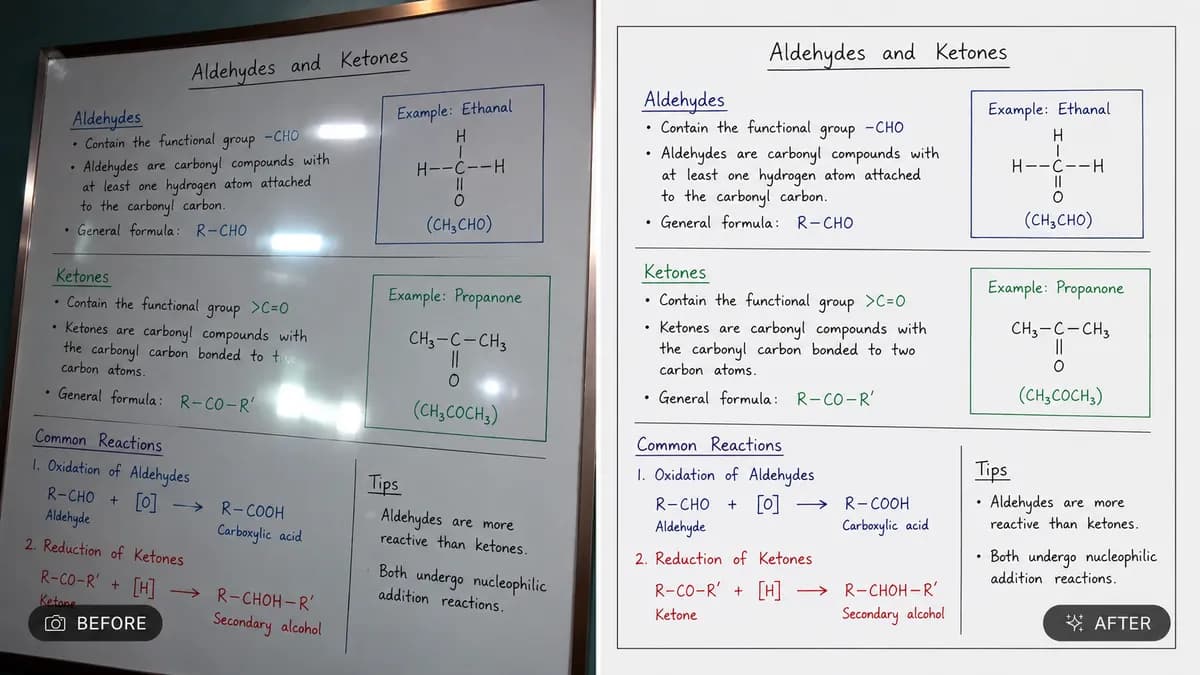
Editable📸 INPUT REFERENCE: Use the uploaded photo as the base —
preserve the main subject exactly as they appear, including
precise edge detail around hair strands, fingers, clothing
fabric edges and any fine or semi-transparent areas (loose
hair, sheer fabric, glasses)
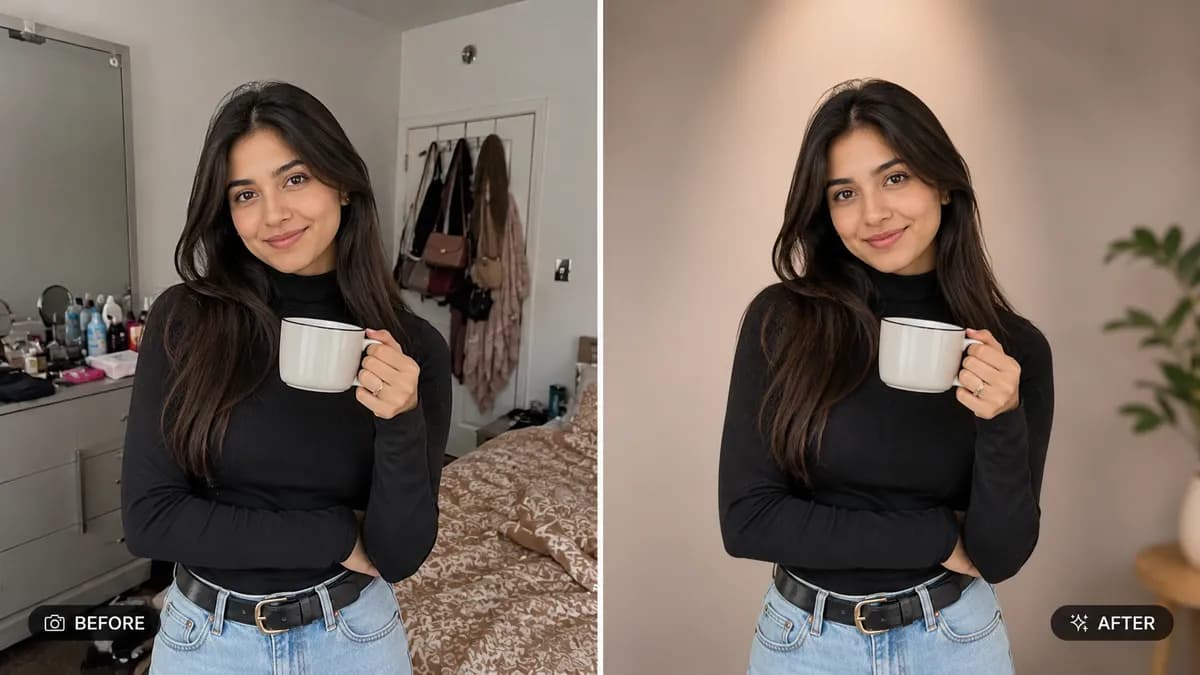
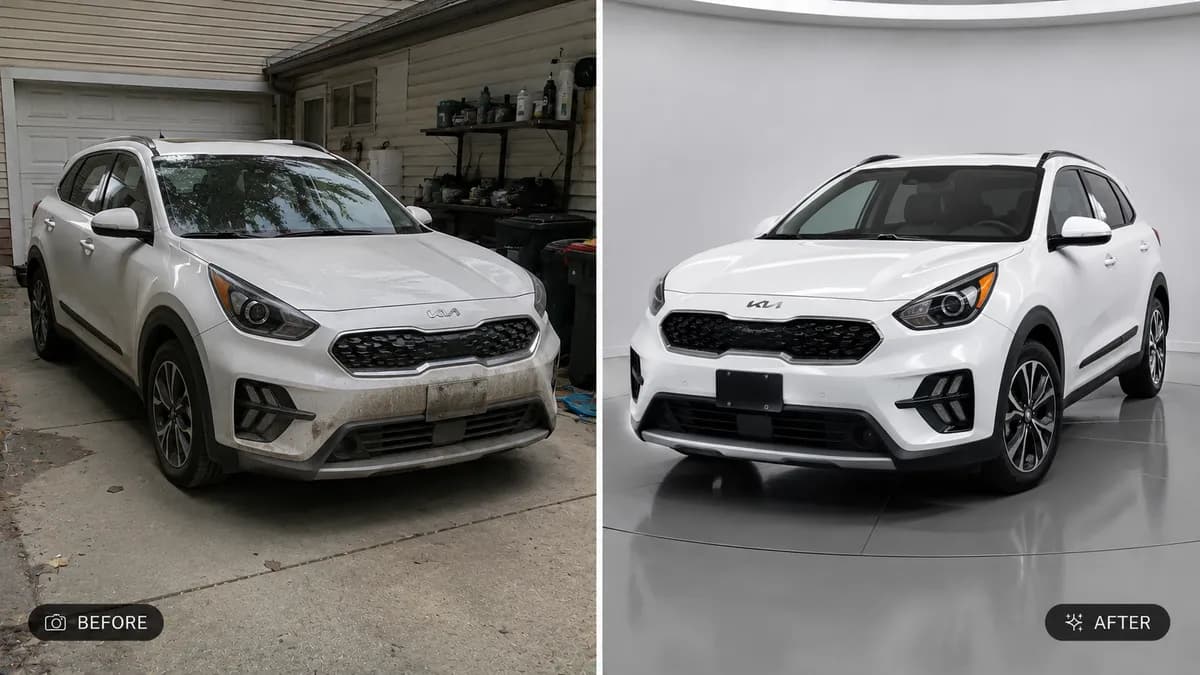
✂️ SUBJECT EXTRACTION: Cleanly separate the main subject from
its original background with pixel-accurate edges — no harsh
cutout lines, no leftover background color fringing, no loss
of fine detail around hair or edges
🌄 BACKGROUND REPLACEMENT: Replace the original background
with [DESCRIBE DESIRED BACKGROUND — e.g. "a softly blurred
modern office," "a clean seamless studio white backdrop,"
"a sunlit outdoor park," "a minimalist gradient backdrop"].
Choose lighting, color temperature and depth that realistically
complements the subject
💡 LIGHTING MATCH: Adjust the lighting and color grading on
the subject so it naturally matches the new background's
light direction, color temperature and shadow softness — the
subject must look like they were originally photographed in
that environment, not pasted on top
🪞 SHADOW & GROUNDING: Add a soft, realistic contact shadow
beneath the subject where it naturally meets the new
background surface so the subject feels physically grounded
in the scene rather than floating
🖌️ STYLE: Photorealistic compositing — final image must look
like a single, naturally captured photograph, with zero visible
seams, halos or mismatched lighting
🚫 IDENTITY PRESERVATION: Never alter the subject's face, body,
pose, or clothing — only the background changes
📐 ASPECT RATIO: Preserve the original photo's aspect ratio
unless a new ratio is specifically requested