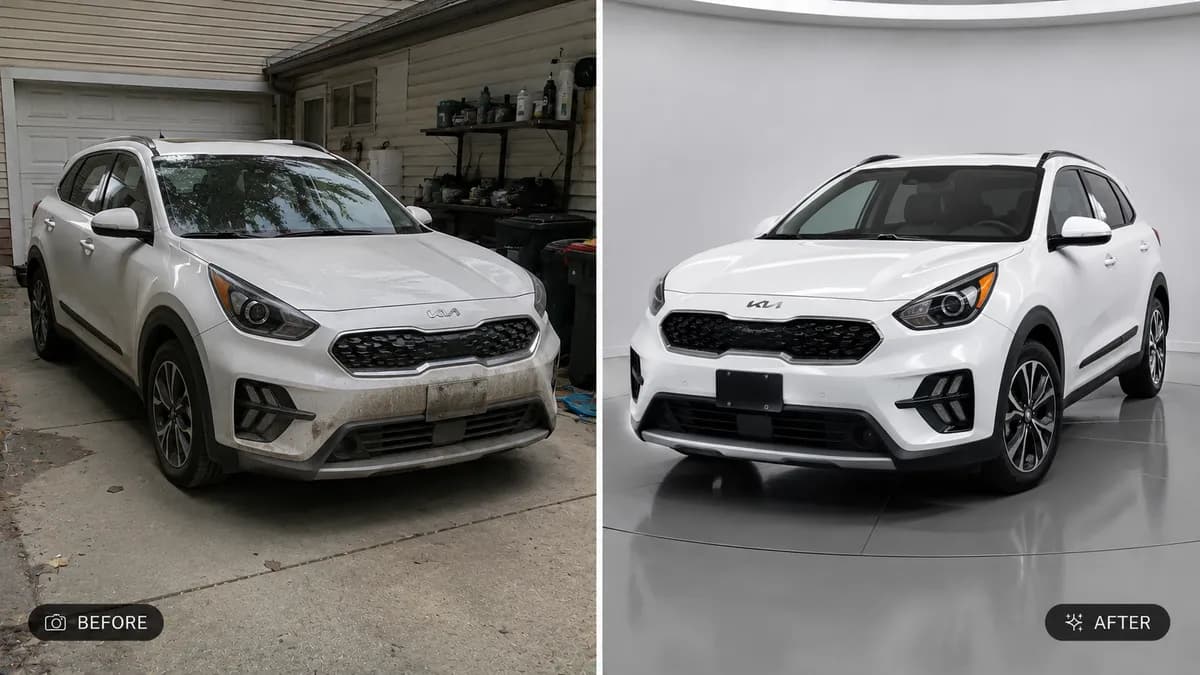
Editable📸 INPUT REFERENCE: Use the uploaded photo as the base —
preserve the entire scene, subject, lighting and composition
exactly as they appear in the original
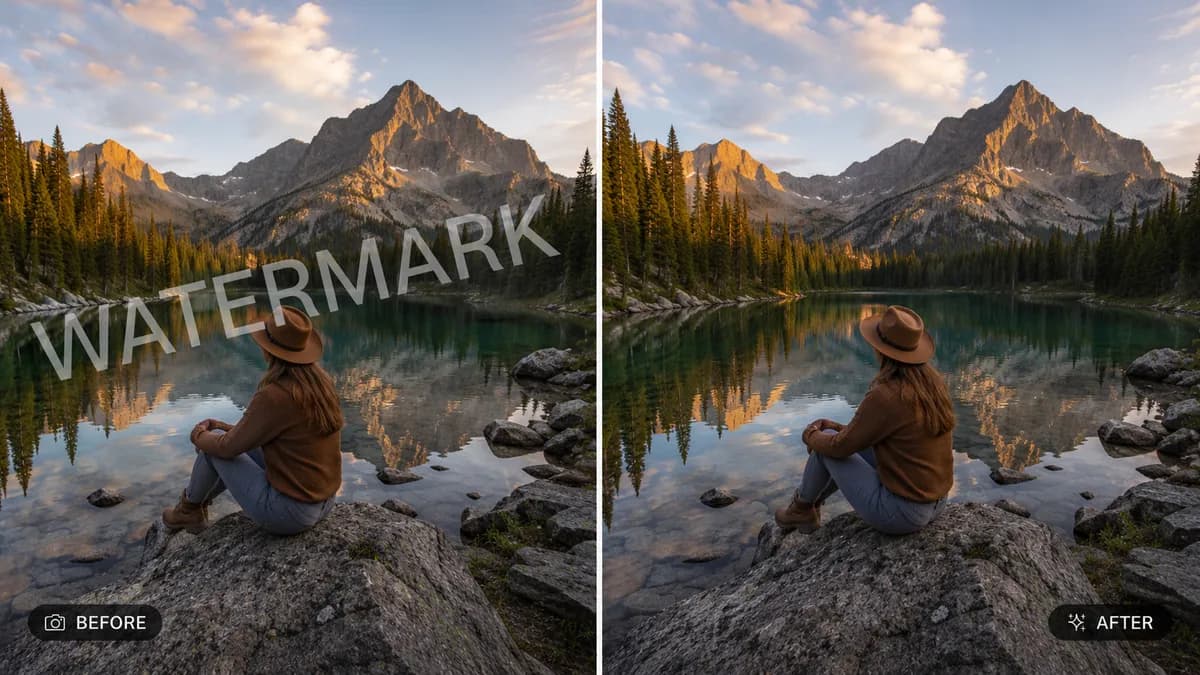
🧹 REMOVAL TASK: Identify and completely remove any watermark,
overlay text, logo stamp, timestamp, or website signature
visible on the image. Cleanly erase it with no visible trace,
ghosting, or discoloration left behind in its place
🧠 INTELLIGENT RECONSTRUCTION: Realistically reconstruct
whatever was originally behind the watermark or text using
context from the surrounding image — matching texture, pattern,
lighting, perspective, and color so the area looks like it was
always part of the original, undisturbed photo
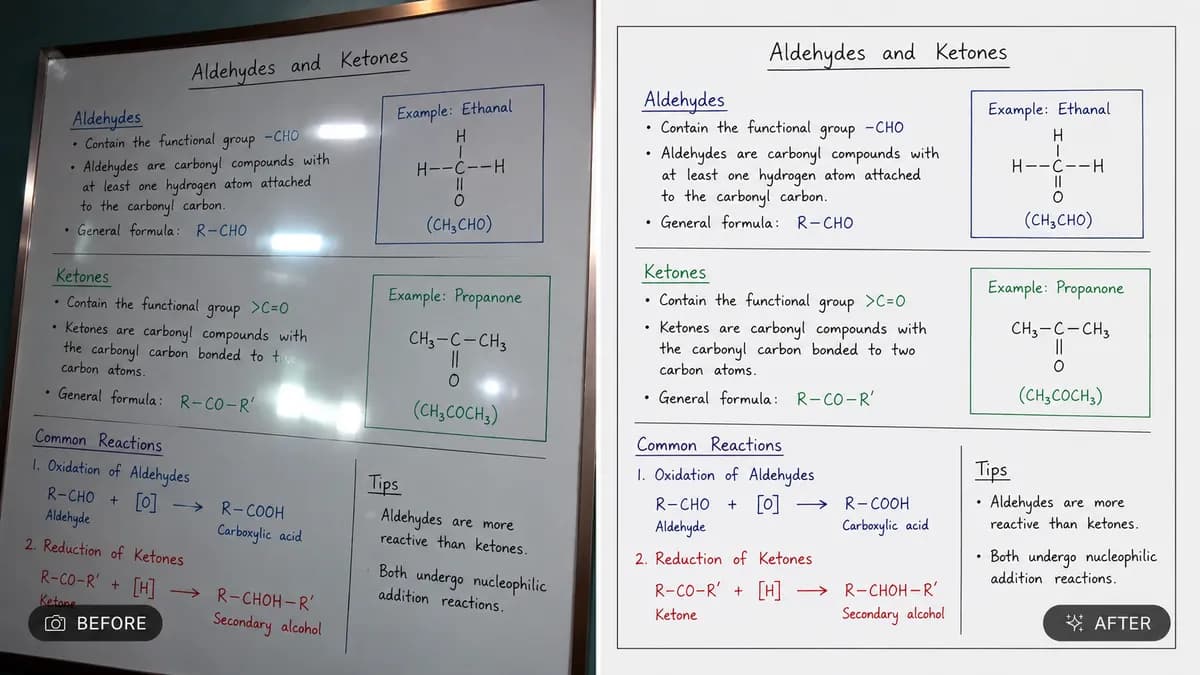
🔍 EDGE BLENDING: Pay close attention to areas where the
watermark overlapped fine detail (faces, text, patterns, edges)
— reconstruct these naturally without leaving smudges, blur
patches, or warped lines
💡 LIGHTING CONSISTENCY: Ensure the reconstructed area matches
the exact lighting direction, shadow falloff and color
temperature of the surrounding photo
🖌️ STYLE: Photorealistic editing — the final image must look
like a single, naturally captured photograph with zero visible
editing artifacts
🚫 PRESERVE EVERYTHING ELSE: Do not alter the main subject,
composition, or any other part of the image — only the watermark
or overlay text is removed
📐 ASPECT RATIO: Preserve the original photo's exact aspect
ratio and framing