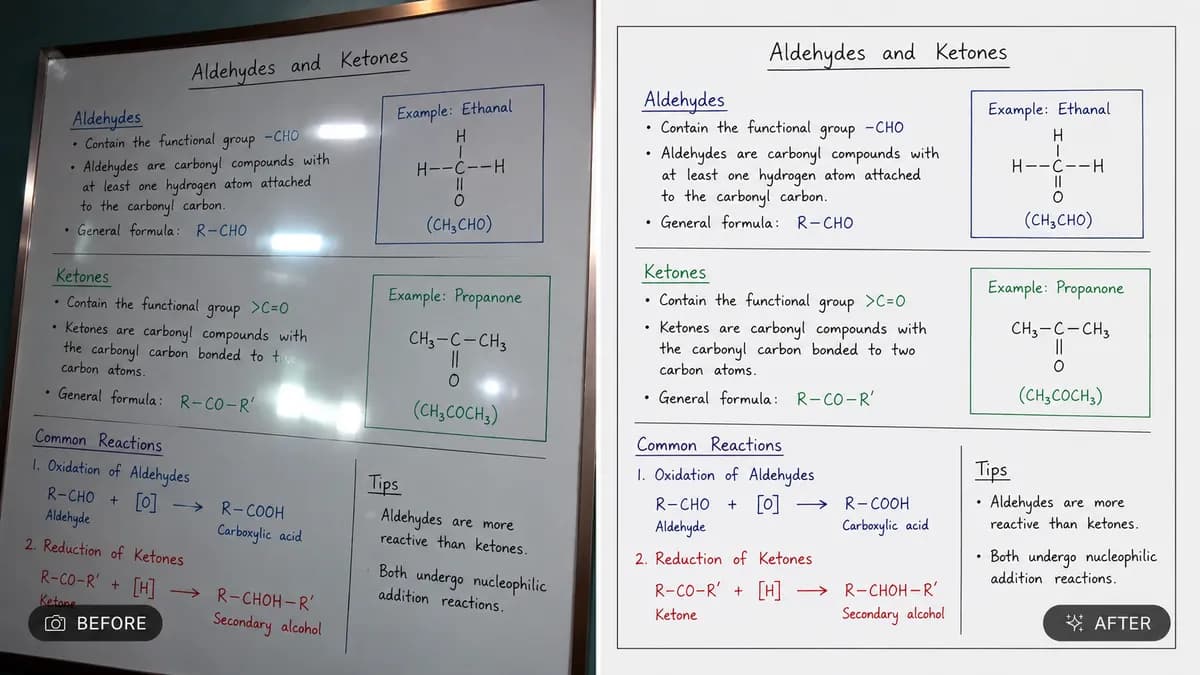
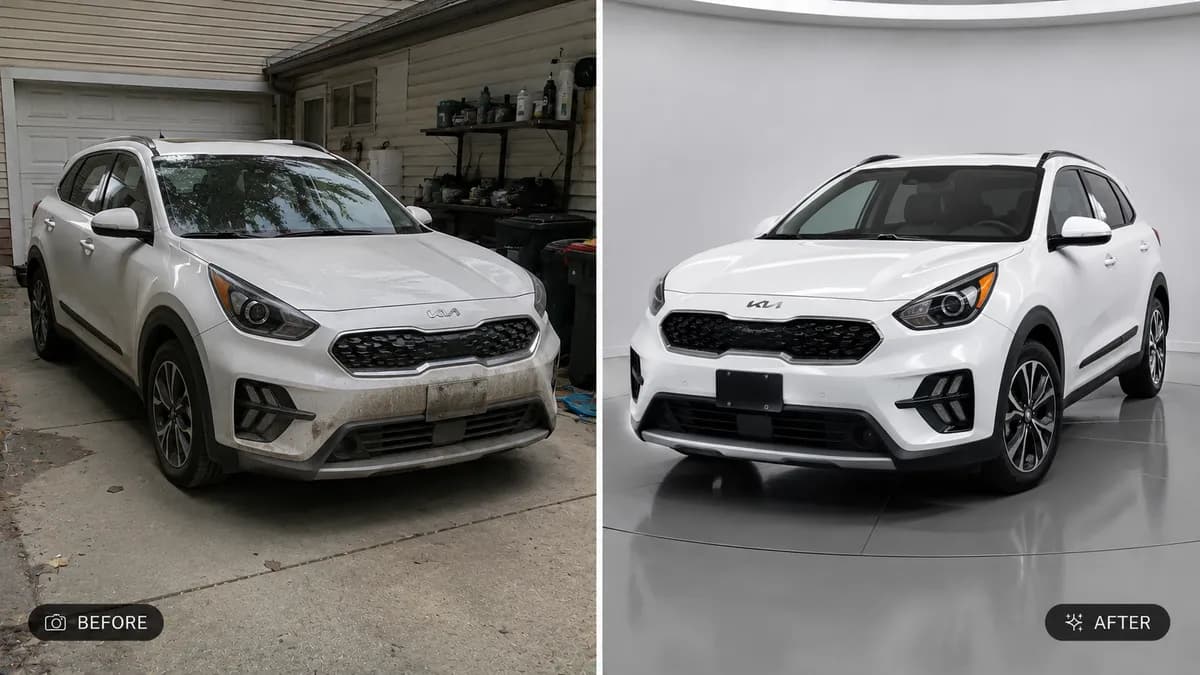
Key instructions to preserve
"dramatic golden hour sunset sky," "clear bright blue sky with soft clouds," "moody overcast grey sky," "starry night sky with visible stars").
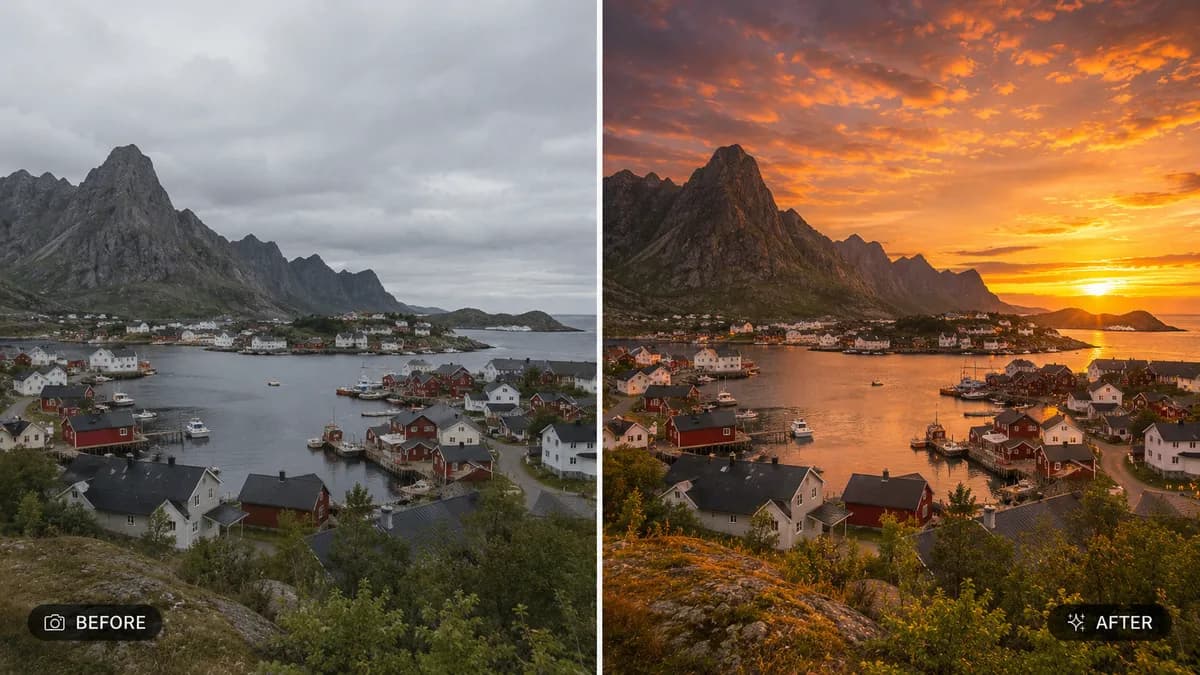
📸 INPUT REFERENCE: Use the uploaded photo as the base — preserve the subject, foreground, buildings, landscape and all non-sky elements exactly as they appear in the original 🌤️ SKY REPLACEMENT TASK: Replace the existing sky with the sky type specified by the user (e.g. "dramatic golden hour sunset sky," "clear bright blue sky with soft clouds," "moody overcast grey sky," "starry night sky with visible stars"). Render the new sky with realistic cloud formation, color gradient and atmospheric depth appropriate to the requested time of day 🧠 HORIZON LINE PRECISION: Cleanly and accurately replace only the sky area, preserving the exact silhouette and edge detail of buildings, trees, mountains, or any foreground objects that meet the horizon — no halos, gaps, or color bleeding at the boundary 💡 LIGHTING RECONCILIATION: Adjust the lighting, color temperature and shadow direction on the foreground subject and landscape to realistically match the new sky's light source — if the new sky is a warm sunset, foreground elements should pick up warm rim lighting; if overcast, lighting should flatten accordingly 🌅 REFLECTION ACCURACY: If water, glass, or reflective surfaces are present in the original photo, update their reflections to accurately mirror the new sky's color and cloud pattern 🖌️ STYLE: Photorealistic compositing — final image must look like a single, naturally captured photograph under the new sky conditions, with zero visible seams or mismatched lighting 🚫 PRESERVE EVERYTHING ELSE: Do not alter the subject, buildings, landscape, or any foreground element — only the sky and its resulting light interaction change 📐 ASPECT RATIO: Preserve the original photo's exact aspect ratio and framing

0 people have copied this prompt
Replace Sky in Photo With Stunning Sky is a transformation prompt for GPT Image 2, composed for a 16:9 image. "dramatic golden hour sunset sky," "clear bright blue sky with soft clouds," "moody overcast grey sky," "starry night sky with visible stars").
"dramatic golden hour sunset sky," "clear bright blue sky with soft clouds," "moody overcast grey sky," "starry night sky with visible stars").
Keep the prompt structure, then replace the main subject, action, or environment in ""dramatic golden hour sunset sky," "clear bright blue sky with soft clouds," "moody overcast grey sky," "starry night sky with visible stars").".
Adjust one visual signal at a time, such as "golden hour", "rim lighting", "sky replacement ai", "change sky in photo", so you can identify which instruction changes the result.
Use the wide frame to establish the environment, place supporting details around the subject, and maintain a clear focal point.
Use one clear reference image and retain the identity-lock instructions when changing clothing, lighting, background, or camera direction.
Use direct natural-language edits after the first generation. State what must remain unchanged before describing the single element you want to revise.
Judge the result by how clearly it communicates the intended transformation direction while keeping the subject, environment, and visual treatment consistent.
Three simple steps to generate your AI image.
Click the "Copy Full Prompt" button above to copy the entire prompt text to your clipboard instantly.
Open your preferred image generator and paste the prompt into the text input. You're ready to create.
Hit generate and watch the magic happen. Tweak the prompt parameters to make it your own.