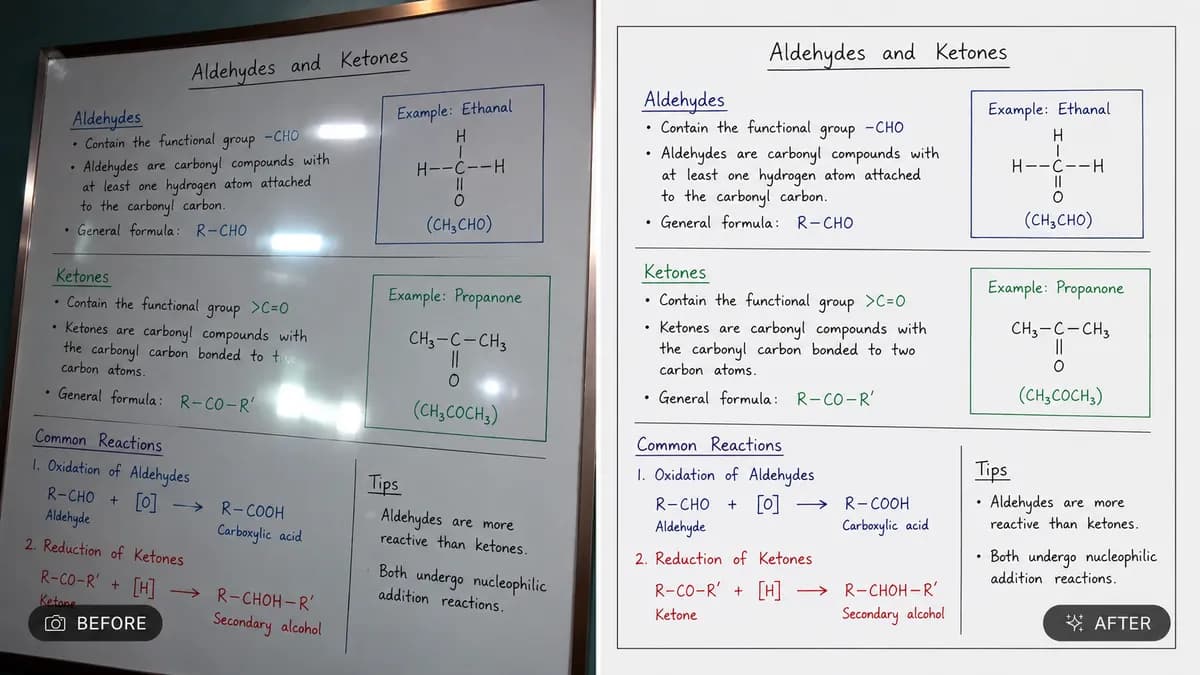
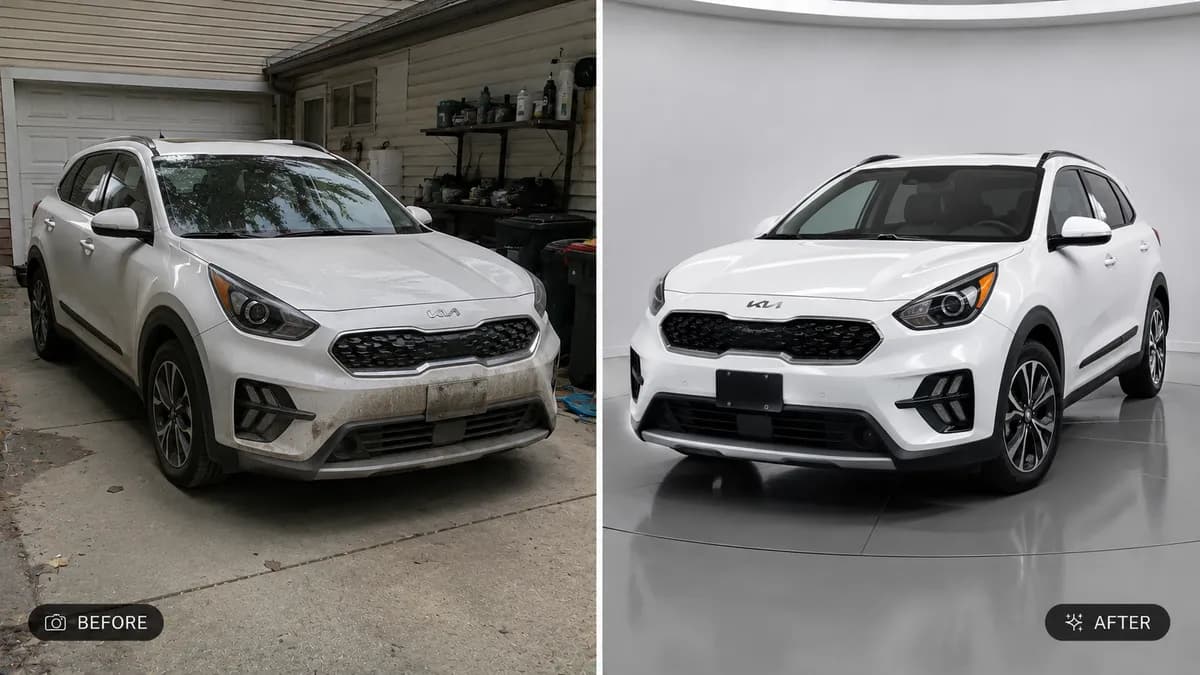
Editable📸 INPUT REFERENCE: Use the uploaded photo as the base —
preserve the subject's exact facial structure, features,
expression, pose, hair, clothing and background precisely as
they appear in the original
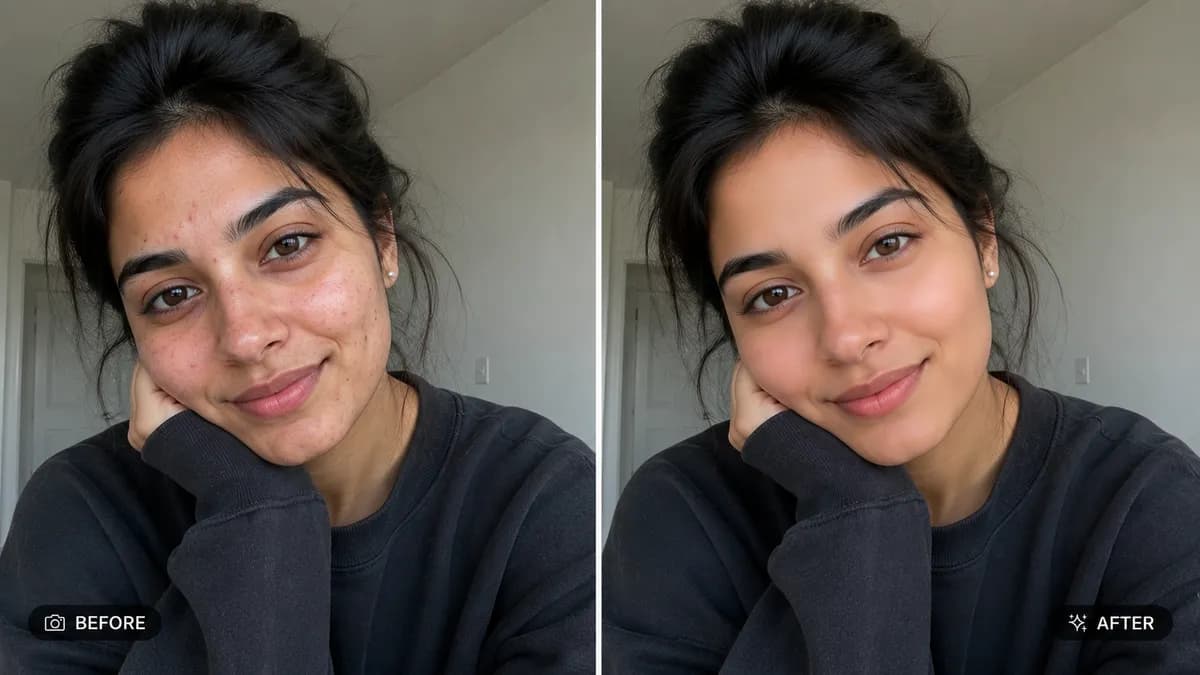
🧴 SKIN RETOUCHING TASK: Smooth uneven skin texture, reduce
visible blemishes, acne, dark spots, redness and under-eye
shadows naturally — the result should look like genuinely
healthy, well-rested skin, not an artificial plastic or
over-blurred filter effect
🔍 NATURAL DETAIL PRESERVATION: Retain authentic skin texture
— visible pores, fine natural lines and real skin character
should remain subtly present so the result still looks like
real skin, not a smoothed-over mannequin surface
✨ TARGETED CORRECTIONS: Even out skin tone across the face,
soften minor temporary blemishes (pimples, small scratches,
sunburn patches), reduce the appearance of under-eye puffiness
or dark circles, while leaving permanent identifying features
(moles, freckles, scars the person clearly wants kept, beauty
marks) untouched unless removal is specifically requested
💡 LIGHTING CONSISTENCY: Maintain the exact original lighting
direction, shadow placement and color temperature — only skin
quality changes, not the lighting setup of the photo
🖌️ STYLE: Photorealistic natural retouching — magazine-editorial
level skin correction, not an AI beauty filter look
🚫 IDENTITY PRESERVATION: Never alter facial structure, bone
shape, eye shape, nose shape, lip shape, or any other identity
feature — skin quality only, face must remain unmistakably
the same person
📐 ASPECT RATIO: Preserve the original photo's exact aspect
ratio and framing