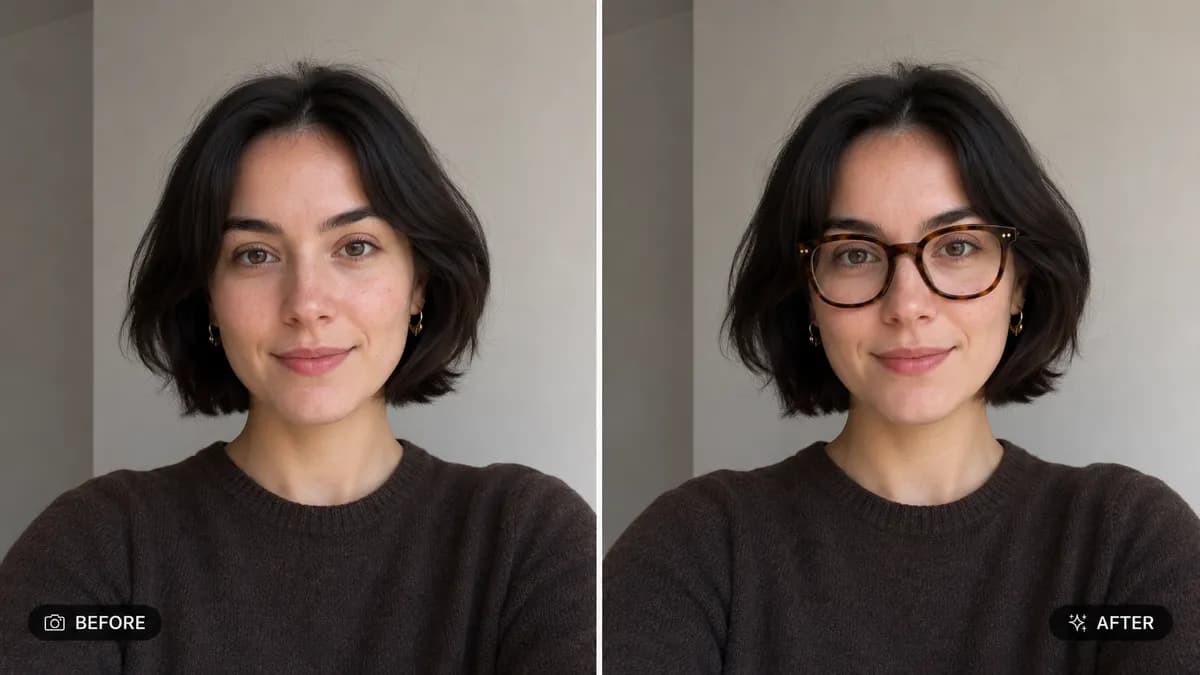
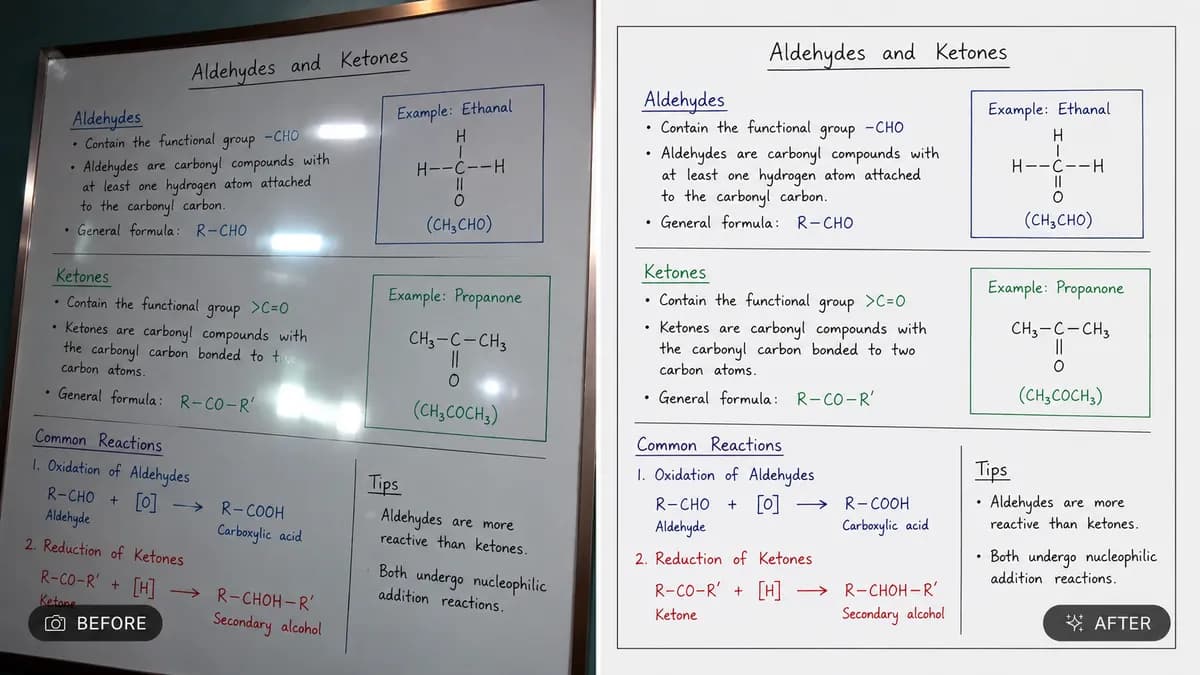
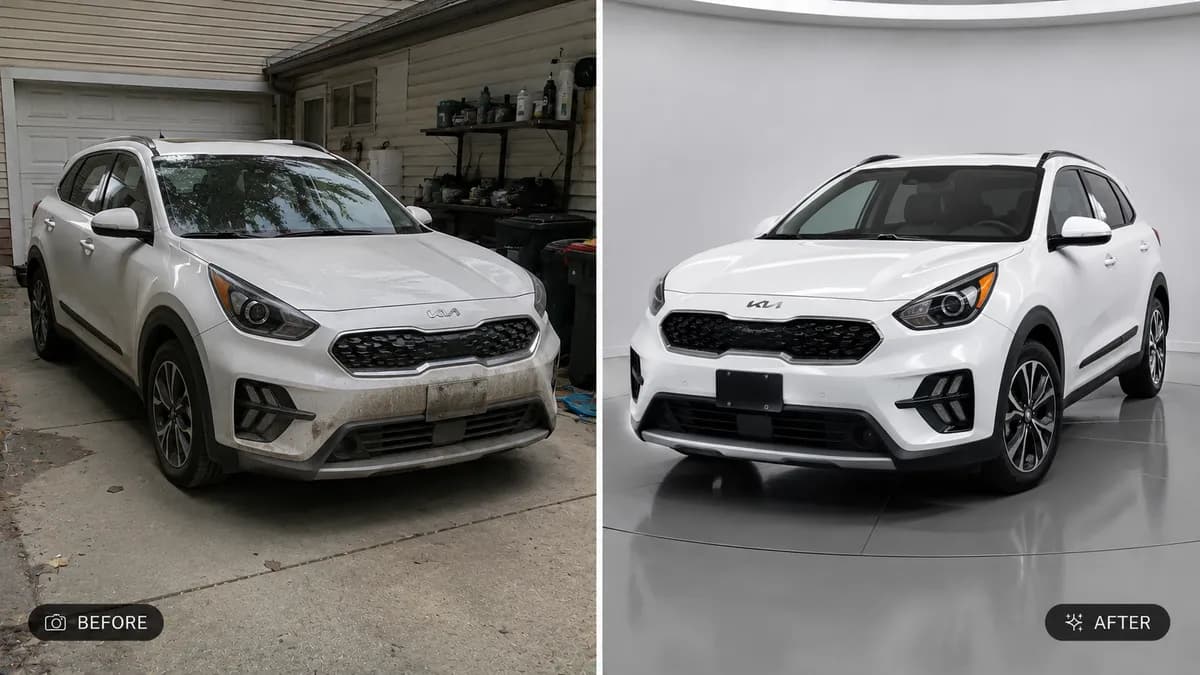
Editable📸 INPUT REFERENCE: Use the uploaded photo as the base —
preserve the subject's exact face, facial structure, expression,
pose, skin, hair, clothing and background precisely as they
appear in the original
👓 EYEWEAR TASK: Add the eyewear style specified by the user
(e.g. "round tortoiseshell glasses," "thin gold wire-frame
glasses," "black aviator sunglasses," "clear blue-light glasses")
positioned naturally on the face — correctly aligned with the
bridge of the nose, ear position, and eye level
🧠 FACE FIT AWARENESS: Scale and angle the eyewear naturally to
match the subject's real face width, nose bridge height, and
head tilt — frames should sit realistically on the face, not
float or appear flat/pasted
🔍 REALISTIC LENS RENDERING: Render lenses with accurate subtle
reflection, slight transparency (for clear lenses) or correct
tint and reflection (for sunglasses), including soft realistic
reflections of the surrounding environment on the lens surface
💡 LIGHTING MATCH: Match the lighting direction, shadow casting
from the frames onto the face, and highlight reflections to the
lighting already present in the rest of the photo
🖌️ STYLE: Photorealistic product-accurate rendering — frame
material (metal, acetate, plastic) must look authentic with
correct texture and shine
🚫 IDENTITY PRESERVATION: Never alter the subject's face shape,
eyes, expression, hair, or pose — only the eyewear is added
📐 ASPECT RATIO: Preserve the original photo's exact aspect
ratio and framing