Editable📸 INPUT REFERENCE: Use the uploaded photo as the base —
preserve the subject's exact facial structure, expression,
pose, skin, hair, clothing and background precisely as they
appear in the original
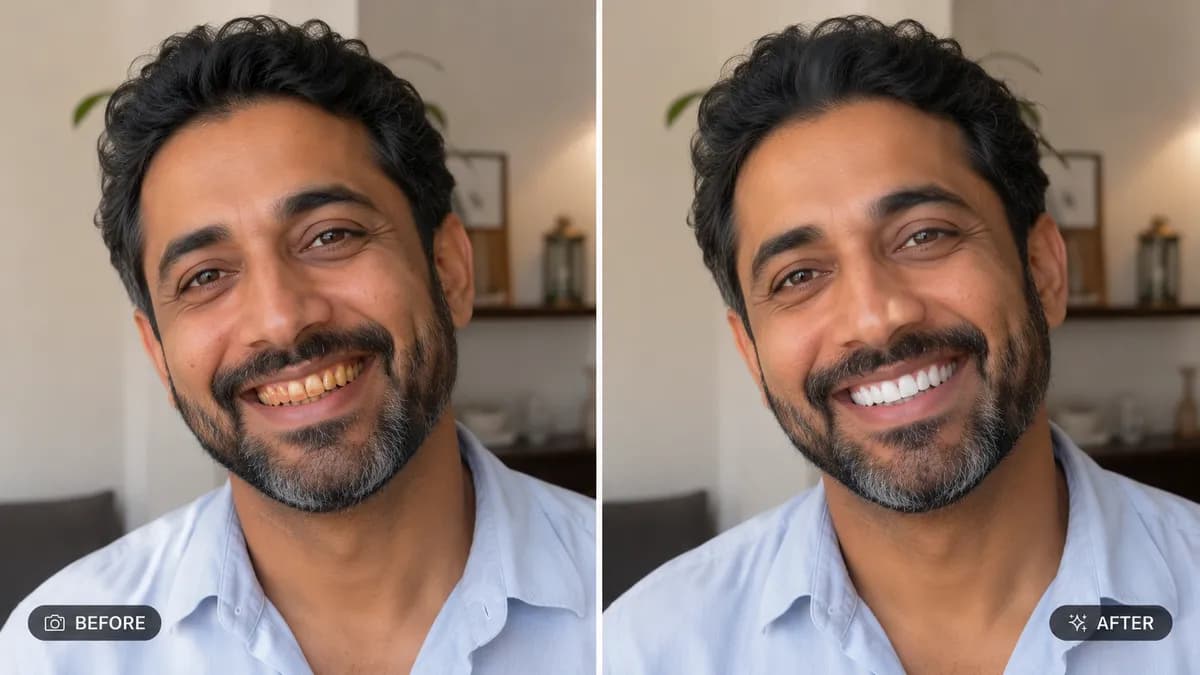
🦷 TEETH ENHANCEMENT TASK: Naturally whiten visible teeth by
removing yellow or grey discoloration, while keeping a realistic
off-white tone — never pure bright white, which looks artificial.
Subtly correct minor visible chips, gaps or misalignment only if
specifically requested, otherwise preserve the subject's real
natural tooth shape and arrangement
😊 SMILE REFINEMENT (only if requested): Slightly soften an
overly forced or tense smile into a more natural, relaxed
expression, or enhance an already natural smile's warmth —
without changing lip shape, mouth width, or facial structure
🔍 NATURAL DETAIL PRESERVATION: Maintain realistic tooth texture,
natural light reflection and subtle tonal variation between
teeth — perfectly uniform glossy white teeth look fake and
must be avoided
💡 LIGHTING CONSISTENCY: Match the lighting direction, shine and
shadow falloff inside the mouth area to the rest of the face so
the correction looks seamless and unedited
🖌️ STYLE: Photorealistic natural retouching — subtle, magazine-
editorial level correction, not an artificial filter look
🚫 IDENTITY PRESERVATION: Never alter lip shape, mouth width, jaw
structure, or any other facial feature — teeth color and minor
smile warmth only
📐 ASPECT RATIO: Preserve the original photo's exact aspect
ratio and framing